









Scan, Sign & AI Chat
Mobile App
The mobile app pairs with your account via QR code and brings scanner, signature, chat and documents to your phone.
Learning paths, short films for every feature, webinars and setup guides — from your first document to connecting AI assistants. Search or pick a section.
Six learning paths, the most important videos first. More films sit folded underneath.
Import documents, build workspaces, understand OCR and document types — your entry into AI document management.
 Lesson 1:46 Welcome: what is PaperOffice AI? The tour PaperOffice AI is a document management system that understands your documents. The tour shows what the AI does with each document and where you find everything after logging in.
  Lesson 2:39 Create workspaces: Standard, Business, Compliance Create a workspace step by step: name and type, processing language, storage location, the three workspace types, how thoroughly the AI reads, document type, access protection and sharing.
  Lesson 0:46 Upload and import documents Upload documents to a workspace and watch the AI start reading them. Plus the other ways in: mobile devices, scanners, screenshots, websites and the bulk importer.
  Lesson 0:57 Result, agent and search: ask your documents, find content What the AI made of the uploaded documents, how the agent answers questions and cites its sources, and how search finds content, not just file names.
  Lesson 1:06 A document in detail: cover sheet, data fields, audit, connections A document with all its tabs: on the left the original, on the right everything PaperOffice AI has made of it. In the film: the credit note from Veldtmann for 950 euros.
  Overview film 15:27 What is PaperOffice AI? The big picture
  New Webinar 12:22 Getting started with PaperOffice AI: workspace, documents, agent and search
  Feature tour 5:18 Feature tour: understand workspaces
  Feature tour 5:36 Feature tour: documents overview
  Feature tour 5:00 Feature tour: document types
  Feature tour 6:52 Feature tour: AI OCR
  0:53 The platform at a glance
  Quick explainer 0:56 Analytics at a glance
  Quick explainer 1:55 AI-DMS at a glance
  Quick explainer 1:18 Workspaces
  Quick explainer 1:13 Import & migration
  Quick explainer 1:14 AI-OCR
  Quick explainer 1:08 Document types
  Quick explainer 1:08 Smart Search
  Quick explainer 1:08 Document chat
  Quick explainer 1:05 Entities
  Quick explainer 1:16 Contacts and relations
  Quick explainer 1:08 Timeline
  Quick explainer 1:19 Knowledge Graph Quick explainer 0:52 Mobile app
  Quick explainer 1:10 PDF Studio
  Quick explainer 1:02 Documents from templates
  Quick explainer 1:09 Analytics dashboard
  Quick explainer 1:12 Financial analytics
  Quick explainer 0:57 Geo map
  Quick explainer 1:31 PaperOffice EU Datacenter
 Create IDP agents, verify extractions, PDF split, handwriting, trust agent, and workflows — processing without manual work.
 Lesson 1:25 Create an IDP Agent: template, fields, rules Set it up once instead of retyping every week: pick a template from the agent catalog, describe fields in plain language, add rules, test, then run it by hand, in batch or automatically.
  Lesson 1:14 Review and approve extractions: human-in-the-loop The AI reads, a person decides where it counts: bind required fields to a review queue, work through tasks with deadline and owner, check against the original and approve.
  Lesson 1:03 Split Agent: separate a PDF stack into documents A scanned stack becomes clean single documents: the Split Agent finds where one document ends from the content and names each part in your pattern.
  Lesson 1:16 Trust Agent: check documents for later changes The Trust Agent checks the file, not just the page: covered amounts, saving twice and other findings, with severity, risk score and an evidence PDF. A finding is not a verdict; a person decides.
  Feature tour 6:52 Feature tour: workflow agents Workflow agents for repeatable processes — from overview to day-to-day control.
 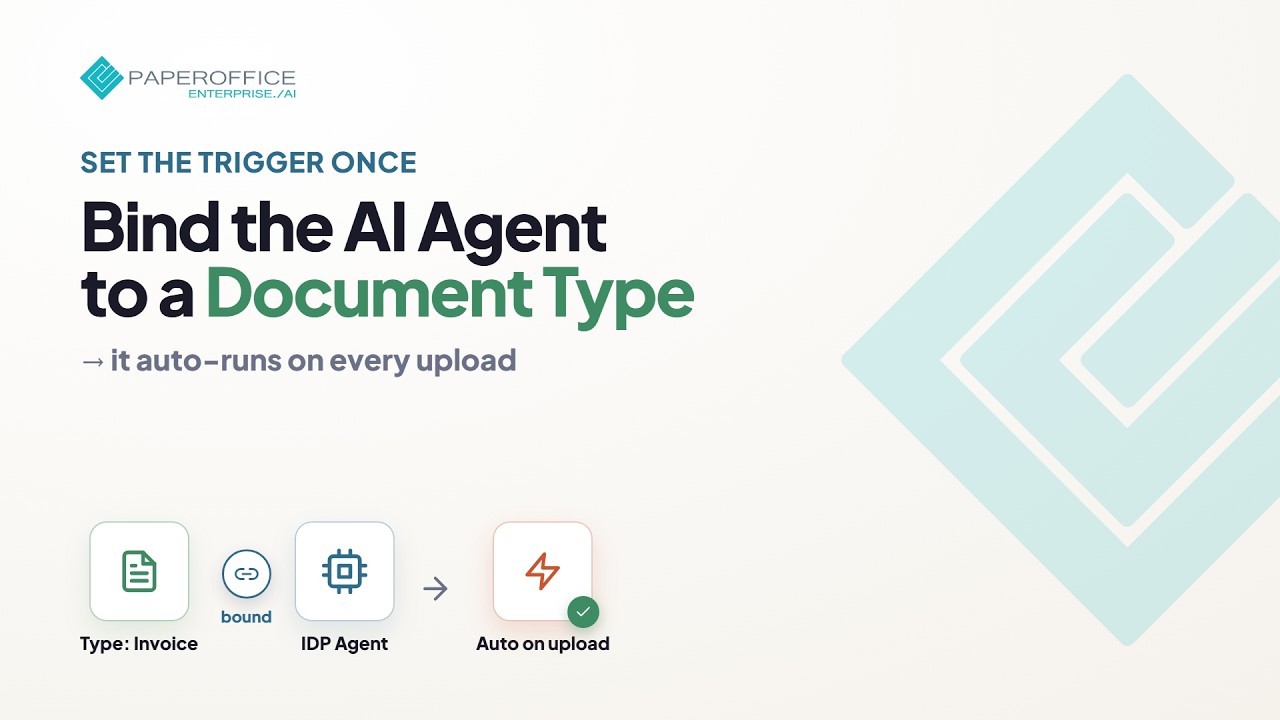 Full setup guide 1:58 Full setup: bind an IDP agent to a document type
 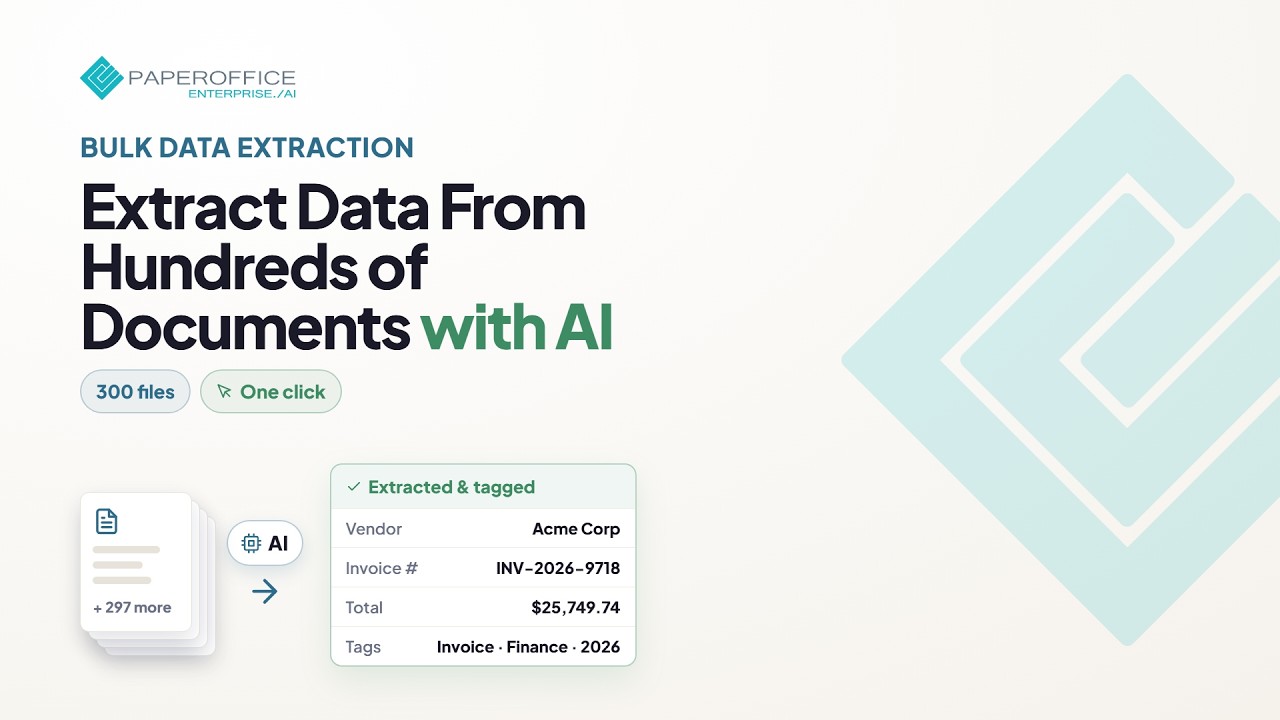 Full setup guide 2:24 Full setup: bulk extraction — hundreds of documents in one step
  Feature tour 5:19 Feature tour: agents overview
 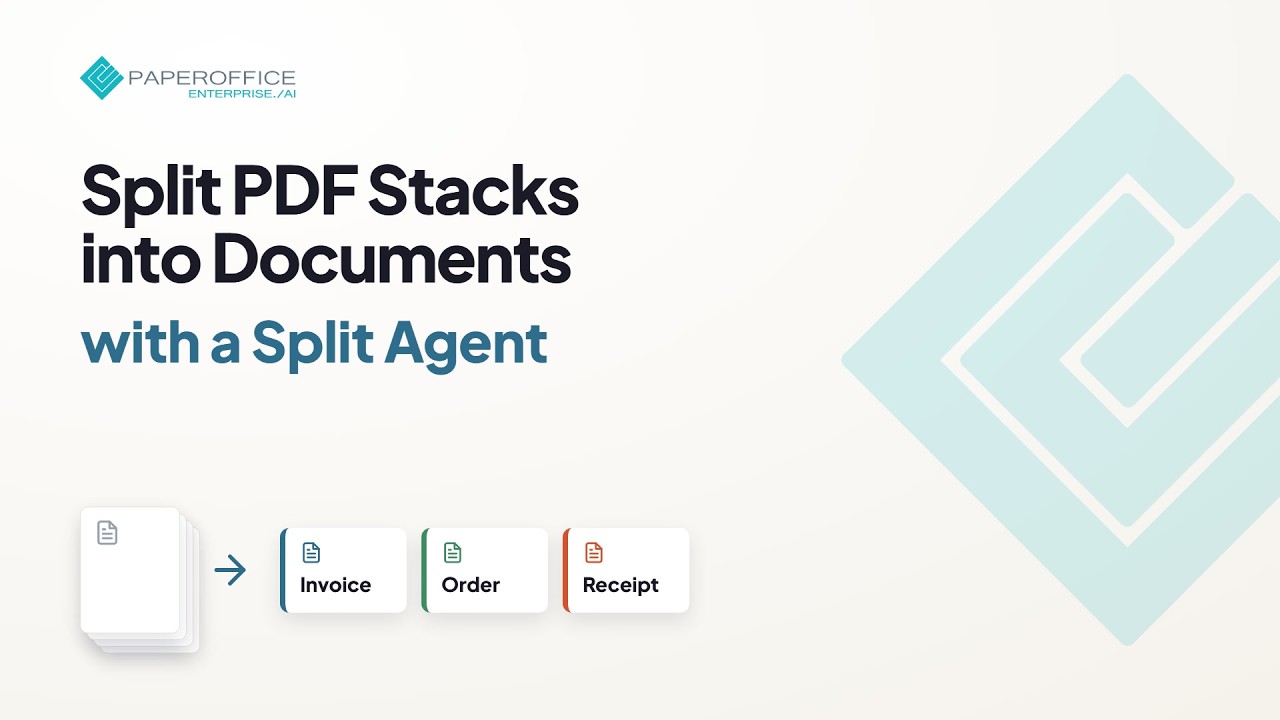 Full setup guide 3:02 Full setup: Split Agent — split and rename PDFs
  Full setup guide 2:00 Full setup: Trust Agent — detect fraud and tampering
  Feature tour 6:49 Feature tour: human-in-the-loop
  0:40 Agents at a glance
 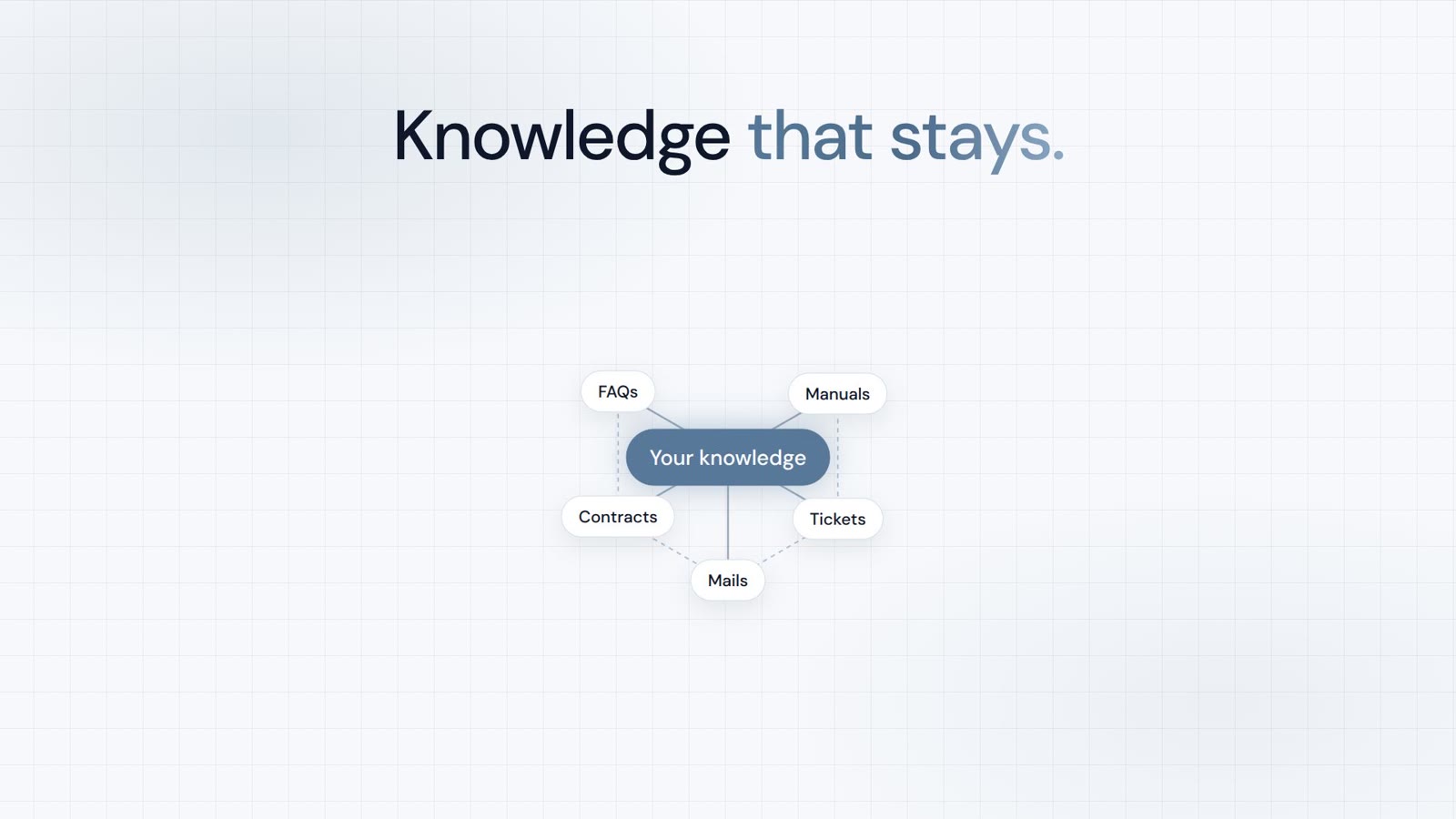 Quick explainer 0:51 Knowledge at a glance
  Quick explainer 1:34 Workflow Agents
  Quick explainer 1:04 Human-in-the-loop Agents
  Quick explainer 1:15 Audit Center
  Quick explainer 0:42 Agent executions
  Quick explainer 1:10 Creator Agent
  Quick explainer 1:05 Chat Agent
  Quick explainer 1:09 Access documents by phone
  Quick explainer 1:28 Knowledge Base
  Quick explainer 0:51 Knowledge gaps
  Quick explainer 0:52 Website sources
  Quick explainer 1:23 HelpDesk AI
  Quick explainer 1:03 Ticket system
 Connect scanner archives, Synology NAS, storage mounts, and connectors — documents flow into PaperOffice automatically.
 Feature tour 5:57 Feature tour: connectors Connectors bring external sources into PaperOffice — overview, purpose, and how to start.
  Feature tour 6:04 Feature tour: storage mounts Storage mounts for self-hosted files — keep originals, run AI in PaperOffice.
  Lesson 3:16 Synology NAS + PaperOffice AI — overview A three-minute overview: switch on SFTP on your Synology, add it in PaperOffice as a storage mount, choose your encryption password — and see what PaperOffice AI then does with your documents.
  Quick explainer 0:59 Connect a NAS Your NAS provides the files. PaperOffice provides the AI. In the app, over the API and as MCP tools.
  Quick explainer 0:57 Network scanners From the scanner via SFTP, into your workspace.
 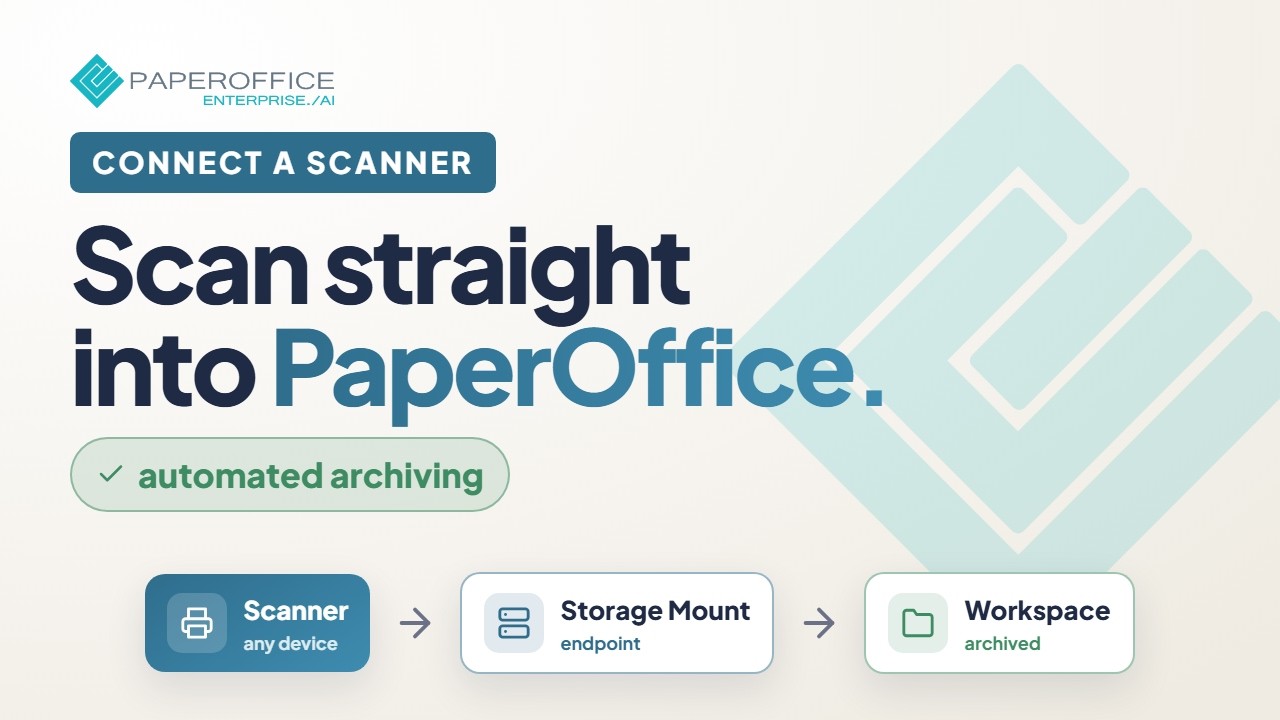 Full setup guide 2:27 Full setup: connect a scanner — automatic archiving
 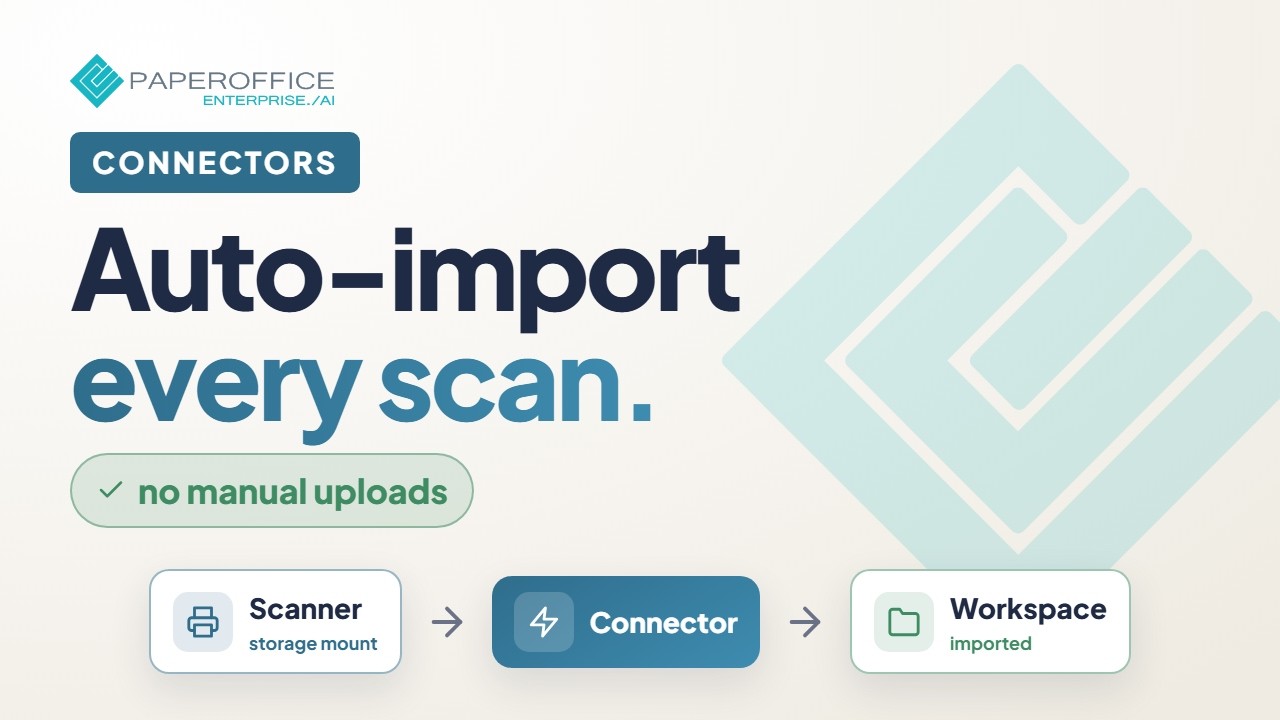 Full setup guide 1:32 Full setup: Connectors — import scans automatically
  New Webinar 8:32 The inbox that thinks along with you: PaperOffice AI in n8n, step by step
  New Webinar 5:39 Splitting documents with the Split Agent in n8n
  1:20 Connectors
  Quick explainer 1:29 Storage mounts
  Quick explainer 3:18 Supercharge your QNAP: PaperOffice AI on your NAS
  Quick explainer 3:09 Supercharge your Asustor: PaperOffice AI on your NAS
  Quick explainer 3:13 Supercharge your TerraMaster: PaperOffice AI on your NAS
  Quick explainer 3:11 Supercharge your TrueNAS: PaperOffice AI on your NAS
  Quick explainer 3:11 Supercharge your UGREEN: PaperOffice AI on your NAS
  Quick explainer 1:02 JTL-Wawi
  Quick explainer 0:59 Holded
  Quick explainer 1:03 Universal interface for ERP and shop
  Quick explainer 0:56 n8n
  Quick explainer 1:08 Business data for AI agents
 Connect PaperOffice to Claude, ChatGPT, and other assistants via MCP — the complete setup, step by step.
 Quick explainer 4:29 PaperOffice AI in Claude: the full demo Claude working inside PaperOffice AI: it reads contracts and invoices, flags a probable payment diversion attempt and turns what matters into a task list. From setup to result.
  Quick explainer 2:06 Set up PaperOffice in ChatGPT Paste one URL, add your key, and ChatGPT works with your real documents: it counts them, extracts the data, analyzes open items and builds charts.
  Quick explainer 1:47 MCP server One account. More than three hundred MCP tools, in the assistant you already use.
 Step-by-step guides
 0:51 For developers at a glance
  Quick explainer 2:12 PaperOffice AI in Claude: the short film
  Quick explainer 1:17 llms.txt and Postman
 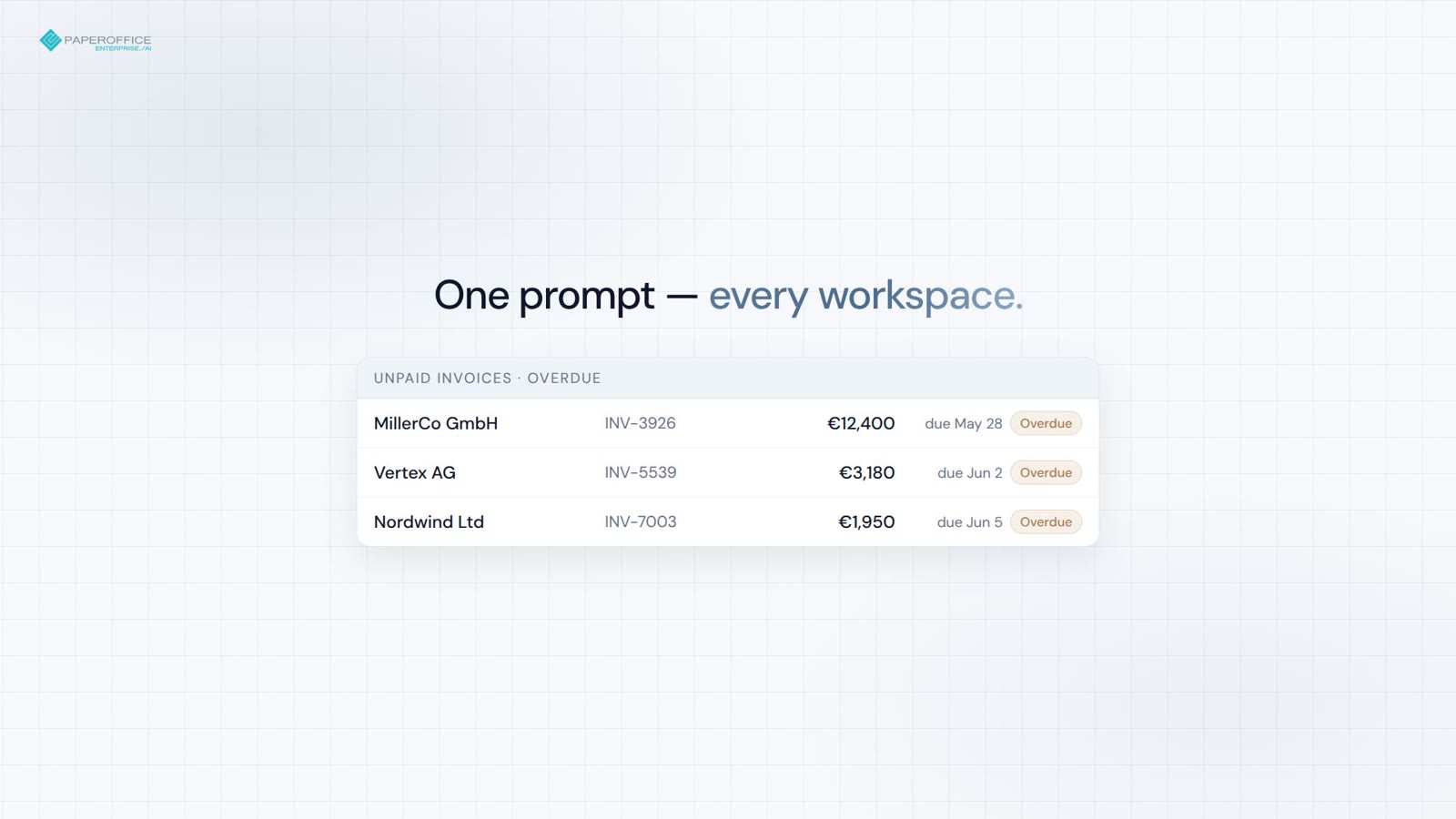 Quick explainer 0:30 MCP demo: month-end invoices across workspaces
 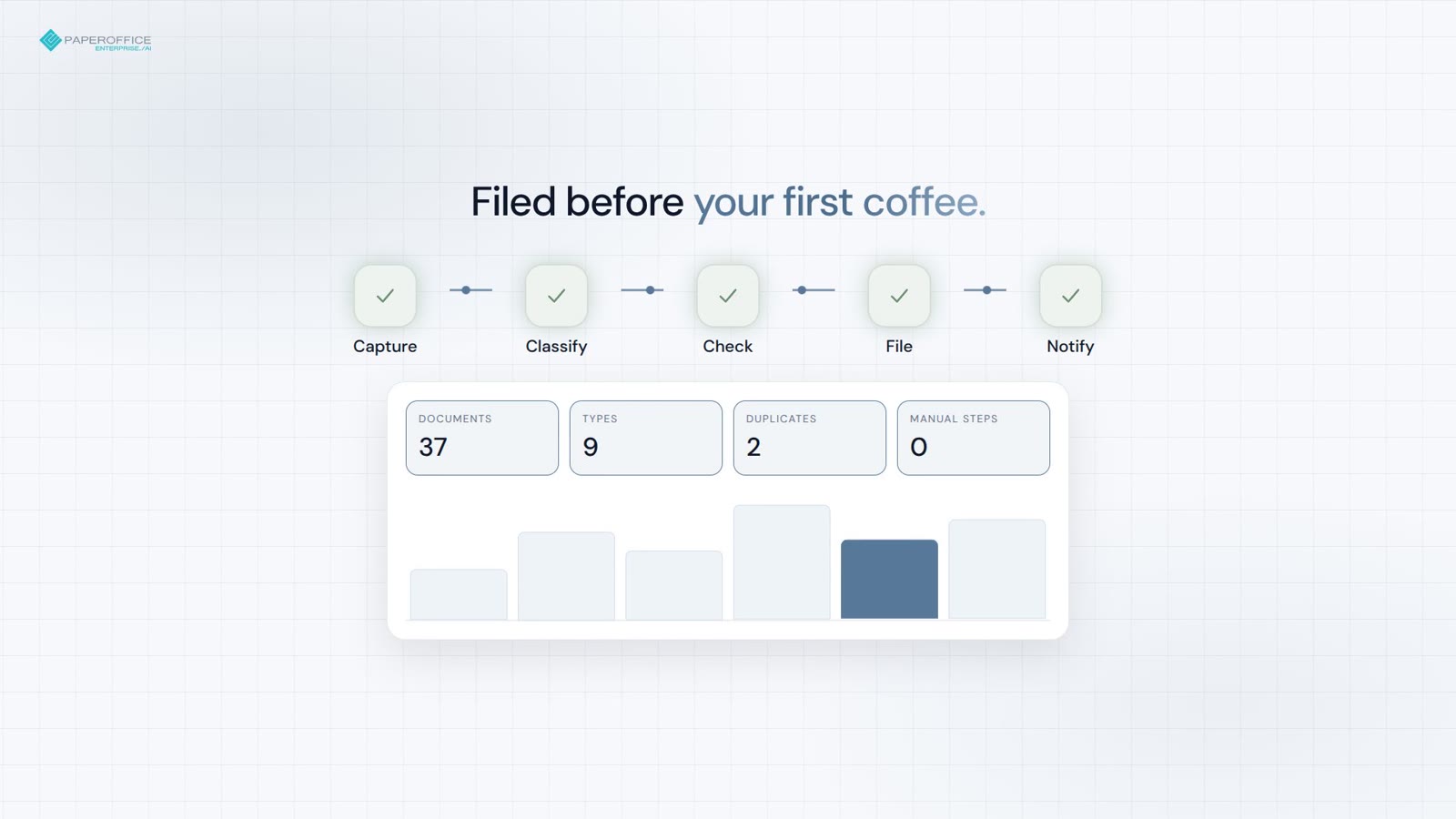 Quick explainer 0:30 MCP demo: inbox automation overnight
 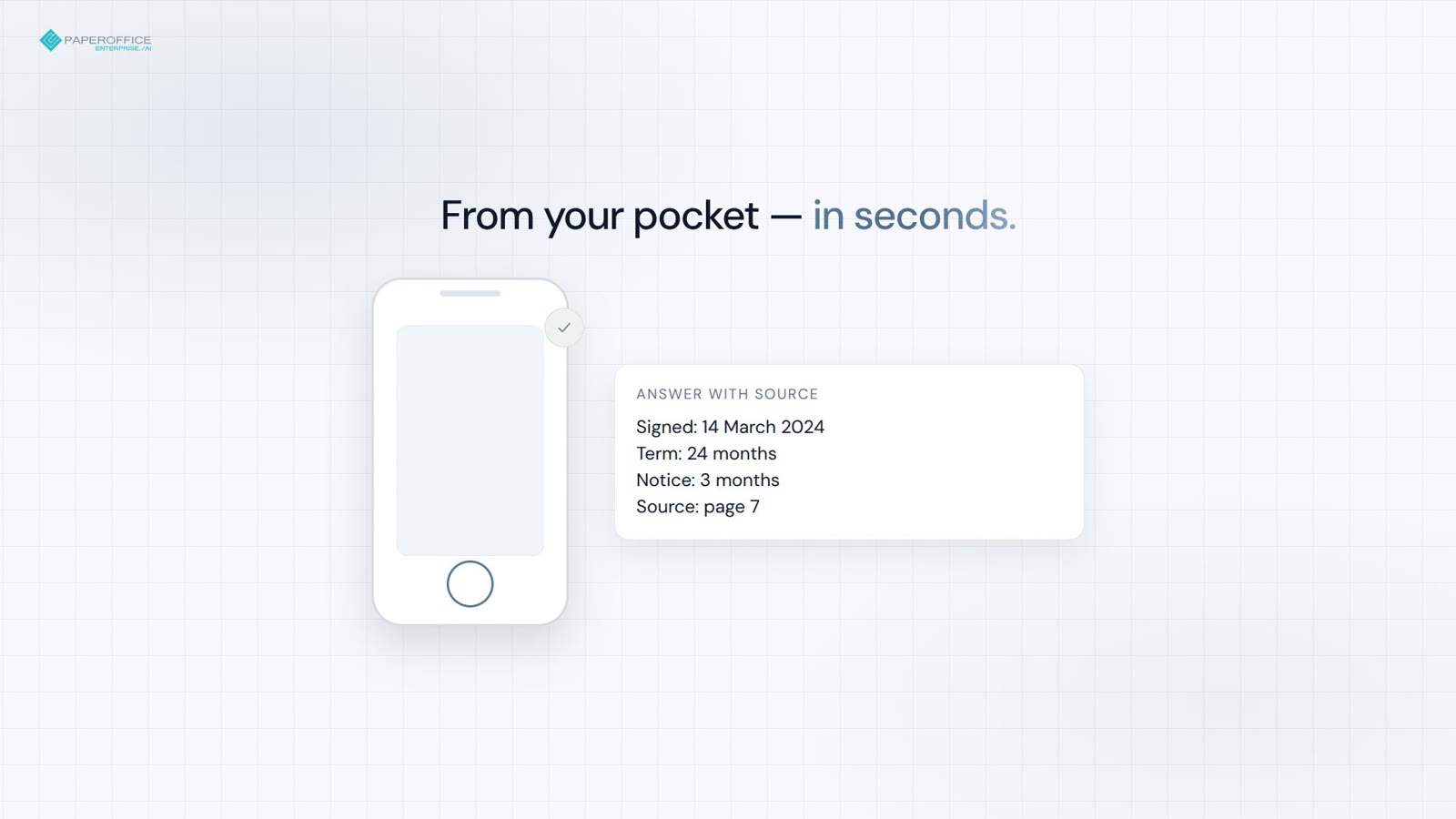 Quick explainer 0:30 MCP demo: contract questions from your phone
 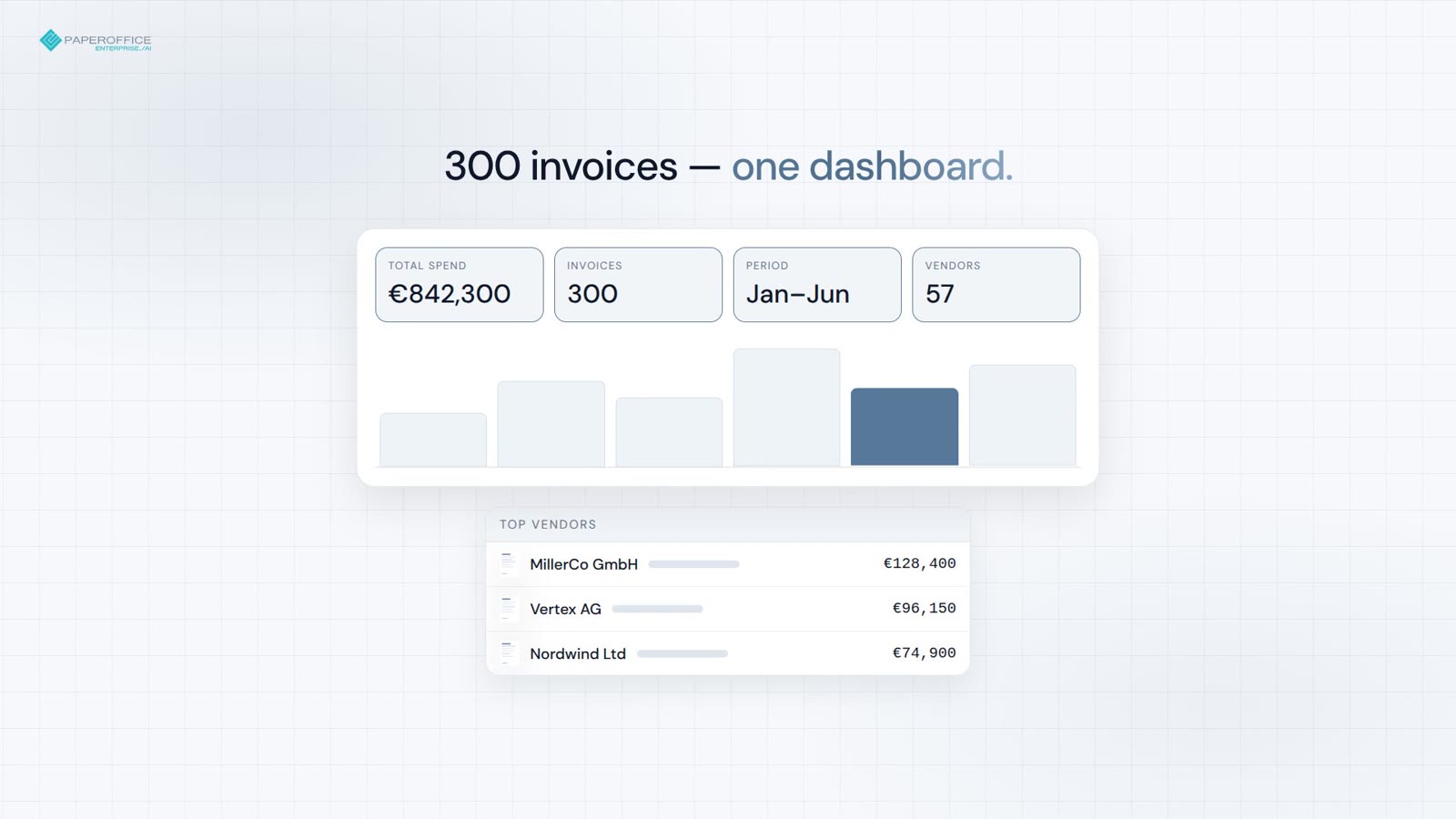 Quick explainer 0:30 MCP demo: from invoice pile to dashboard
 Detect and redact personal data automatically — sharing under the GDPR without manual rework.
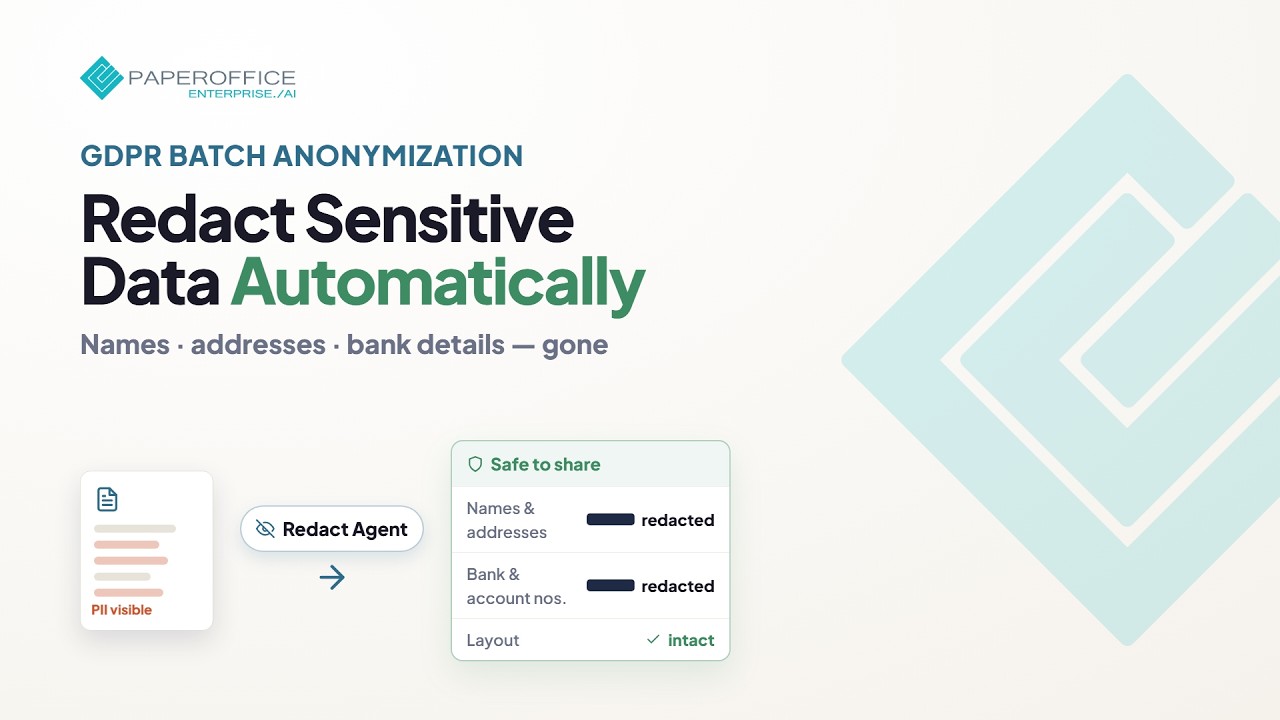
 Quick explainer 1:11 Redact Agent Find personal data and redact it verifiably. In the app, in batch, through the API, or as an MCP tool.
  New Webinar 3:47 Share documents, not personal data: Redact with pseudonyms (preview) An external auditor needs an employment contract, but not the person behind it. The Redact Agent replaces names, addresses and identifiers with consistent fictitious values: the document stays readable, and the original stays untouched.
 Step-by-step guides
Get documents signed electronically (SES under eIDAS) — sending, SMS verification, audit trail, and certificate, step by step.
For integrators and resellers: application, partner cockpit, terms and your first customers — five episodes in the real app.
 New Webinar 5:46 Becoming a partner: applying in the app, step by step
  New Webinar 4:40 The partner cockpit: assigning your first customer
  New Webinar 4:43 Money: what integrators save and resellers earn
  New Webinar 4:23 Integrator in practice: connecting a customer
  New Webinar 3:53 Reseller in practice: your customer gets started on their own
 Every feature in one or two minutes, played right here.
1:55 AI-DMS at a glance Quick explainer 1:18 Workspaces Quick explainer 1:13 Import & migration Quick explainer 1:14 AI-OCR Quick explainer 1:08 Document types Quick explainer 1:08 Smart Search Quick explainer 1:08 Document chat Quick explainer 1:05 Entities Quick explainer 1:16 Contacts and relations Quick explainer 1:08 Timeline Quick explainer 1:19 Knowledge Graph Quick explainer 0:52 Mobile app Quick explainer 1:10 PDF Studio Quick explainer 1:02 Documents from templates Quick explainer 1:09 Analytics dashboard Quick explainer 1:12 Financial analytics Quick explainer 0:57 Geo map Quick explainer 1:31 PaperOffice EU Datacenter 1:25 IDP Agents Quick explainer 1:34 Workflow Agents Quick explainer 1:14 Human-in-the-loop Quick explainer 1:04 Human-in-the-loop Agents Quick explainer 1:03 Split Agent Quick explainer 1:16 Trust Agent Quick explainer 1:15 Audit Center Quick explainer 0:42 Agent executions Quick explainer 1:10 Creator Agent Quick explainer 1:05 Chat Agent Quick explainer 1:09 Access documents by phone Quick explainer 1:28 Knowledge Base Quick explainer 0:51 Knowledge gaps Quick explainer 0:52 Website sources Quick explainer 1:23 HelpDesk AI Quick explainer 1:03 Ticket system  1:05 AI translation
  Quick explainer 1:01 Voice STT: speech to text
  Quick explainer 1:03 Voice TTS: text to speech
  Quick explainer 1:06 Podcast audiobook
  Quick explainer 1:01 Image recognition
  Quick explainer 1:01 Image generator
  Quick explainer 0:53 VAT validation
  Quick explainer 0:44 Currency API
  Quick explainer 0:46 Geocoding
  Quick explainer 0:46 Map tiles
  Quick explainer 0:42 Weather API
  Quick explainer 0:48 IP location
  Quick explainer 0:54 Device fingerprint
  Quick explainer 0:49 VPN detection
  Quick explainer 0:54 Fake email detection
 In-depth films with real workflows in the app, explained step by step.
New Webinar 5:46 Becoming a partner: applying in the app, step by step Applying as an integrator or reseller in the real app: choose your path, quick check, application with your website, AI qualification and submission. A person on the partner team then decides, and after approval the partner dashboard opens. New Webinar 4:40 The partner cockpit: assigning your first customer Taking on your first customer: have your company details verified, set up your support branding, the customer creates a claim ID, you assign them and give them a plan. Plus what the customer sees afterwards and your public profile. New Webinar 4:43 Money: what integrators save and resellers earn What integrators save on credits and what resellers earn on plans: purchasing, margin and overage, the reseller wallet, the Elite level and the commission for referred partners. The current terms are in the participation terms. New Webinar 4:23 Integrator in practice: connecting a customer Connecting a customer technically: a dedicated workspace, a user group with exactly that workspace, a group token for Claude, automatic document intake and your own workflows with n8n. Finally, where the usage ends up. New Webinar 3:53 Reseller in practice: your customer gets started on their own Your customer gets started on their own: a demo with the sample data, the first step in the app, the way into the Academy and a clear support path through you. Finally, you keep an eye on your customers' plans and overage limits. New Webinar 5:39 Splitting documents with the Split Agent in n8n A batch scan goes in, individual documents come out: the Split Agent finds where one document ends and the next begins, removes separator sheets and names every piece. First the result of a real run, then the build in n8n in four stages. New Webinar 12:22 Getting started with PaperOffice AI: workspace, documents, agent and search The complete first steps in one film: create a workspace, upload documents and see what the AI does with them. Then find documents again, ask the agent, share a workspace even by phone and connect PaperOffice with Claude. New Webinar 8:32 The inbox that thinks along with you: PaperOffice AI in n8n, step by step A batch scan comes in, and at the end, every document is recognized, filed, checked and matched with its order. Where something does not fit, a human decides. First the result of a real run, then the build in n8n in ten stages. New Webinar 3:47 Share documents, not personal data: Redact with pseudonyms (preview) An external auditor needs an employment contract, but not the person behind it. The Redact Agent replaces names, addresses and identifiers with consistent fictitious values: the document stays readable, and the original stays untouched. Connect PaperOffice to AI assistants, storage, business systems and your own software.
4:29 PaperOffice AI in Claude: the full demo Quick explainer 2:06 Set up PaperOffice in ChatGPT Quick explainer 2:12 PaperOffice AI in Claude: the short film Quick explainer 1:47 MCP server Quick explainer 1:17 llms.txt and Postman Quick explainer 0:30 MCP demo: month-end invoices across workspaces Quick explainer 0:30 MCP demo: inbox automation overnight Quick explainer 0:30 MCP demo: contract questions from your phone Quick explainer 0:30 MCP demo: from invoice pile to dashboard Lesson 3:16 Synology NAS + PaperOffice AI — overview 1:20 Connectors Quick explainer 1:29 Storage mounts Quick explainer 0:59 Connect a NAS Quick explainer 0:57 Network scanners Quick explainer 3:18 Supercharge your QNAP: PaperOffice AI on your NAS Quick explainer 3:09 Supercharge your Asustor: PaperOffice AI on your NAS Quick explainer 3:13 Supercharge your TerraMaster: PaperOffice AI on your NAS Quick explainer 3:11 Supercharge your TrueNAS: PaperOffice AI on your NAS Quick explainer 3:11 Supercharge your UGREEN: PaperOffice AI on your NAS What PaperOffice does for your industry, your process or a specific risk.
 0:55 Solutions by industry at a glance
  Quick explainer 1:29 Public administration
  Quick explainer 1:28 Banks and financial services
  Quick explainer 1:28 Insurance
  Quick explainer 1:35 Practices and clinics
  Quick explainer 1:34 Logistics
  Quick explainer 1:33 Manufacturing and industry
  Quick explainer 1:26 Energy and utilities
  Quick explainer 1:31 Property management
  Quick explainer 1:18 Tax and accounting
  0:55 Solutions by process at a glance
  Quick explainer 1:40 Invoice processing
  Quick explainer 1:19 Digital mailroom
  Quick explainer 1:20 Contract management
  Quick explainer 1:23 Audit-proof archiving
  Quick explainer 1:22 Digital personnel file
  Quick explainer 1:10 Customer service
  Quick explainer 1:27 Customer onboarding
  Quick explainer 1:17 Quality inspections
  Quick explainer 1:19 Reporting from documents
  0:51 Solutions by problem at a glance
  Quick explainer 1:08 Document chaos
  Quick explainer 1:09 Documents nobody can find
  Quick explainer 1:16 Manual data entry
  Quick explainer 1:12 High error rate
  Quick explainer 1:11 Slow processes
  Quick explainer 1:09 Knowledge loss
  Quick explainer 1:16 Growing document volume
  Quick explainer 1:07 Support overload
  Quick explainer 1:25 Compliance risks
  0:51 Solutions by risk at a glance
  Quick explainer 1:13 Invoice fraud
  Quick explainer 0:56 Payment fraud
  Quick explainer 1:18 Fake documents
  Quick explainer 1:22 Data manipulation
  Quick explainer 1:16 Identity fraud
  Quick explainer 1:08 VAT fraud
  Quick explainer 1:12 Calculation errors
  Quick explainer 1:10 Audit gaps
  Quick explainer 1:14 Compliance violations
  Quick explainer 1:13 Data protection
 For resellers, integrators and referral partners.
Try a different search term or learning track.


Integrator and Reseller can be combined. Referral by invitation.
View the partner program
AI-DMS
Documents. Intelligence. Real impact.
PaperOffice AI is the AI-DMS. Four functional areas on one DMS foundation, with three ways in.
Features, modules and benefits at a glance.
Capture, organize, search and collaborate on documents.
Plug into your systems and AI workflows.

