


Scan, Sign & AI Chat
Mobile App
The mobile app pairs with your account via QR code and brings scanner, signature, chat and documents to your phone.
Create IDP agents, verify extractions, PDF split, handwriting, trust agent, and workflows — processing without manual work.
 1:25
1:25 Set it up once instead of retyping every week: pick a template from the agent catalog, describe fields in plain language, add rules, test, then run it by hand, in batch or automatically.
 1:14
1:14 The AI reads, a person decides where it counts: bind required fields to a review queue, work through tasks with deadline and owner, check against the original and approve.
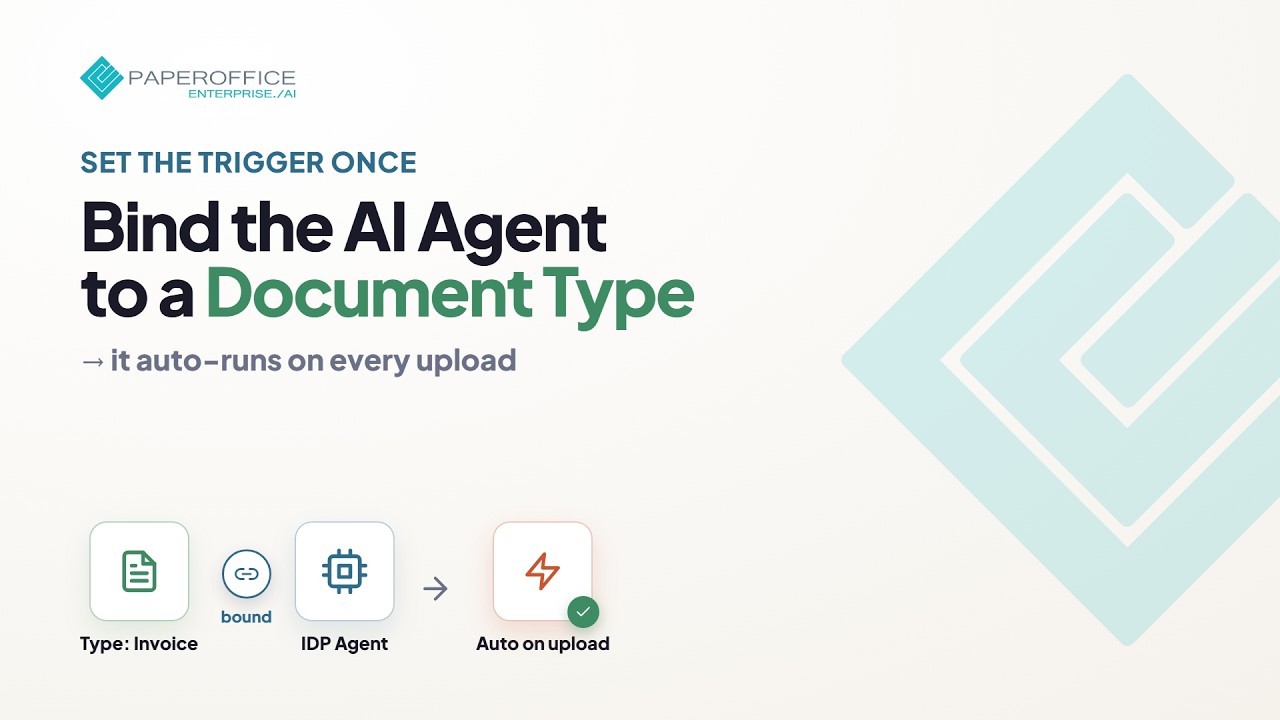 1:58
1:58 Auto-extract on upload without applying the agent manually. Document type and IDP agent stay permanently linked.
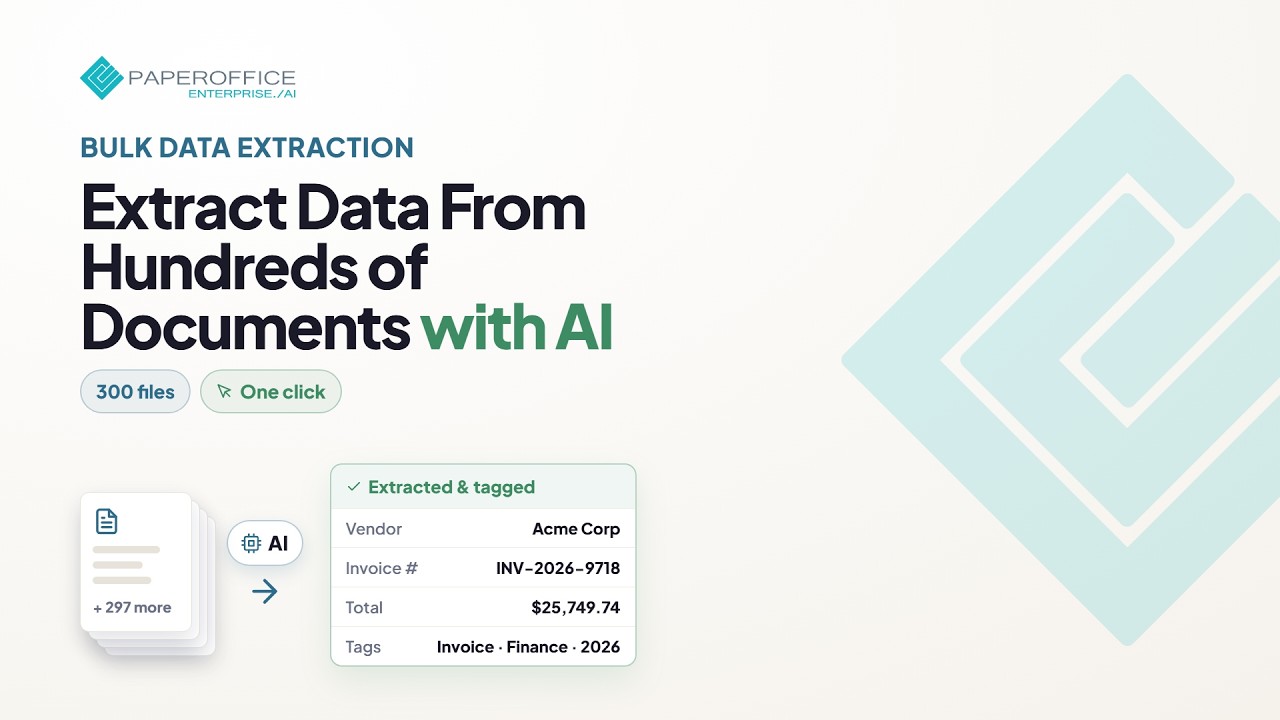 2:24
2:24 Extract data at scale with AI Document Processing — selection, agent, batch start, and quality control.
 5:19
5:19 The agents overview — which agent kinds exist and how teams run them day to day.
 1:03
1:03 A scanned stack becomes clean single documents: the Split Agent finds where one document ends from the content and names each part in your pattern.
 1:16
1:16 The Trust Agent checks the file, not just the page: covered amounts, saving twice and other findings, with severity, risk score and an evidence PDF. A finding is not a verdict; a person decides.
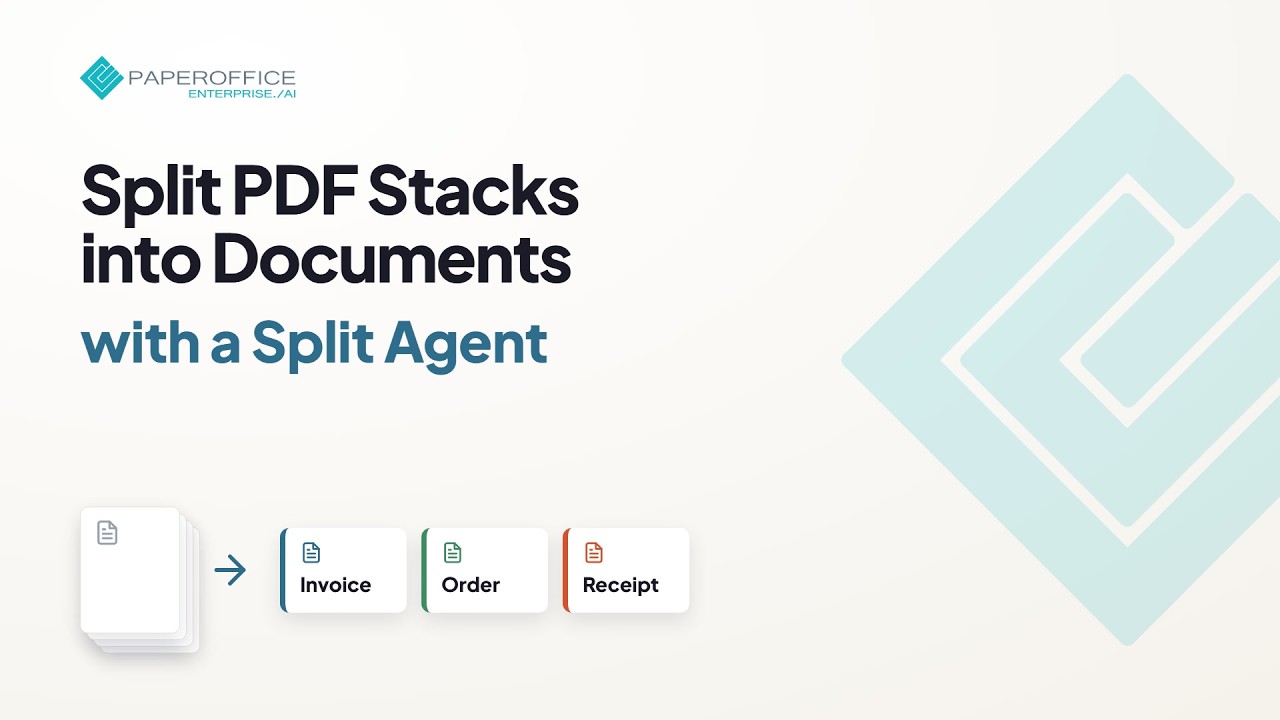 3:02
3:02 Automatically split batch invoices and multi-document PDFs and name them with AI — complete setup through production.
 2:00
2:00 Find hidden risks in documents — integrity and fraud checks with the Trust Agent from setup to review.
 6:49
6:49 Human-in-the-loop in PaperOffice — review uncertain AI results and release with control.
 6:52
6:52 Workflow agents for repeatable processes — from overview to day-to-day control.
 0:40 Agents at a glance
 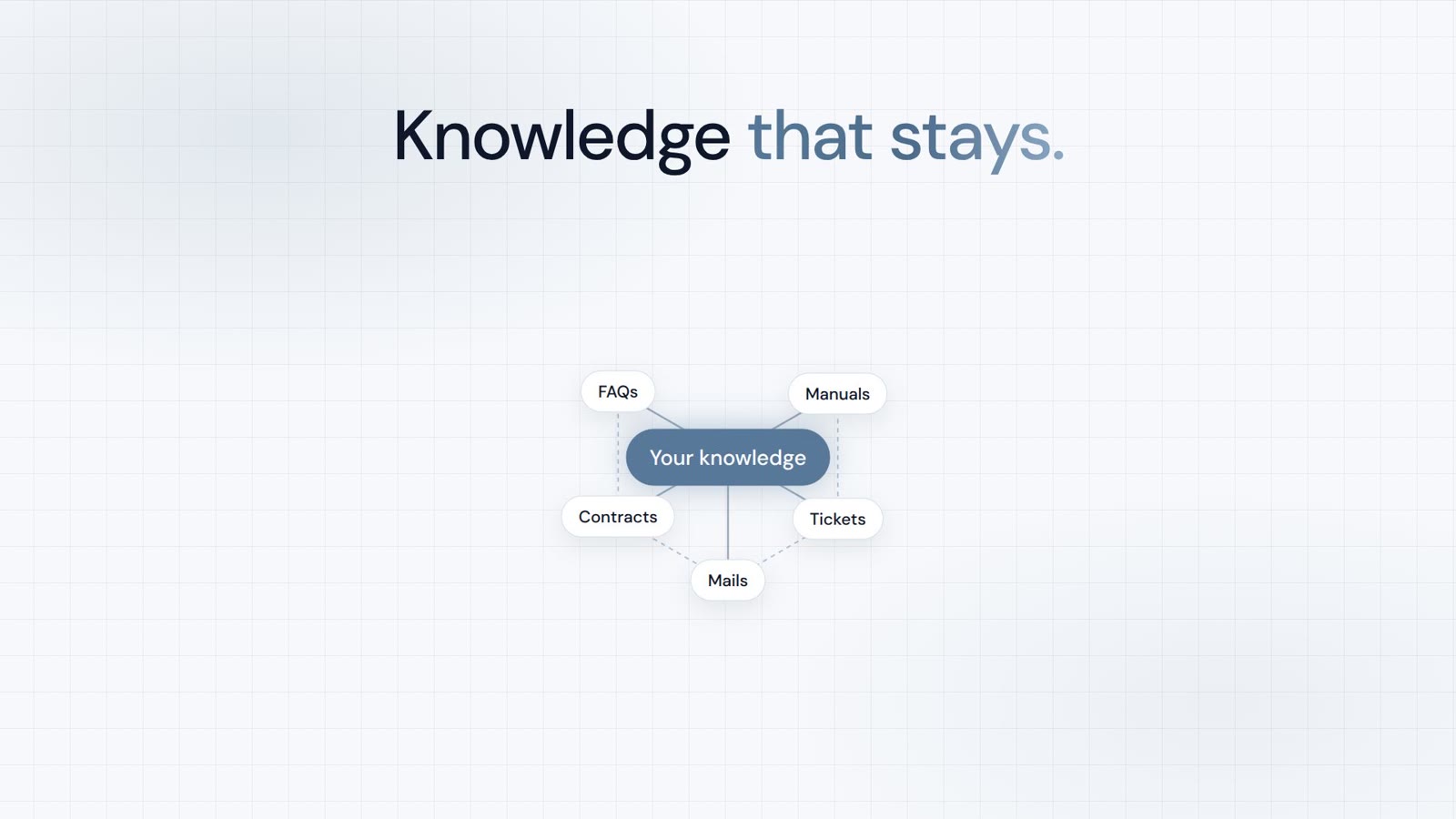 0:51 Knowledge at a glance
  1:34 Workflow Agents
  1:04 Human-in-the-loop Agents
  1:15 Audit Center
  0:42 Agent executions
  1:10 Creator Agent
  1:05 Chat Agent
  1:09 Access documents by phone
  1:28 Knowledge Base
  0:51 Knowledge gaps
  0:52 Website sources
  1:23 HelpDesk AI
  1:03 Ticket system

Integrator and Reseller can be combined. Referral by invitation.
View the partner program
AI-DMS
Documents. Intelligence. Real impact.
PaperOffice AI is the AI-DMS. Four functional areas on one DMS foundation, with three ways in.
Features, modules and benefits at a glance.
Capture, organize, search and collaborate on documents.
Plug into your systems and AI workflows.













