


Scan, Sign & AI Chat
Mobile App
The mobile app pairs with your account via QR code and brings scanner, signature, chat and documents to your phone.
Connect scanner archives, Synology NAS, storage mounts, and connectors — documents flow into PaperOffice automatically.
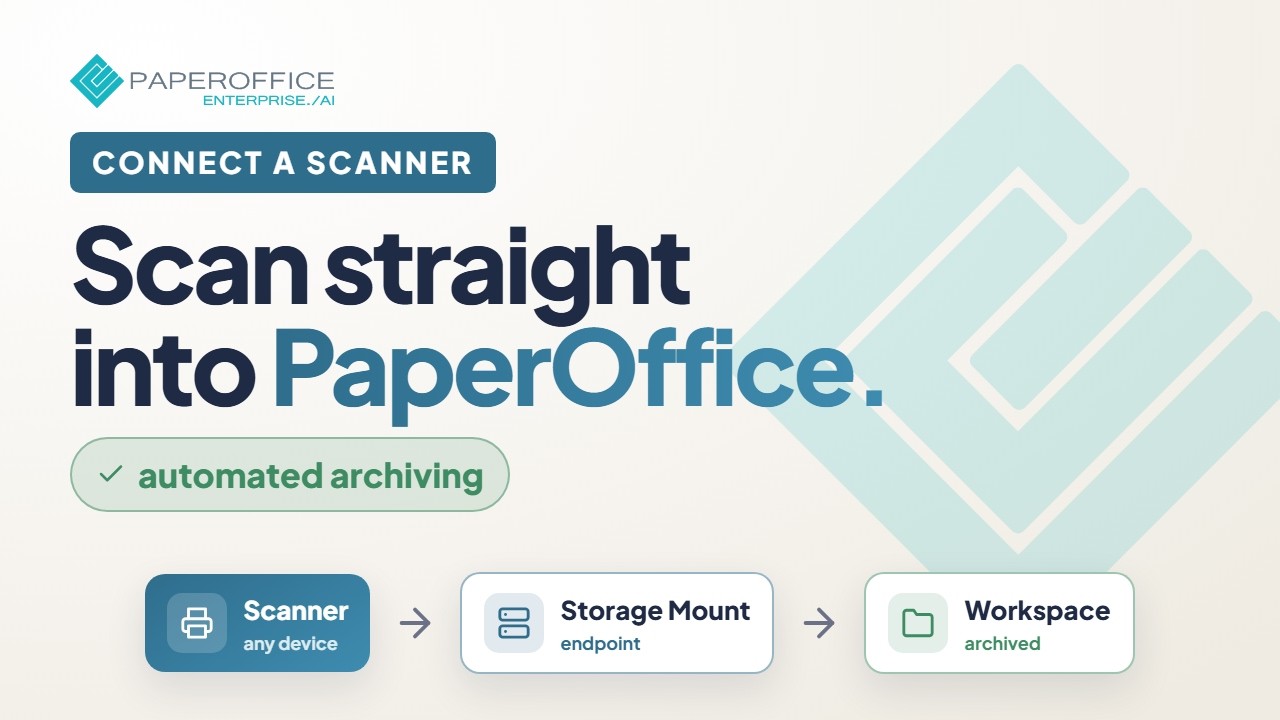 2:27
2:27 Connect a scanner so scans land reliably and automatically in PaperOffice — paths, protocols, and monitoring.
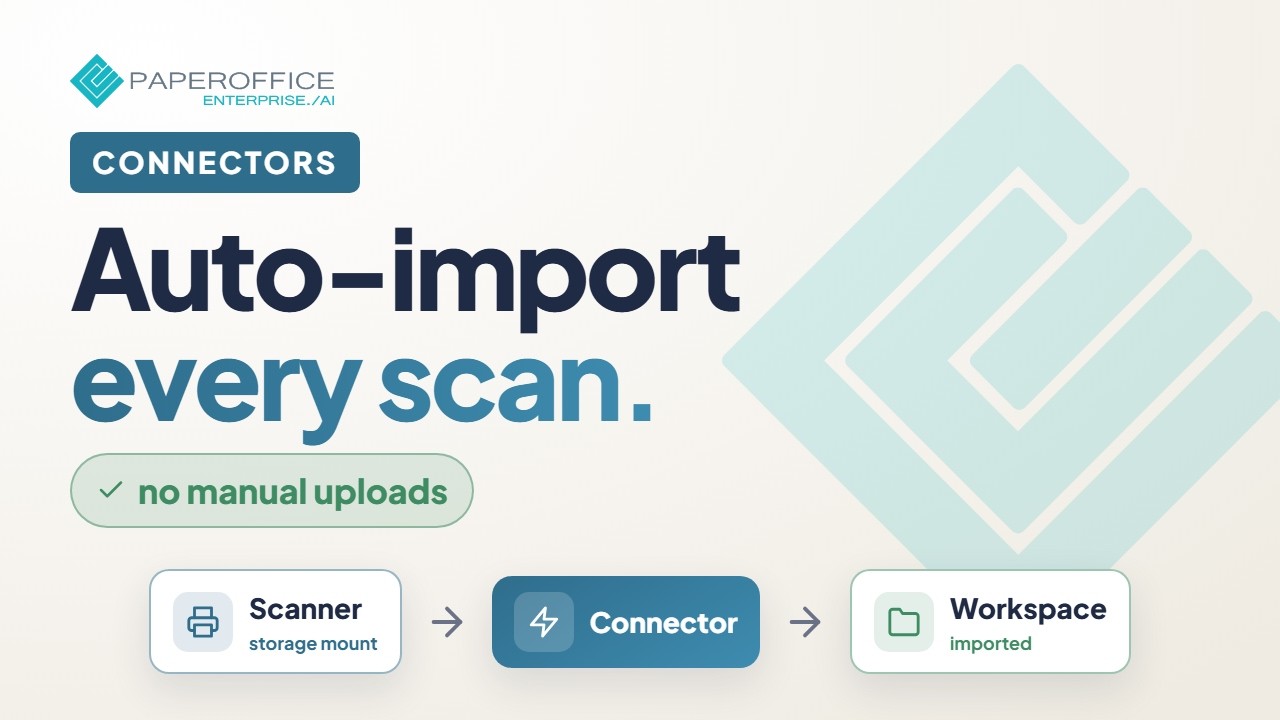 1:32
1:32 Bring every scan into PaperOffice automatically — create a connector, attach the source, and secure the import path.
 3:16
3:16 A three-minute overview: switch on SFTP on your Synology, add it in PaperOffice as a storage mount, choose your encryption password — and see what PaperOffice AI then does with your documents.
 New 8:32
 A batch scan comes in, and at the end, every document is recognized, filed, checked and matched with its order. Where something does not fit, a human decides. First the result of a real run, then the build in n8n in ten stages.
 New 5:39
 A batch scan goes in, individual documents come out: the Split Agent finds where one document ends and the next begins, removes separator sheets and names every piece. First the result of a real run, then the build in n8n in four stages.
 5:57
5:57 Connectors bring external sources into PaperOffice — overview, purpose, and how to start.
 6:04
6:04 Storage mounts for self-hosted files — keep originals, run AI in PaperOffice.
 1:20 Connectors
  1:29 Storage mounts
  0:59 Connect a NAS
  0:57 Network scanners
  3:18 Supercharge your QNAP: PaperOffice AI on your NAS
  3:09 Supercharge your Asustor: PaperOffice AI on your NAS
  3:13 Supercharge your TerraMaster: PaperOffice AI on your NAS
  3:11 Supercharge your TrueNAS: PaperOffice AI on your NAS
  3:11 Supercharge your UGREEN: PaperOffice AI on your NAS
  1:02 JTL-Wawi
  0:59 Holded
  1:03 Universal interface for ERP and shop
  0:56 n8n
  1:08 Business data for AI agents

Integrator and Reseller can be combined. Referral by invitation.
View the partner program
AI-DMS
Documents. Intelligence. Real impact.
PaperOffice AI is the AI-DMS. Four functional areas on one DMS foundation, with three ways in.
Features, modules and benefits at a glance.
Capture, organize, search and collaborate on documents.
Plug into your systems and AI workflows.













