



Overview Overview News News

Full setup: connect a scanner — automatic archiving
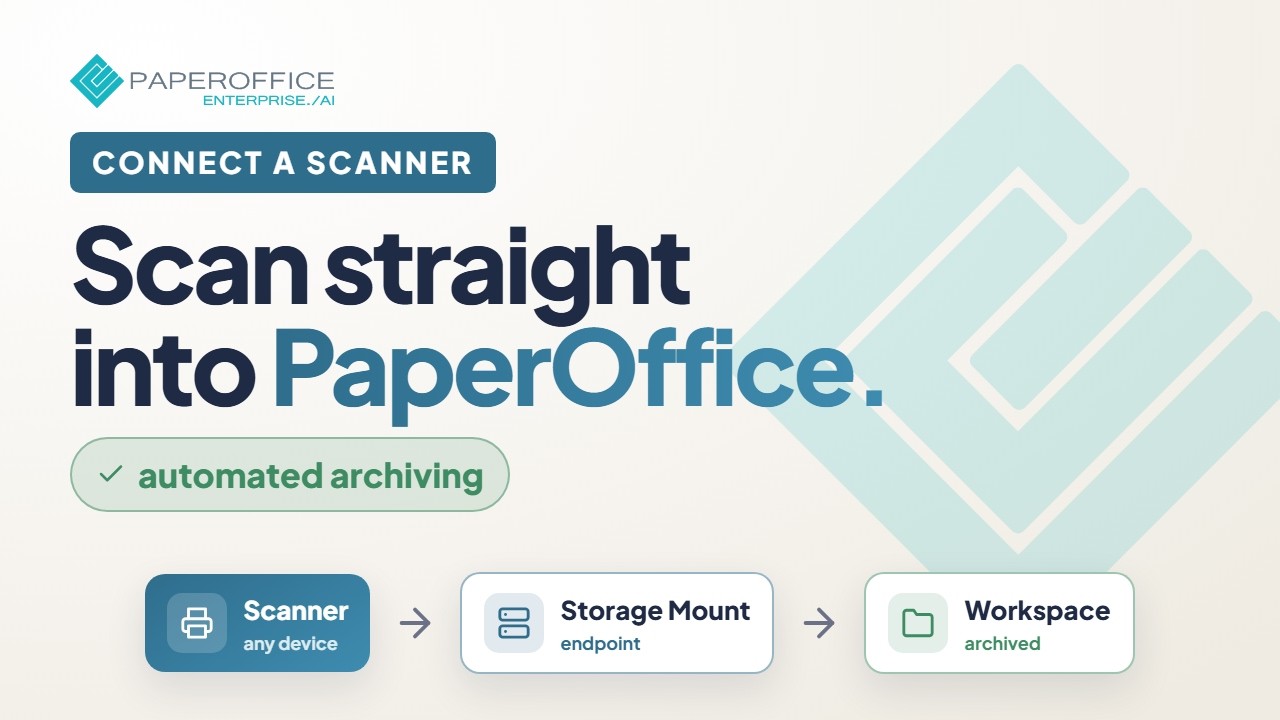
Integration 14 min 2026-08-01
Full setup: connect a scanner — automatic archiving

Connect a scanner so scans land reliably and automatically in PaperOffice — paths, protocols, and monitoring.

What you will learn

  • Choose scanner path and protocol
  • Set the target workspace
  • Monitor incoming scans
Hide transcript Show transcript

Transcript

Overview

This setup brings device scans into PaperOffice reliably.

Connection

Choose the right protocol (for example SFTP/FTP) and configure credentials.

Destination

Set workspace, folder, and optional document-type rules.

Test scan

Send a test and verify arrival, metadata, and permissions.

Operations

Monitor failures and set notifications for failed imports.

Where would you like to try PaperOffice?

Workspace and Playground are built for the computer. Grids, batch processing, and the API Playground need a wide screen and a keyboard.

Workspace on the computer. On the phone: capture and approve.

Send to yourself by email Open PaperOffice Mobile
Register free Open app PaperOffice App The full product: web, desktop, and mobile. Capture, organize, search, and work on documents with your team. Free account required Open playground Playground Try selected functions immediately — without registration, using a restricted demo API key. No registration, but a restricted demo API key