



Full setup: bind an IDP agent to a document type
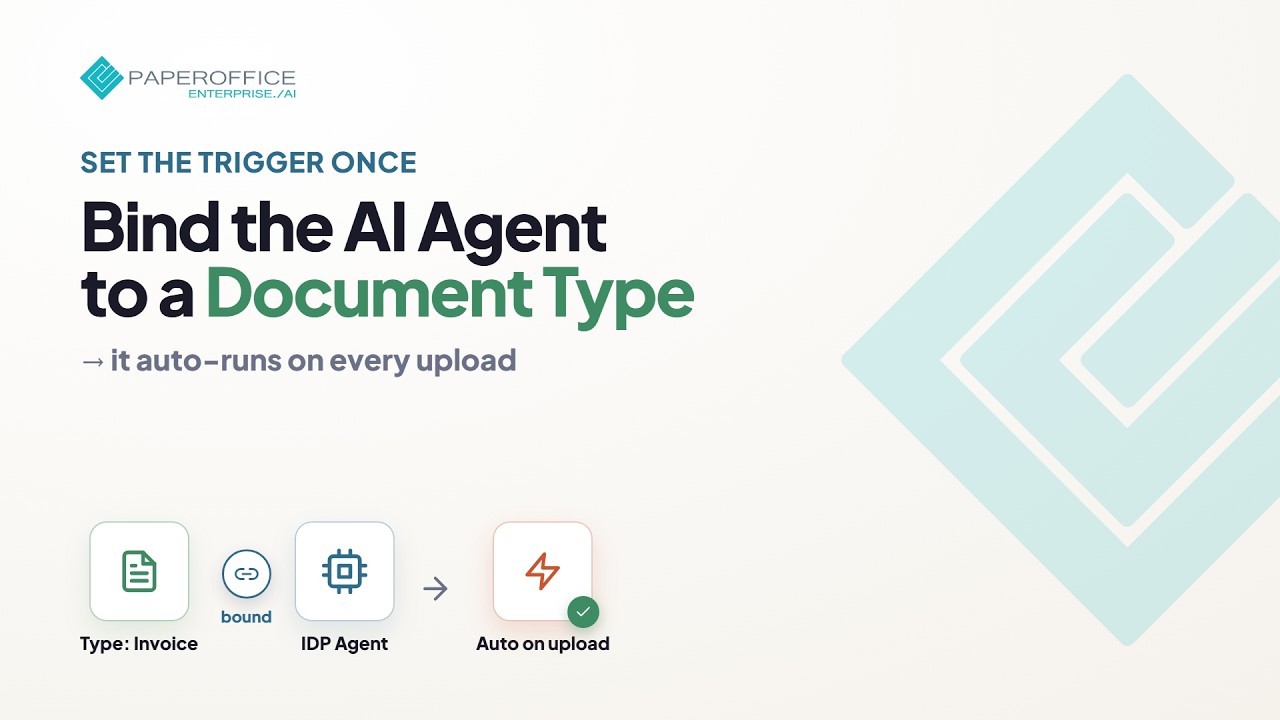
Auto-extract on upload without applying the agent manually. Document type and IDP agent stay permanently linked.
What you will learn
- Link document type and agent
- Enable auto-extraction on upload
- Validate field mapping and quality
Hide transcript Show transcript Transcript
Overview
This setup permanently links an IDP agent to a document type so uploads extract without a manual apply step.
Prepare the document type
Create the document type or select an existing one with the required fields.
Bind the agent
Assign the IDP agent to the type and save. Matching documents then use automation on upload.
Test with an upload
Upload a sample document and review extracted fields in Document Edit.
Fine-tuning
Adjust prompts, required fields, and human-in-the-loop until quality is stable.