



Full setup: redact sensitive data automatically (GDPR)
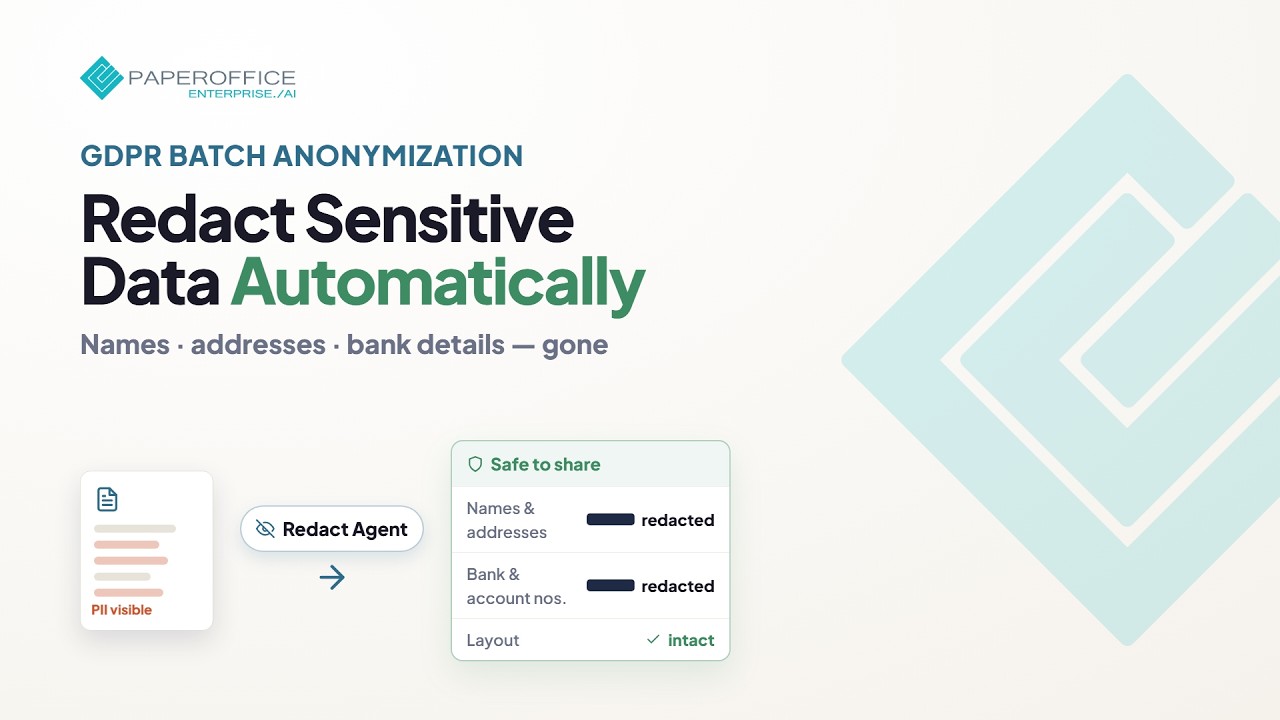
Batch anonymization and redaction of sensitive content for archiving under the GDPR — from agent setup to production runs.
What you will learn
- Set up a Redact Agent with profile, whitelist and blacklist
- Redact batches of documents server-side
- Check the redacted copies
Hide transcript Show transcript Transcript
Overview
This full setup guide walks through blacking out personal data across many documents, for GDPR and compliance needs such as sharing or archiving.
Preparation
Put the PDFs into a workspace. Scans are read with OCR during the run.
Configure the agent
Under “Document AI → Redact Agent” click “Create Redact Agent”. Choose a profile (for example GDPR request or external sharing), enter the whitelist and blacklist on “Fine-tuning”, and set the AI tier, the target workspace and the box colour.
Batch and review
Select the PDFs, click “Actions” → “Agents & workflows” → “Redact” → “Automatically with Redact Agent” and start the agent. Several documents run server-side without preview. Afterwards check samples of the redacted copies in the target workspace; the originals stay unchanged.
Next steps
A rule that redacts every new upload automatically does not exist. To redact new documents, let your own system start the saved agent through the REST API (POST /documents/redact-agent-run).