



Scan, Sign & AI Chat
Mobile App
The mobile app pairs with your account via QR code and brings scanner, signature, chat and documents to your phone.
The free PDF reader from PaperOffice: read, fill in, sign, annotate PDFs and organize pages. Your files are not uploaded.
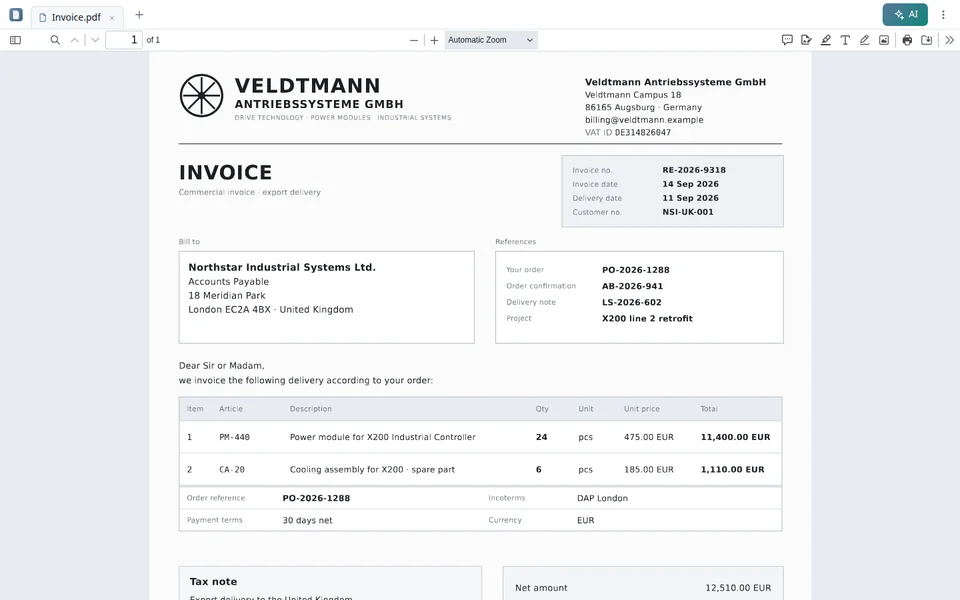

Open PDFs directly in the reader. Your files are not uploaded for this.
Install the reader as an app and use it offline. On a computer, set it as the program for PDF files.
Fill in forms, sign, add annotations and organize pages.
Redact, compare, compress and more tools in one place.
XRechnung and ZUGFeRD are shown as a readable invoice.
Questions about the document, summary, text recognition and invoice data with your PaperOffice account.
Open the PaperOffice PDF Reader with “Open now”.
Drag a PDF file into the reader or select it.
Install the reader as an app if you use it regularly.
The reader's AI features are available with a PaperOffice account. Without an account, no AI runs.
Yes. Reading, filling in, signing, annotating and organizing pages are free. The AI features require a PaperOffice account.
No. The reader opens your PDF files without uploading them.
Yes. In Chrome or Edge on Windows, Mac, ChromeOS, Linux and Android, install it with “Install as app”; on iPhone and iPad, use “Add to Home Screen” in Safari. You can then also use it offline.
Yes, on a computer: after installing it in Chrome or Edge on Windows, Mac, ChromeOS or Linux, set it as the program for PDF files. This is not possible on Android, iPhone and iPad.
Questions about the document, summary, text recognition and extracting invoice data. These features only run with your PaperOffice account.
PaperOffice AI
Our free tools help you with individual tasks. With PaperOffice AI, you build these steps into automated workflows – for fully digital, efficient processes.


Integrator and Reseller can be combined. Referral by invitation.
View the partner program
AI-DMS
Documents. Intelligence. Real impact.
PaperOffice AI is the AI-DMS. Four functional areas on one DMS foundation, with three ways in.
Features, modules and benefits at a glance.
Capture, organize, search and collaborate on documents.
Plug into your systems and AI workflows.













