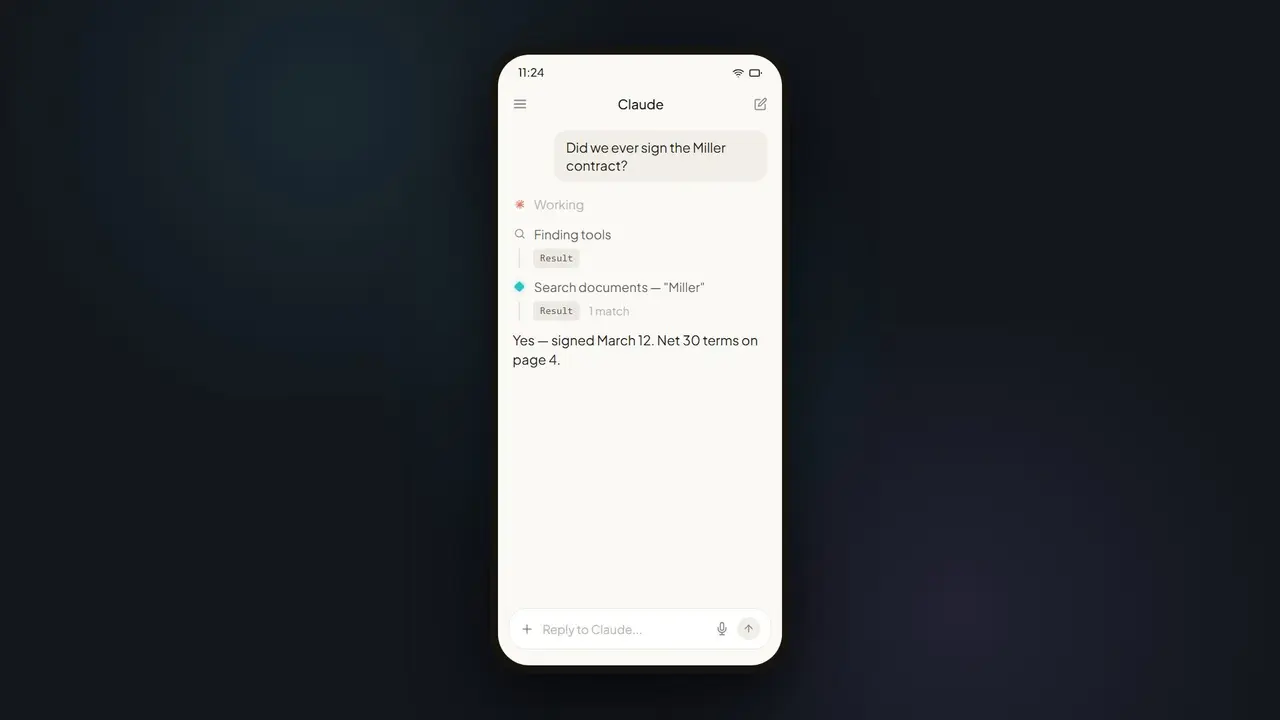













In short: Instead of logging into four workspaces one by one and exporting lists, you ask Claude once in natural language. Via PaperOffice MCP, the model searches every authorized workspace and returns a structured table of open invoices with totals and overdue flags.
The month-end situation
Month-end: invoices sit in four workspaces — finance, projects, subsidiaries, archive. Classic search means four logins, four exports, and a spreadsheet night shift where someone adds up amounts by hand. Error-prone, slow, and repeated every month.
How it works, step by step
- Ask: describe the goal in one sentence — no filter clicking, no export.
- Scope workspaces: Claude calls
po_workspaces_listand knows your scope. - Search: via
po_documents_searchorpo_search_advanced, it finds open invoices by fulltext and metadata. - Aggregate: amounts, due dates, and overdue status are merged into a table.
- Act (optional): on request, Claude drafts payment reminders directly.
The exact prompt
Here is a concrete request — you can copy it verbatim:
Variants that are useful in practice:
- "Only invoices over €5,000 and more than 30 days overdue."
- "Export the result as a table sorted by due date."
- "Draft a polite payment reminder for the three oldest items."
Payment reminders as a second step
Next, Claude drafts reminders — based on real MCP hits, not hallucination. Sending runs through the right PaperOffice tools or your existing workflow. The human stays in the approval loop while the research is automated.
Which MCP tools work behind the scenes
| Tool | Job |
|---|---|
po_workspaces_list | Determine the scope of all authorized workspaces |
po_documents_search / po_search_advanced | Fulltext and hybrid search for open invoices |
po_analytics_financial_summary_get | Totals and financial overview |
Classic vs. Claude + MCP
| Classic month-end | With Claude + PaperOffice MCP |
|---|---|
| Four logins, four exports | One request across all workspaces |
| Manual summing in Excel | Automatically aggregated table |
| Sources hard to trace | Every item carries a pofid |
Prerequisites
- A PaperOffice account with access to the relevant workspaces.
- A User token (
po_ut_/po_gt_) with read rights for those workspaces. - An MCP-capable client such as Claude Desktop or Claude Code with the
/dmsURL configured.
Limits & practical tips
Claude only evaluates what is recognizable as an invoice and cleanly captured. Aim for good OCR results and consistent metadata — the better the data, the more accurate the totals. For very large stores, narrow the request by period or workspace to keep the result readable. Save recurring analyses as a prompt template so month-end runs the same way every time. Important: Claude does not replace professional review — it speeds up the research, while the final approval of payments stays with your team.
What the result looks like
Instead of four Excel tabs, you get one consolidated view: grouped by vendor, with a total per workspace, a grand total, and a "days overdue" column. Claude highlights notable items — amounts above a threshold or long-overdue invoices. Every entry carries a pofid, so you can jump to the original invoice and verify the figure with one click. A plain list becomes a decision basis: you see at a glance where liquidity is tied up and which three reminders should go out first today.
Fitting it into the month-end routine
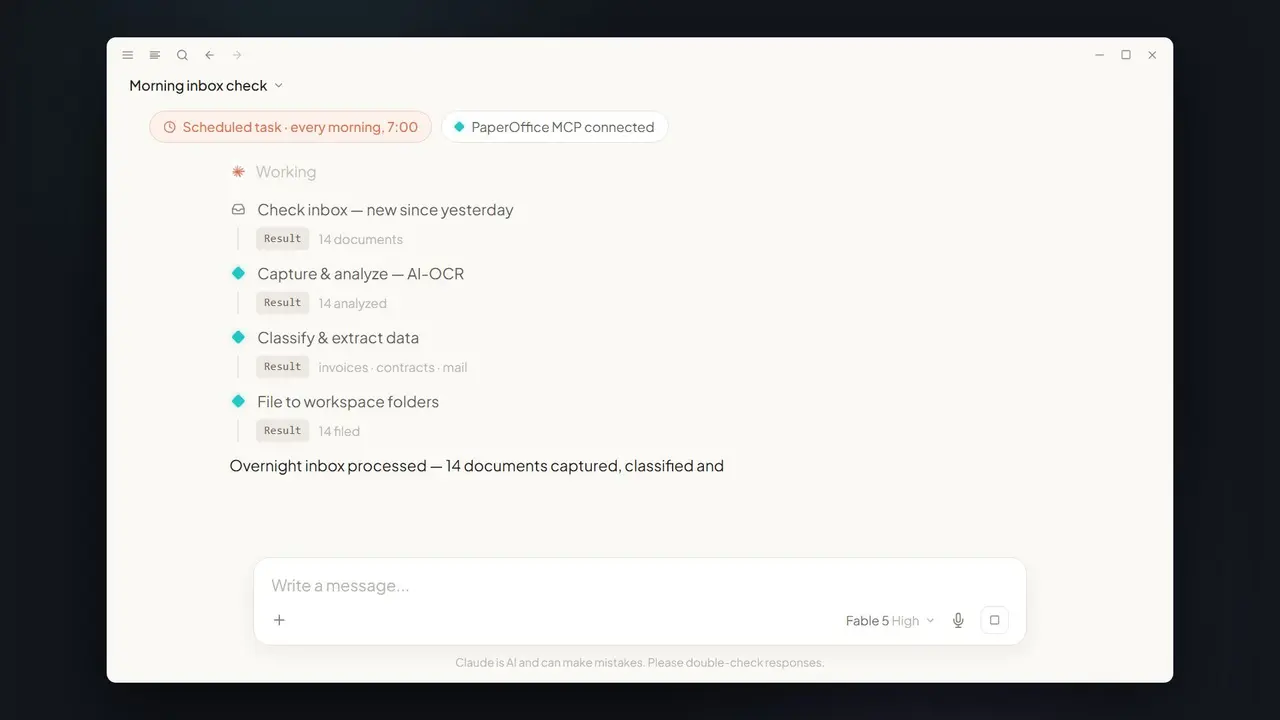
The biggest leverage comes when the use case becomes a fixed routine. Save the prompt as a template so month-end runs the same way every month — same grouping, same thresholds, comparable numbers. Combined with the spend dashboard, the same hits turn straight into a visual analysis for management, and the scheduled inbox task ensures new invoices are already filed correctly before you analyze. Capture, research, and reporting mesh together — with no copying data between systems.
Traceable for teams and audits
Because every item carries a pofid, the result is not just fast but auditable. You can share the overview with your team without recipients having to guess where a number came from — one click leads to the original invoice. For internal audit or your accountant, that means: instead of a manually assembled spreadsheet whose origin is hard to prove later, you deliver an analysis in which every line traces back to its source. This combination of speed and provability is the real difference from classic month-end collation.
Security
Claude only sees what the connected User token authorizes. Every search is traceable in the audit trail, and reminders are presented as drafts — nothing is sent without approval.
Part of the series: Claude Fable 5 × MCP DMS — the hub article. Related: spend dashboard and overnight inbox.