


Scan, Sign & AI Chat
Mobile App
The mobile app pairs with your account via QR code and brings scanner, signature, chat and documents to your phone.
Connect PaperOffice to Claude, ChatGPT, and other assistants via MCP — the complete setup, step by step.
Set up PaperOffice as an MCP connector in Claude — from the connector URL to authorizing with your user token. Afterwards, Claude answers questions directly from your documents.
Set up PaperOffice as an MCP plugin in ChatGPT — enable developer mode, create the plugin, authorize via OAuth. Afterwards, ChatGPT accesses documents and workspaces directly.
Set up PaperOffice as an MCP server in Cursor — edit mcp.json, add the token as a bearer, verify the connection. Afterwards, the Cursor agent answers questions from your documents.
 0:51 For developers at a glance
  4:29 PaperOffice AI in Claude: the full demo
  2:06 Set up PaperOffice in ChatGPT
  2:12 PaperOffice AI in Claude: the short film
  1:47 MCP server
  1:17 llms.txt and Postman
 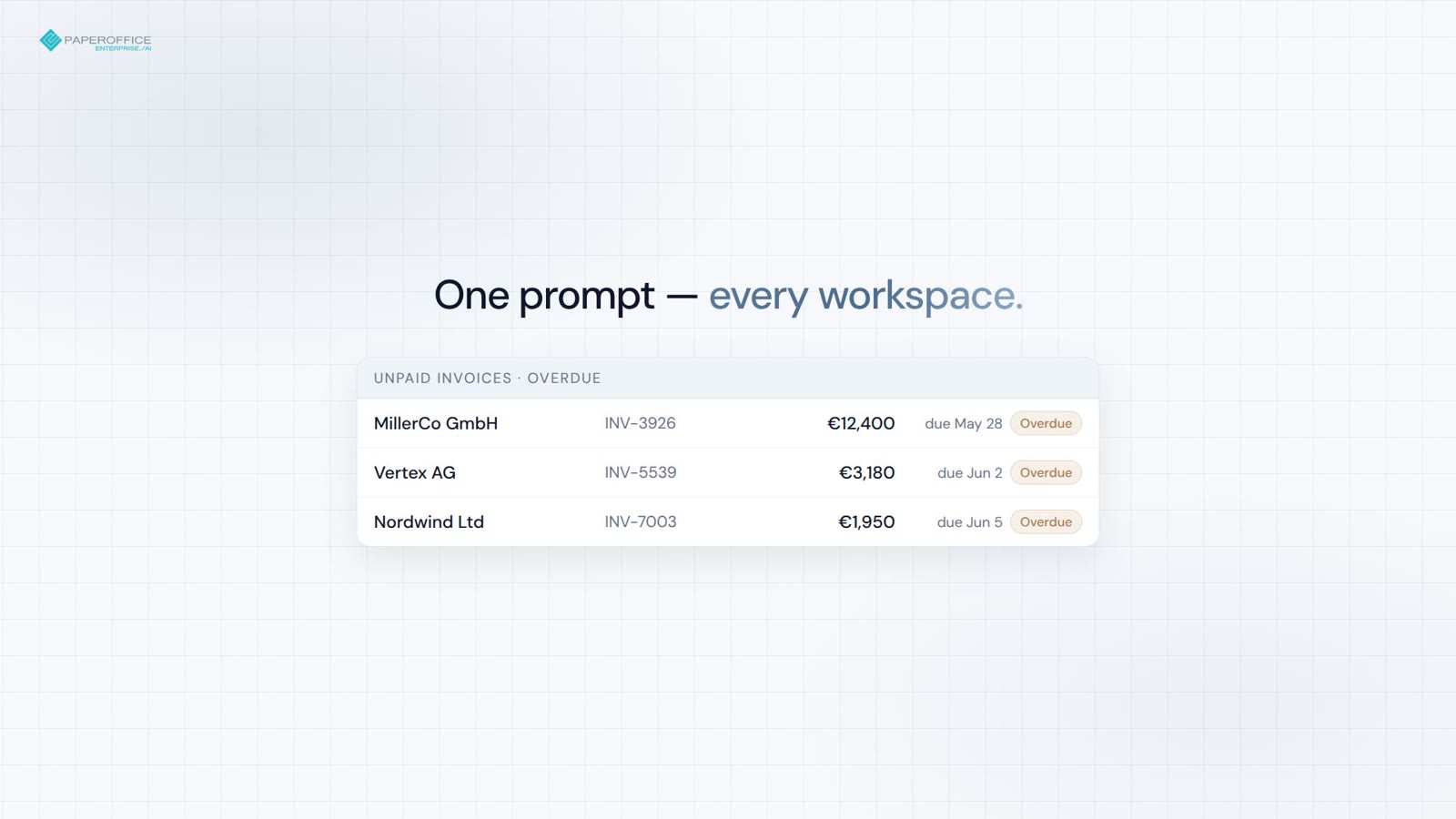 0:30 MCP demo: month-end invoices across workspaces
 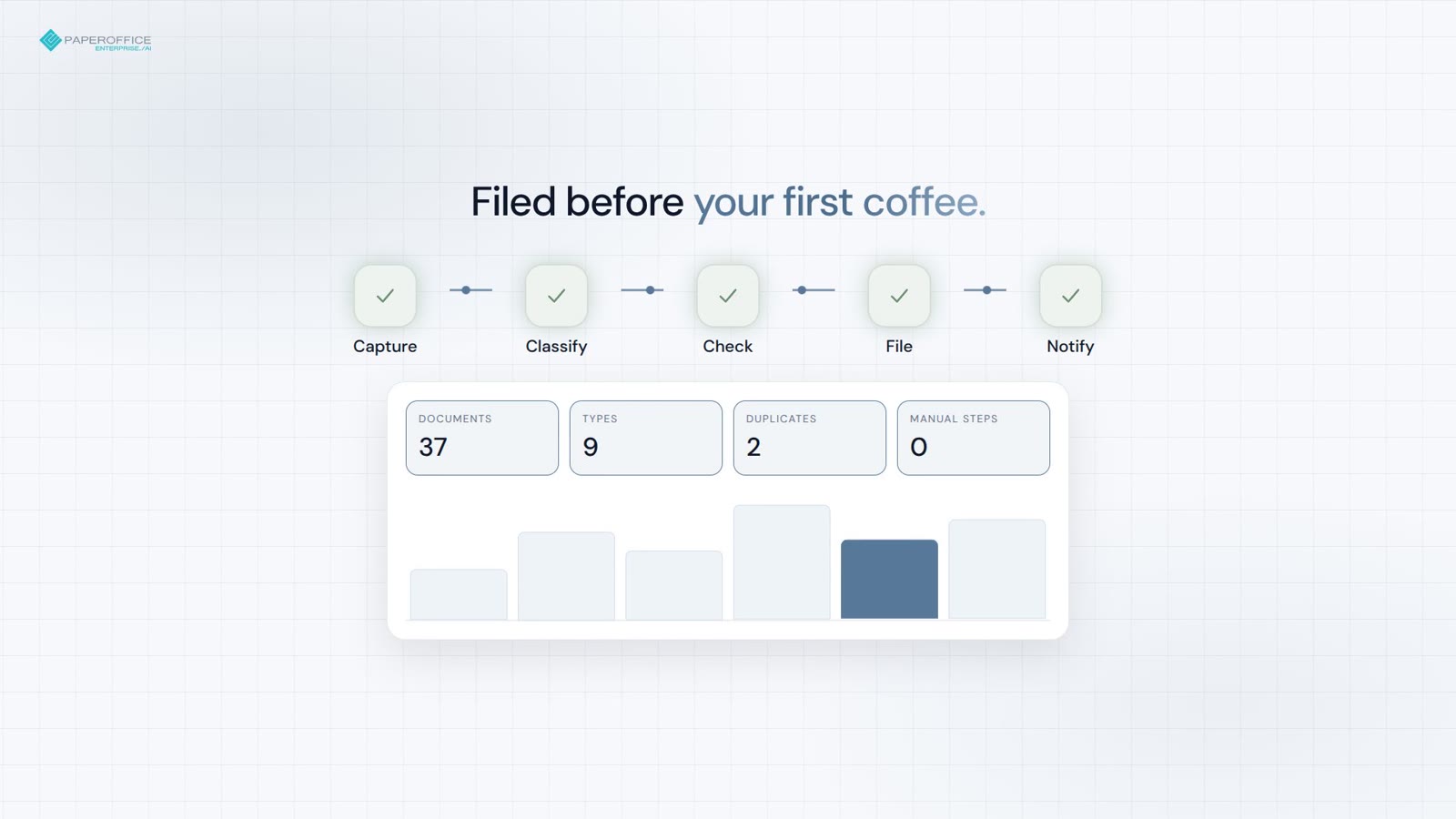 0:30 MCP demo: inbox automation overnight
 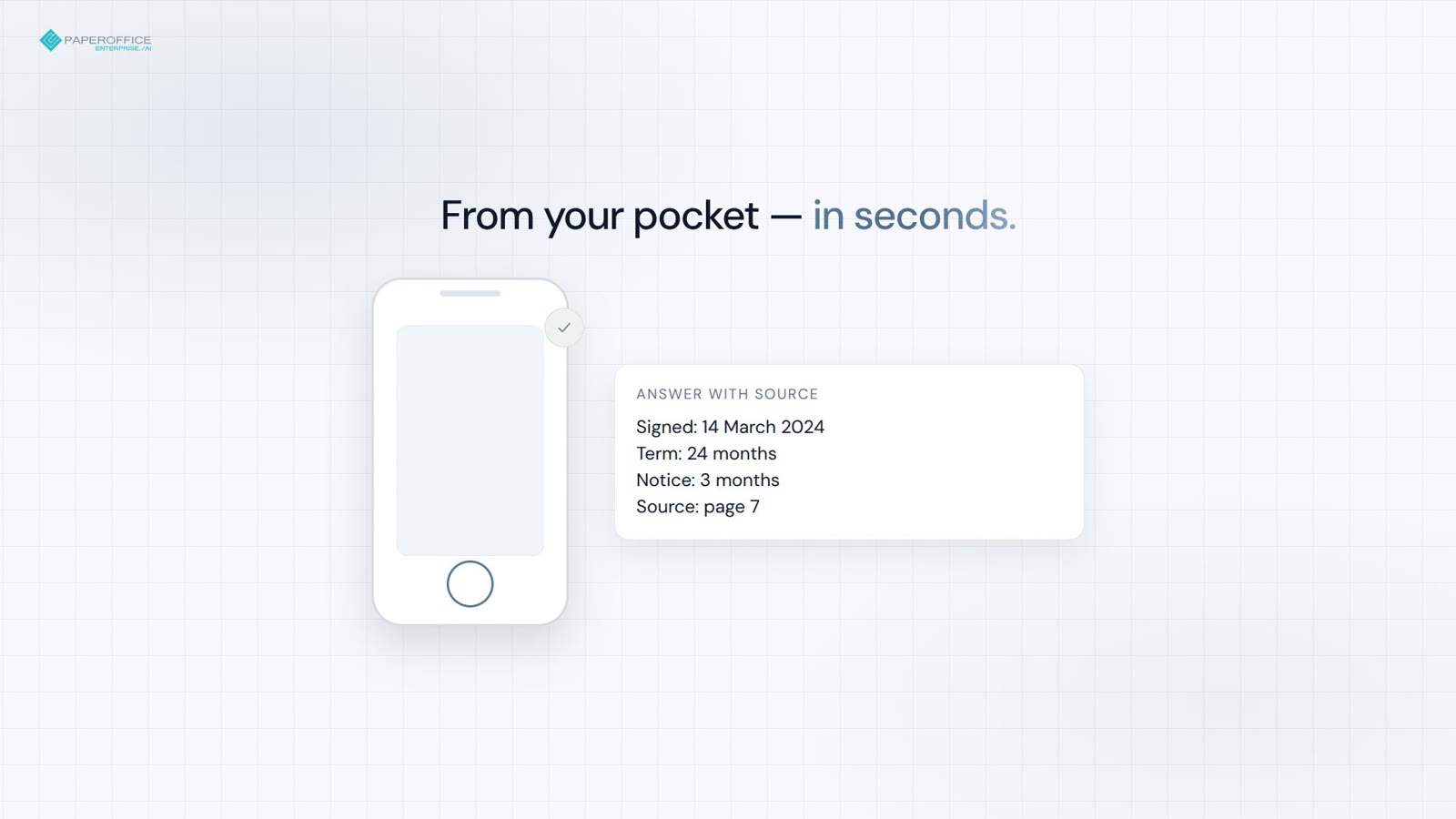 0:30 MCP demo: contract questions from your phone
 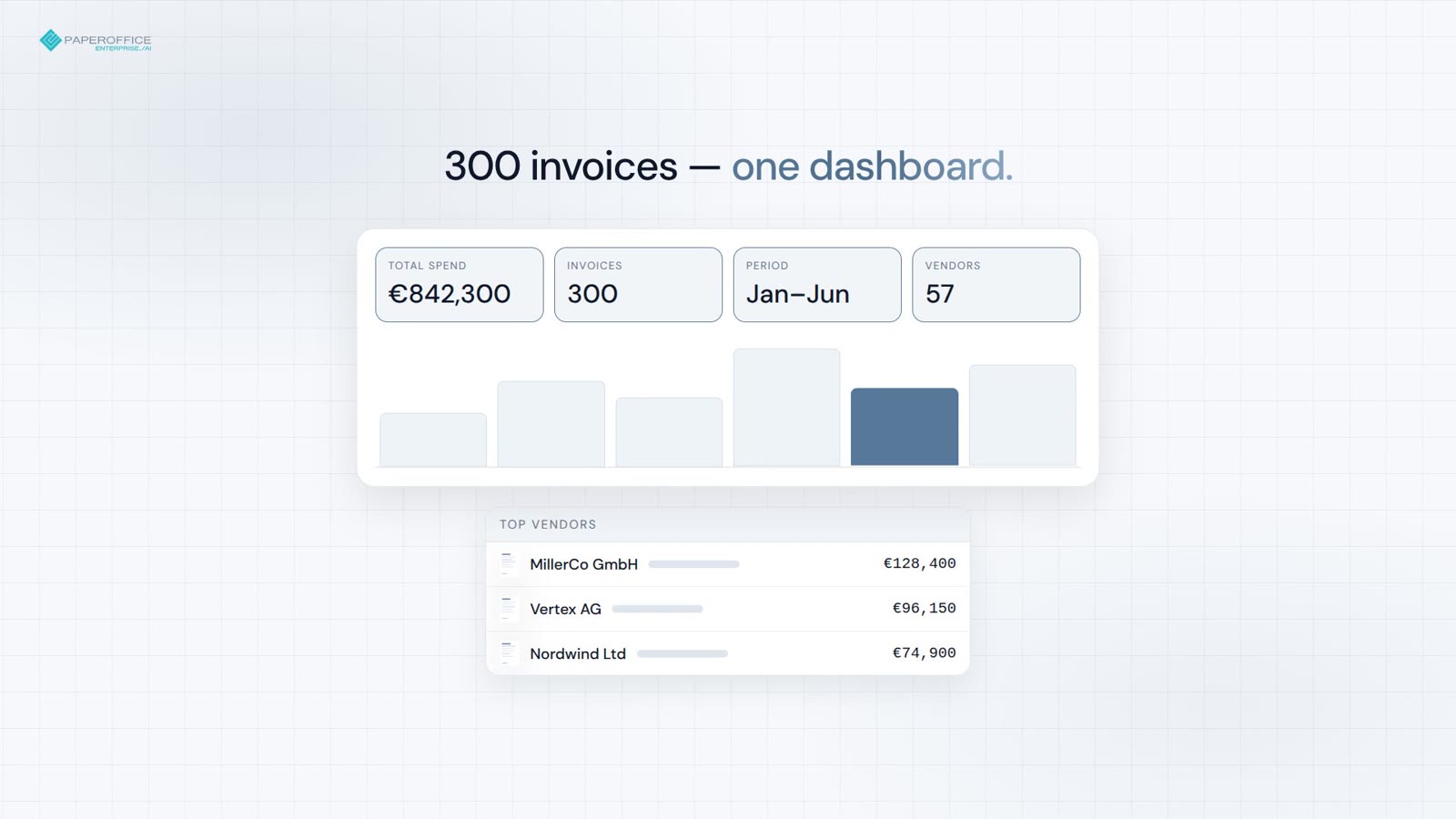 0:30 MCP demo: from invoice pile to dashboard

Integrator and Reseller can be combined. Referral by invitation.
View the partner program
AI-DMS
Documents. Intelligence. Real impact.
PaperOffice AI is the AI-DMS. Four functional areas on one DMS foundation, with three ways in.
Features, modules and benefits at a glance.
Capture, organize, search and collaborate on documents.
Plug into your systems and AI workflows.












