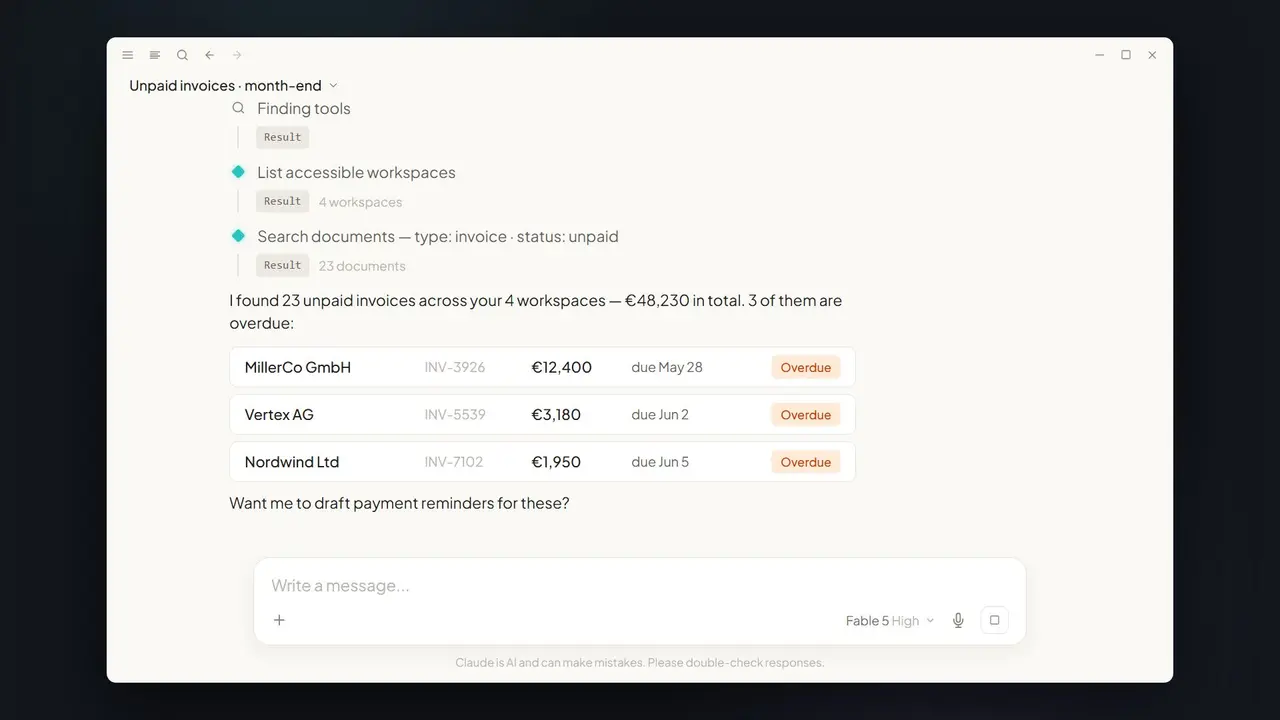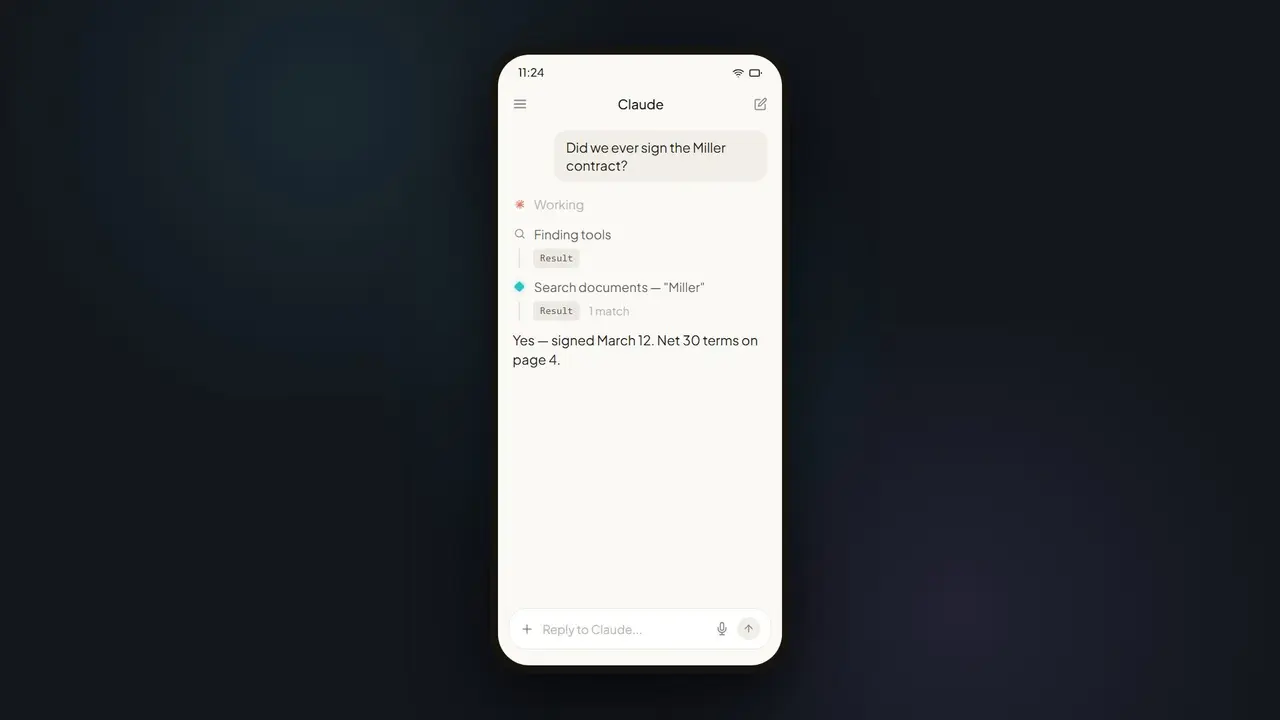

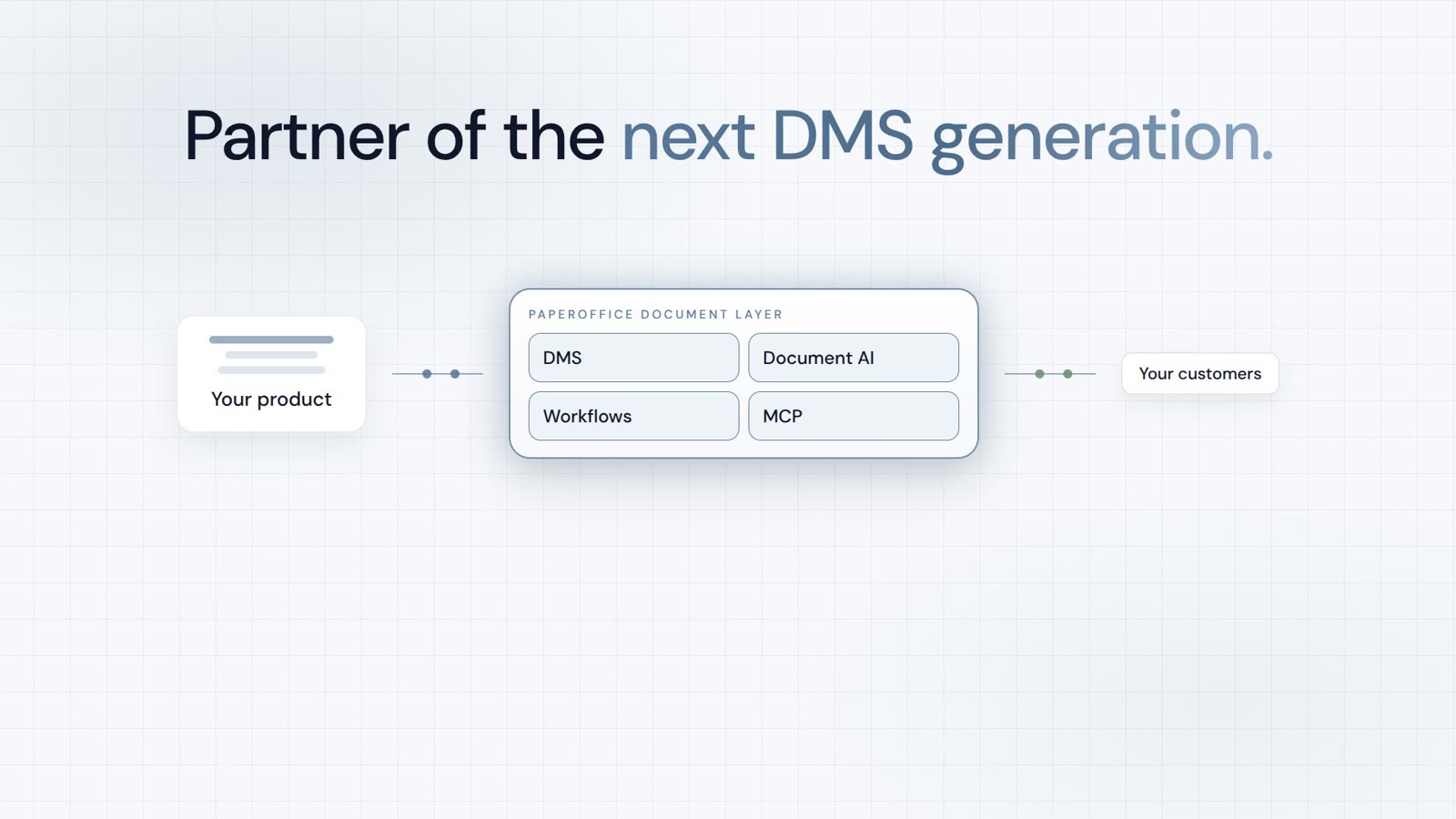












In short: A scheduled MCP task connects Claude to PaperOffice every morning and clears the overnight intake: capture, read with AI-OCR, classify, file in the right workspace, and flag exceptions — before you reach your desk.
7 a.m., 14 new documents — you are still asleep
Overnight, invoices, contracts, and scans arrive. Classically, the day begins with sorting and filing. With a scheduled MCP task, Claude takes over this routine automatically — recurring, with no manual trigger.
How inbox automation works
- Capture: new documents are ingested via
po_documents_uploadorpo_import_scan. - Read: AI-OCR extracts text, amounts, and dates.
- Classify:
po_document_analysis_analysis_dmsdetects document type and metadata. - File: each document lands in the right workspace — no manual handoff.
- Flag: duplicates, expiring contracts, or anomalies are marked.
The exact prompt for the scheduled task
Here is how to phrase the recurring job:
The scheduled task is flexible — more useful variants:
- "Automatically file incoming invoices in the 'Finance' workspace."
- "Notify me when a contract arrives without a countersignature."
- "Create a summary of weekend intake every Monday."
Only what matters gets flagged
Duplicate invoice? Contract expiring Friday? Claude flags exceptions before your first coffee — via comments, workflows, or notifications. In the morning you do not see 14 documents, just the two that need attention.
Which MCP tools work behind the scenes
| Tool | Job |
|---|---|
po_documents_upload / po_import_scan | Capture new documents |
po_document_analysis_analysis_dms | Classify and detect metadata |
po_documents_bulk_update | File multiple documents in one step |
Classic vs. Claude + MCP
| Manual inbox | With Claude + PaperOffice MCP |
|---|---|
| Sort every morning | A scheduled task does it overnight |
| Duplicates noticed late | Flagged immediately |
| Deadlines missed | Expiring contracts proactively flagged |
Prerequisites
- A PaperOffice account with an intake workspace for new documents.
- A User token (
po_ut_/po_gt_) with write rights for filing and classification. - A client that supports scheduled MCP tasks (e.g. Claude with task scheduling).
Limits & practical tips
Classification quality depends on document legibility — poorly scanned files should be improved first. Start conservatively: let Claude only classify and flag before automatic filing goes live. That builds trust and surfaces edge cases early. For sensitive document types, add an approval step (HITL) before the agent files them permanently. The scheduled task does not replace a final check, but it cuts daily routine work to a minimum.
What you see in the morning
Instead of a full inbox, a short summary is waiting: how many documents arrived overnight, how they were classified, and which cases need attention. A possible morning digest might read: "14 documents processed — 9 invoices, 3 contracts, 2 other. 1 likely duplicate flagged, 1 contract expiring in 9 days." The day starts with decisions instead of sorting — and nothing important gets lost in the pile.
Going live, step by step
A three-stage rollout works well. Stage 1: Claude only classifies and flags, without filing — you review the suggestions and build trust. Stage 2: automatic filing for unambiguous types such as standard invoices, with an approval step (HITL) for sensitive documents. Stage 3: the task runs on its own and reports only exceptions. Automation grows with your confidence, and edge cases surface early instead of quietly piling up.
Which documents it suits best
Automation is strongest for recurring, structured document types: incoming invoices, delivery notes, contracts, and standard correspondence. Here the layout and metadata are predictable, so classification and filing succeed reliably. For atypical or highly heterogeneous documents, it pays to let Claude only flag at first and refine the rules step by step. A practical starting point is a single workspace with high, uniform volume — such as invoice intake. Once that runs cleanly, you transfer the same pattern to other intakes without introducing any new technology.
Security
The scheduled task operates within the connected User token. Filing and flags are documented in the audit trail; destructive actions still require confirmation.
Part of the series: Claude Fable 5 × MCP DMS — the hub article. Related: month-end invoices and mobile contract lookup.