



Full setup: Split Agent — split and rename PDFs
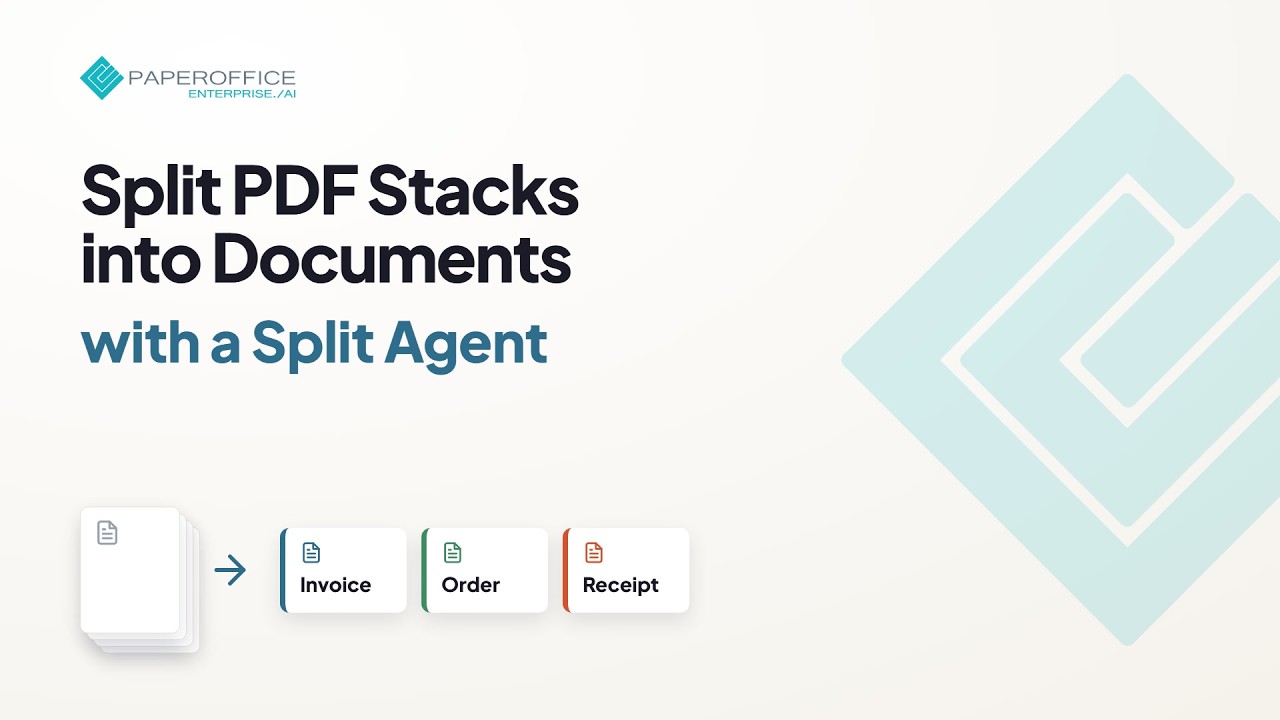
Automatically split batch invoices and multi-document PDFs and name them with AI — complete setup through production.
What you will learn
- Configure the split agent and rules
- Process batch scans
- Validate naming and filing
Hide transcript Show transcript Transcript
Overview
The Split Agent breaks multi-document PDFs into single files and assigns useful names.
Create the agent
Create the split agent and define separation logic (for example page breaks, markers, or AI detection).
Naming
Define how file names are built from content or metadata.
Test a batch
Process a realistic stack and review the resulting documents in the workspace.
Automate
Attach the agent to upload or connector paths for ongoing operation.