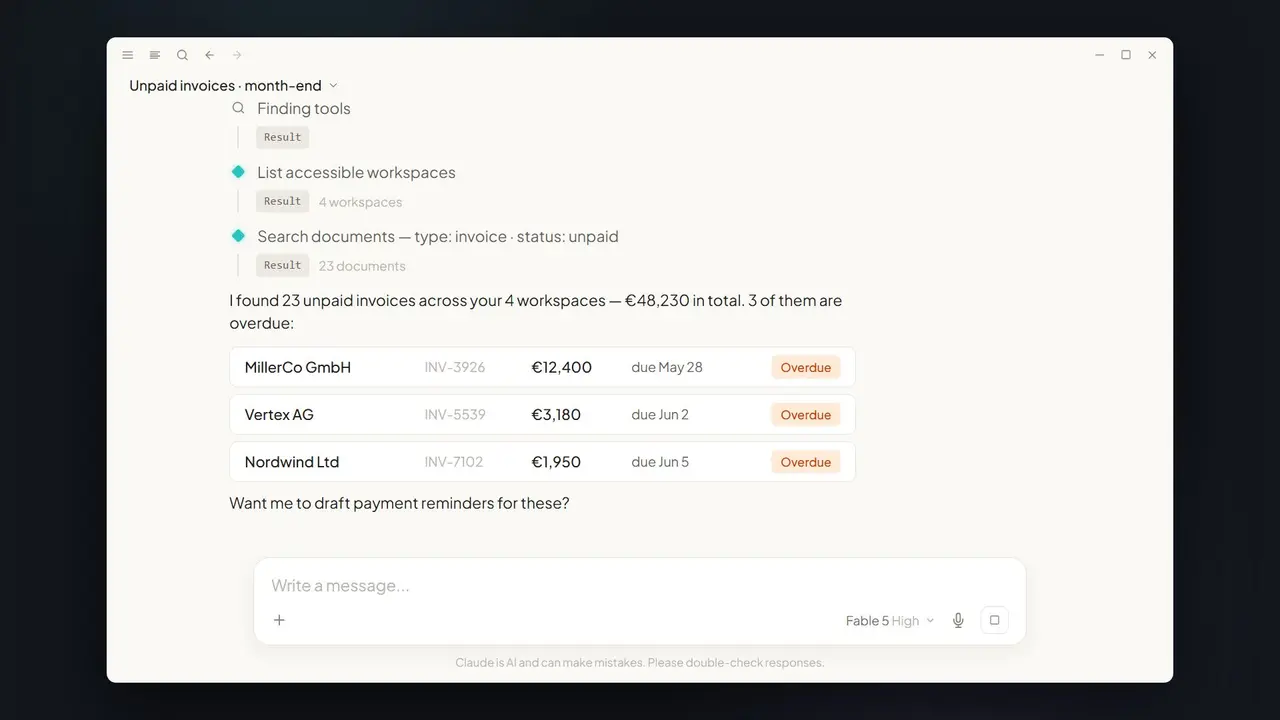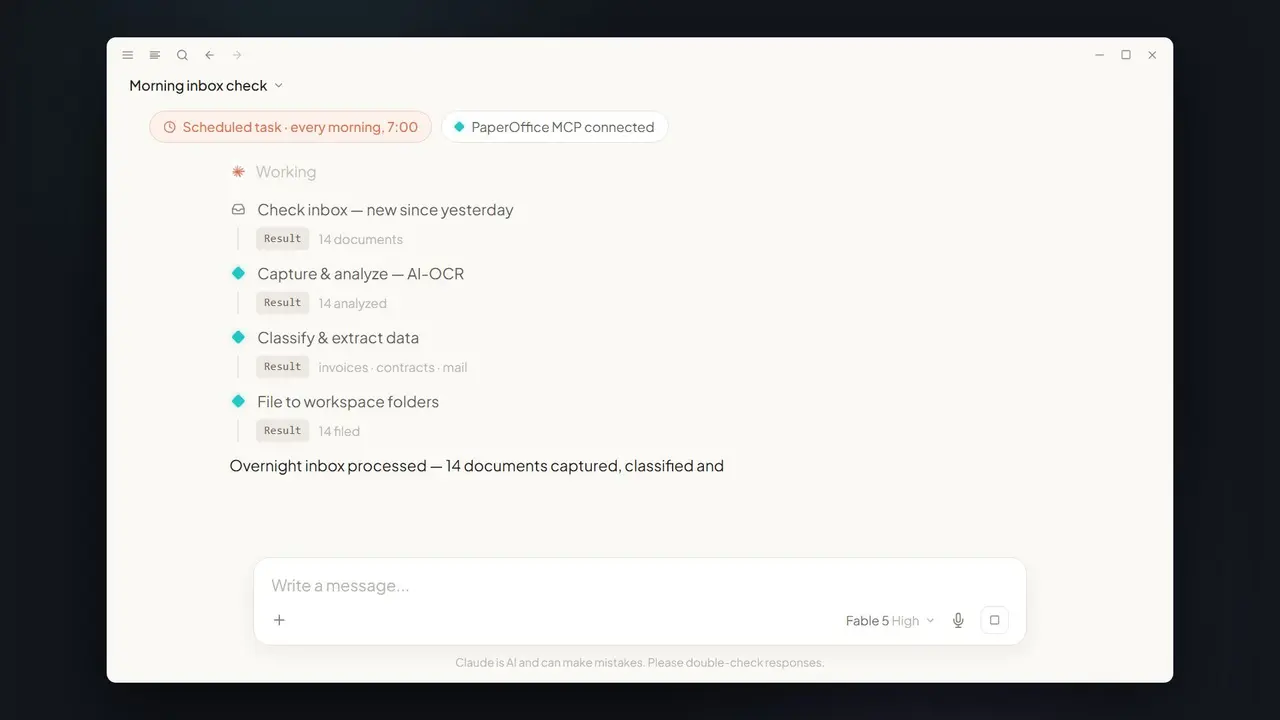












In short: A contract question in a meeting? Claude answers on your phone — via PaperOffice MCP it searches the entire archive and returns the signed date, terms, and page reference in seconds, verifiable with a pofid.
The question in the meeting
"Did we actually sign the Miller contract — and on what terms?" Questions like this stall meetings because no one wants to grab a laptop and dig through the archive. With Claude on your phone, the deferral disappears.
How mobile contract search works
- Ask: type the question into the Claude app (with PaperOffice MCP connected).
- Search: via
po_search_advanced, Claude searches the archive's fulltext and metadata. - Read:
po_documents_text_getpulls the relevant passage — e.g. the terms on page 4. - Answer: you get the signed date, net 30 terms, and reference, backed by a
pofid.
The exact prompt
The same mechanism answers many more contract questions on the go — for example:
- "Which contracts expire next quarter, and with what notice period?"
- "Show the payment terms of all active contracts with vendor X."
- "Is there a newer, signed version of this document in the archive?"
- "Summarize the key clauses of the contract in three bullet points."
Why MCP beats screenshots and copy-paste
Screenshots from PDFs are neither searchable nor traceable. PaperOffice MCP instead returns verifiable answers straight from the source: with a document reference, metadata, and audit trail. No retyping, no stale copy, no doubt about which version is valid.
Which MCP tools work behind the scenes
| Tool | Job |
|---|---|
po_search_advanced | Search the archive by fulltext and metadata |
po_documents_text_get | Read the relevant passage precisely |
Classic vs. Claude + MCP
| Without MCP | With Claude + PaperOffice MCP |
|---|---|
| Defer the meeting, search later | Answer in seconds, on mobile |
| Unclear if it is the current version | Backed by a pofid |
Prerequisites
- The Claude app on your phone with PaperOffice MCP connected.
- A User token (
po_ut_/po_gt_) with read rights for the contract archive. - Contracts stored in the DMS and searchable by fulltext.
Limits & practical tips
If Claude finds multiple versions of a contract, ask specifically for the signed final version — the pofid reference makes the right file unambiguous. Precise questions yield precise answers: name the counterparty, the period, or the clause you need. For confidential content, the same permission model applies as on the desktop — mobile adds no extra attack surface. This lets you answer contract questions right in the meeting, without interrupting it.
Which questions are worth asking on mobile
Not every question needs a laptop. On mobile, Claude shines at short, factual queries that would otherwise stall a meeting: status ("Is the contract signed?"), terms ("What are the payment terms?"), deadlines ("When does it expire, and with what notice period?"), and versions ("Is there a newer version?"). The pattern is the same for all: a targeted question, a verifiable answer with a source — in seconds, from your phone, without breaking the flow of the conversation.
From phone straight to action
Mobile search does not end at the answer. Because Claude is connected via MCP, the result can be acted on right away: capture the relevant passage as a note, kick off a contract-renewal workflow, or set a reminder for the notice period. The quick answer in the meeting becomes the next step immediately — the decision does not wait until you are back at your desk.
Why the answer is trustworthy
On mobile, there is often a worry that a quick answer might be inaccurate. The MCP connection prevents exactly that: Claude does not guess — it reads the actual contract file. The answer includes the pofid, a unique reference to the source document, plus the specific page. If you want certainty, one tap opens the original passage. That lets you answer even sensitive questions — about liability, term, or special termination — right in the meeting, without anyone having to say "I'll check that later." The combination of speed and provability turns the phone into a full research tool, not just a stopgap on the go.
Security
On mobile too, the token scope applies: Claude only reads what you are authorized for. Every query is logged.
Part of the series: Claude Fable 5 × MCP DMS — the hub article · set up MCP. Related: overnight inbox.