
Postman Collection
Postman v2.1.0 JSON
Import into Postman, Insomnia or Bruno — to click through, debug and share with the team.
llms.txt
The PaperOffice API as Markdown following the llmstxt.org standard: index or full spec, ready for your IDE.
Paste one URL — the AI writes the integration with real endpoints and the auth header.

How it works
Three steps that run the same in every IDE: copy the spec URL, paste it, prompt.
llms-full.txt for the complete spec — or llms.txt for the index with base URL, auth and categories.
Claude Code, Cursor and ChatGPT read the URL directly or take the content as context. Pasting is enough.
The AI writes the integration: endpoints, auth header, response handling — working code for your project.
Why llms.txt
Paste llms.txt into Cursor or Claude Code — the IDE writes the integration. Four files, each with a clear job.
Postman v2.1.0 JSON
Import into Postman, Insomnia or Bruno — to click through, debug and share with the team.
Markdown · llmstxt.org
Compact index — base URL, authentication and categories. Paste it for quick lookups and endpoint discovery.
https://api.paperoffice.ai/latest/docs/llms.txt https://api.paperoffice.ai/latest/docs/openapi.json https://api.paperoffice.ai/latest/docs/skill.md Markdown · full spec
Every endpoint with parameters, response samples and error codes — the file you paste when building real integrations.
https://api.paperoffice.ai/latest/docs/llms-full.txt Markdown · paperoffice.ai
Company profile, key facts and top links for LLM crawlers — complements the API docs.
https://paperoffice.ai/llms.txt https://paperoffice.ai/llms-full.txt Example prompts
Copy a prompt, paste it into the AI — done. Every prompt names the spec URL, the task and the auth header.
Read this API documentation:
https://api.paperoffice.ai/latest/docs/llms.txt Extract the full text from a PDF (OCR).
Return the plain text. Auth: Authorization: Bearer po_ut_YOUR_API_KEYRead this API documentation:
https://api.paperoffice.ai/latest/docs/llms.txt Classify uploaded invoices.
Return the detected document type. Auth: Authorization: Bearer po_ut_YOUR_API_KEYRead this API documentation:
https://api.paperoffice.ai/latest/docs/llms.txt Extract invoice fields (amount, date, vendor).
Show each field with its value. Auth: Authorization: Bearer po_ut_YOUR_API_KEYWorks everywhere
Markdown is the native language of modern language models — no extension, no plugin.
Common questions
A Markdown file following the llmstxt.org standard that describes the PaperOffice API for language models. llms.txt is the index with base URL, authentication and categories; llms-full.txt contains every endpoint with parameters, response samples and error codes.
For an integration, llms-full.txt: the AI finds paths, required fields and the response structure there. llms.txt is enough for a quick overview or when context is tight.
No. The documentation routes under /docs/ can be fetched without a token and cost no credits. For product endpoints, the generated code needs a bearer token (po_ut_ or poai_).
Any tool that reads a URL or takes pasted text as context: Claude Code, Cursor, ChatGPT, GitHub Copilot. No extension and no plugin is needed — Markdown is enough.
For manual testing, debugging and sharing with the team. The collection lives under the same documentation base; llms.txt is meant for prompts, the collection for clicks.
Company profile, key facts and the most important links of the website for LLM crawlers. It complements the API docs but does not replace them.
Next station
The recommended next step in the developer funnel and two fitting branches.

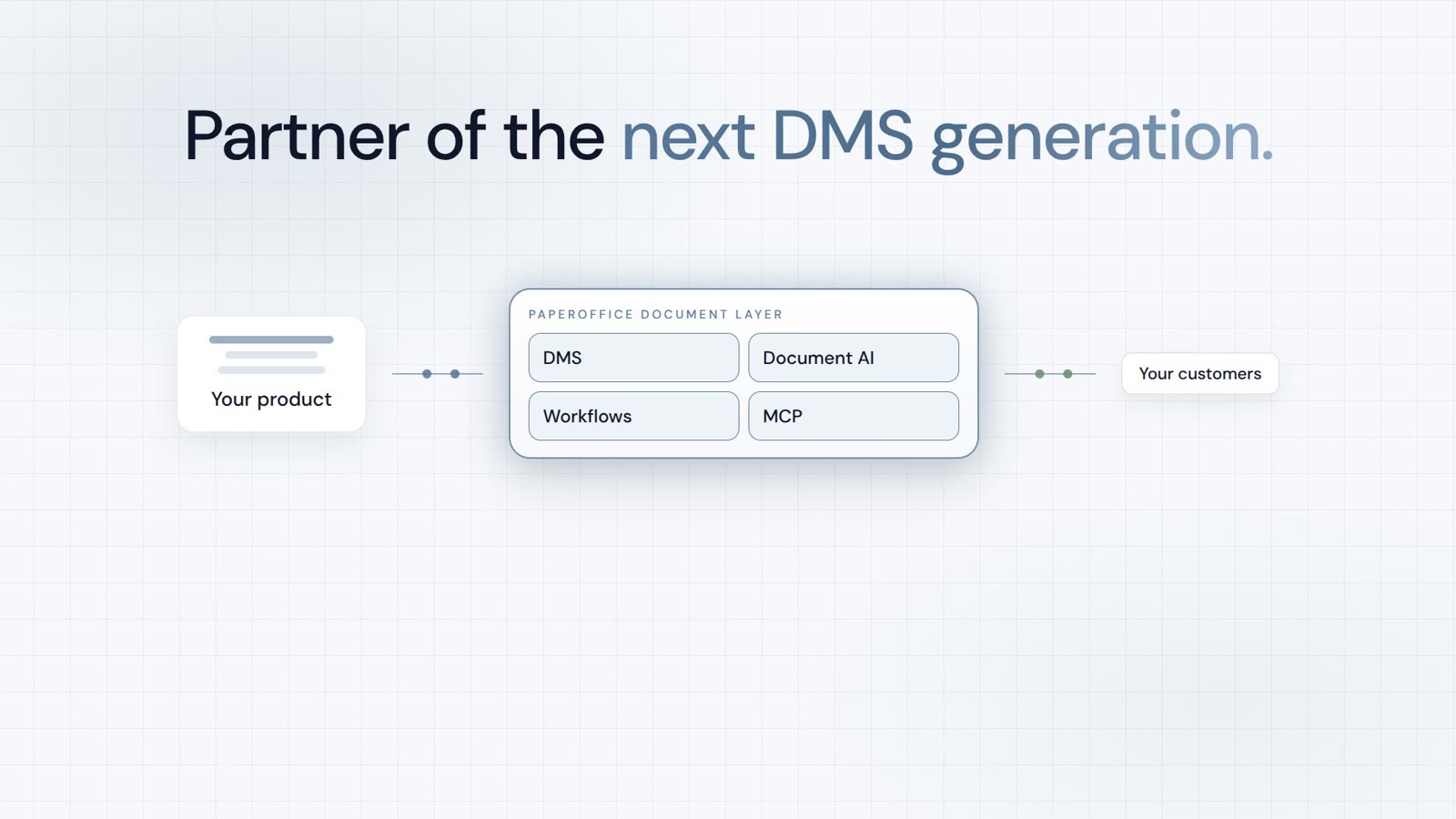
Integrator and Reseller can be combined. Referral by invitation.
View the partner program
AI-DMS
Documents. Intelligence. Real impact.
PaperOffice AI is the AI-DMS. Four functional areas on one DMS foundation, with three ways in.
Features, modules and benefits at a glance.
Capture, organize, search and collaborate on documents.
Plug into your systems and AI workflows.
No installation, ready in seconds.
Search all tools