

PaperOffice Tools
Free PDF tools & online utilities
Merge, edit and compress PDFs. Validate e-invoices, recognize text and calculate deadlines – free of charge with PaperOffice.
Search results
No tool found. Try a different term.
New
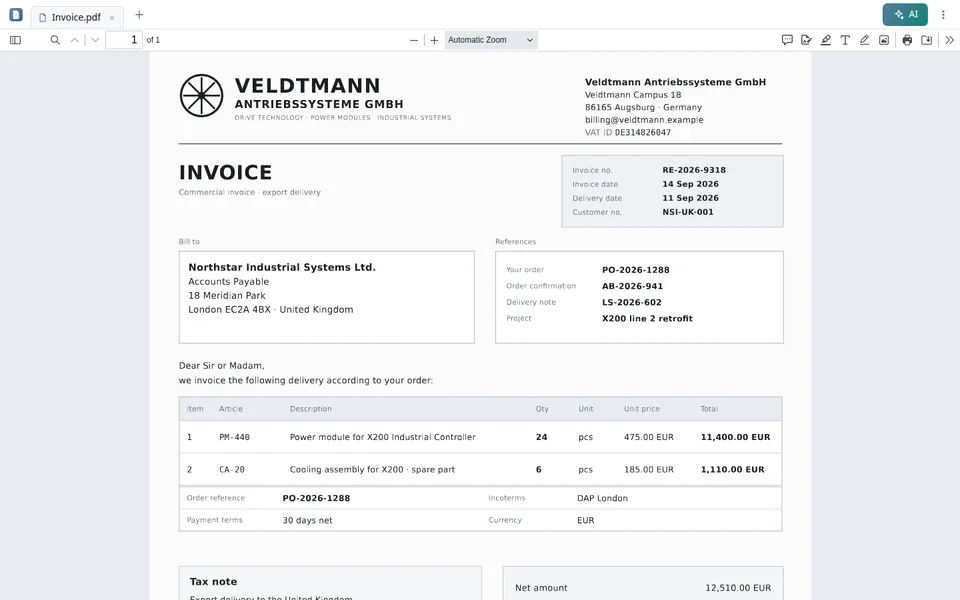
PaperOffice PDF Reader
The free PDF reader from PaperOffice. Your files are not uploaded. With an AI assistant for your PaperOffice account.
- No upload: your files stay on your device
- Installable as an app, works offline
- Forms, signatures, annotations
- AI assistant with your PaperOffice account
Popular tools
Show all toolsAll tools by category
All tools
PaperOffice AI
From a single tool to an automated workflow
Our free tools help you with individual tasks. With PaperOffice AI, you build these steps into automated workflows – for fully digital, efficient processes.
- Automate recurring tasks
- Process data securely
- Integrate seamlessly with your systems
- For companies of any size

FAQ
Questions about PaperOffice Tools
What are PaperOffice Tools?
PaperOffice Tools are free online tools from PaperOffice AI for PDF files, e-invoices, text recognition, deadlines and checks. They work without installation on computers, tablets and smartphones.
Are the tools really free?
Yes. All tools are free of charge.
Is my data stored?
Your files and entries are only used for the respective tool.
Will there be more tools?
Yes. We are continuously adding new PaperOffice Tools.