



Full setup: Connectors — import scans automatically
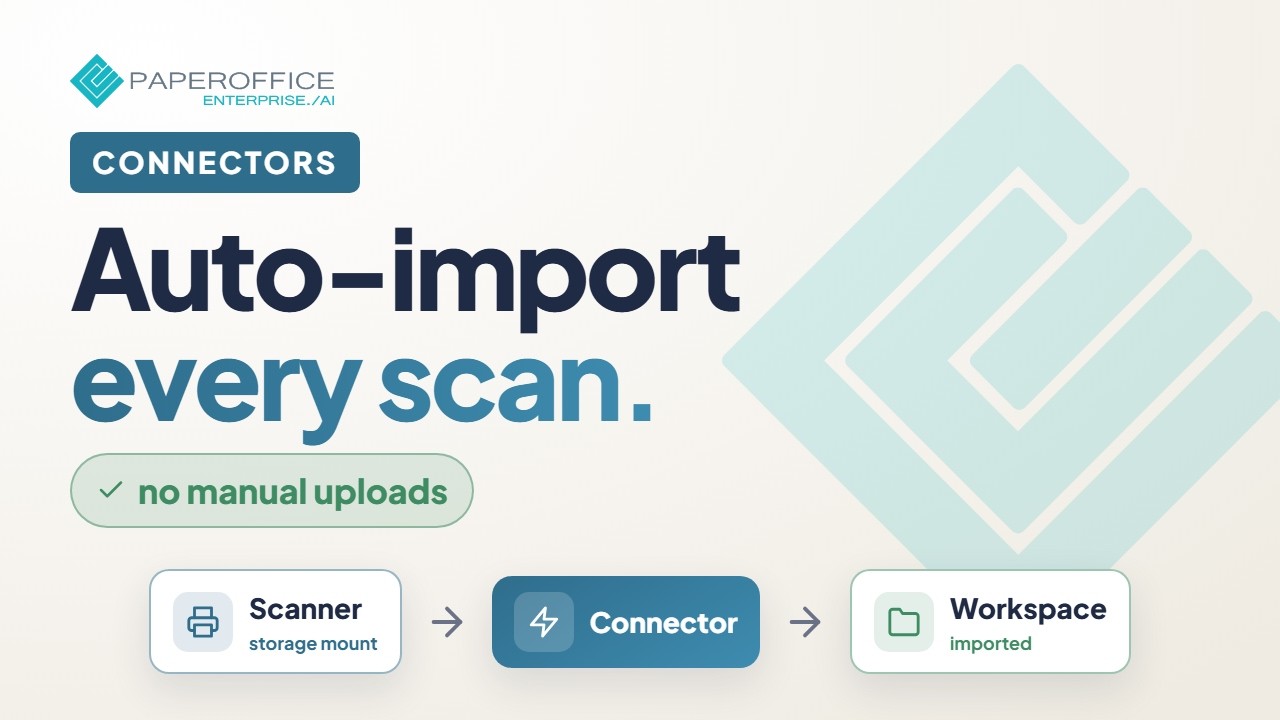
Bring every scan into PaperOffice automatically — create a connector, attach the source, and secure the import path.
What you will learn
- Create a connector and choose the source
- Define import rules and destination
- Verify runs and error logs
Hide transcript Show transcript Transcript
Overview
Connectors pull documents from external sources into structured PaperOffice locations.
Create a connector
Create a connector, select the source, and store authentication securely.
Rules
Define target workspace, filters, and optional post-processing (types, agents).
Activate
Run the first import and review files plus the log.
Harden
Use separate credentials and monitor failure rates.