












The Hidden Costs of Manual Invoice Processing
How much does it cost to process an invoice manually? Most companies underestimate this:
- Receipt and sorting: 2-3 minutes
- Data capture: 5-10 minutes
- Verification and approval: 10-30 minutes
- Posting and archiving: 3-5 minutes
Total: 20-48 minutes per invoice
At an hourly rate of $50 and 500 invoices per month, that's: $8,000 - $20,000 monthly – just for capturing invoices.
What AI-Based Invoice Automation Can Do
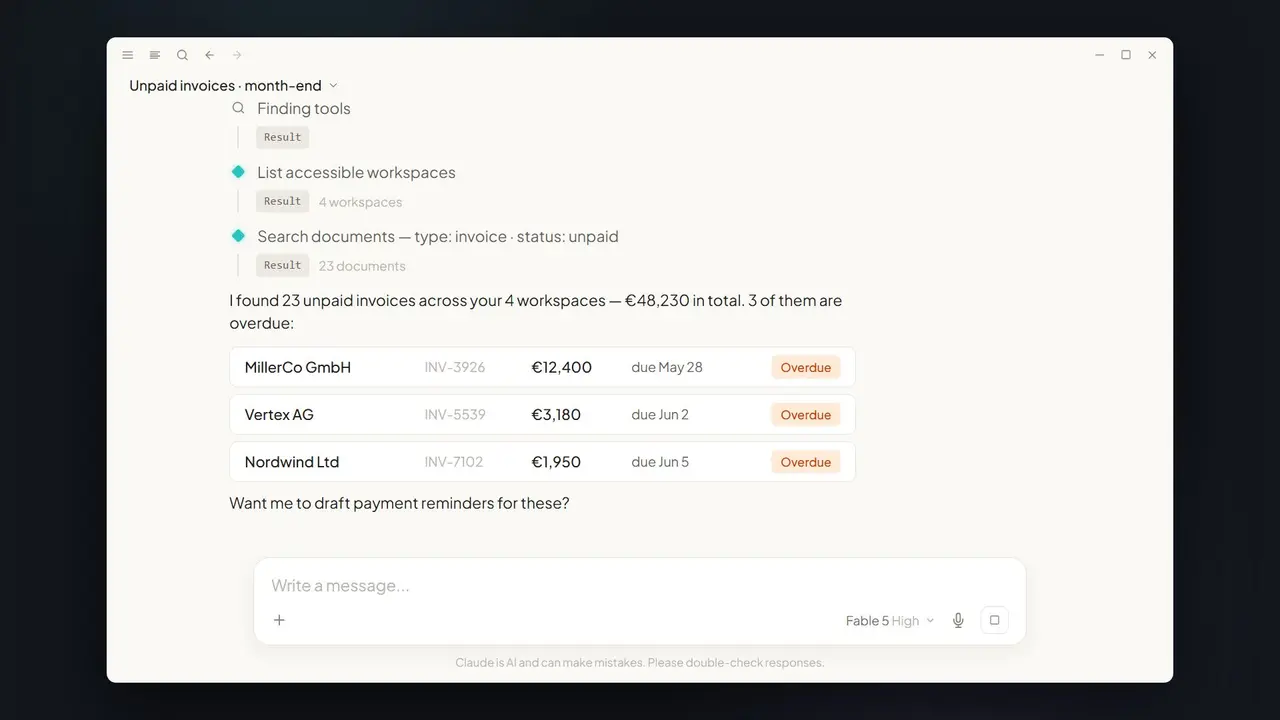
Modern AI systems understand invoices like an experienced accountant – but in seconds:
Automatic Data Extraction
- Vendor and customer data
- Invoice number and date
- Line items with quantities and prices
- Tax amounts and rates
- Payment terms and bank details
- Purchase order references
Intelligent Verification
- Mathematical verification (are all amounts correct?)
- Duplicate detection
- Vendor master data matching
- PO matching
- Anomaly detection (unusual amounts, new bank details)
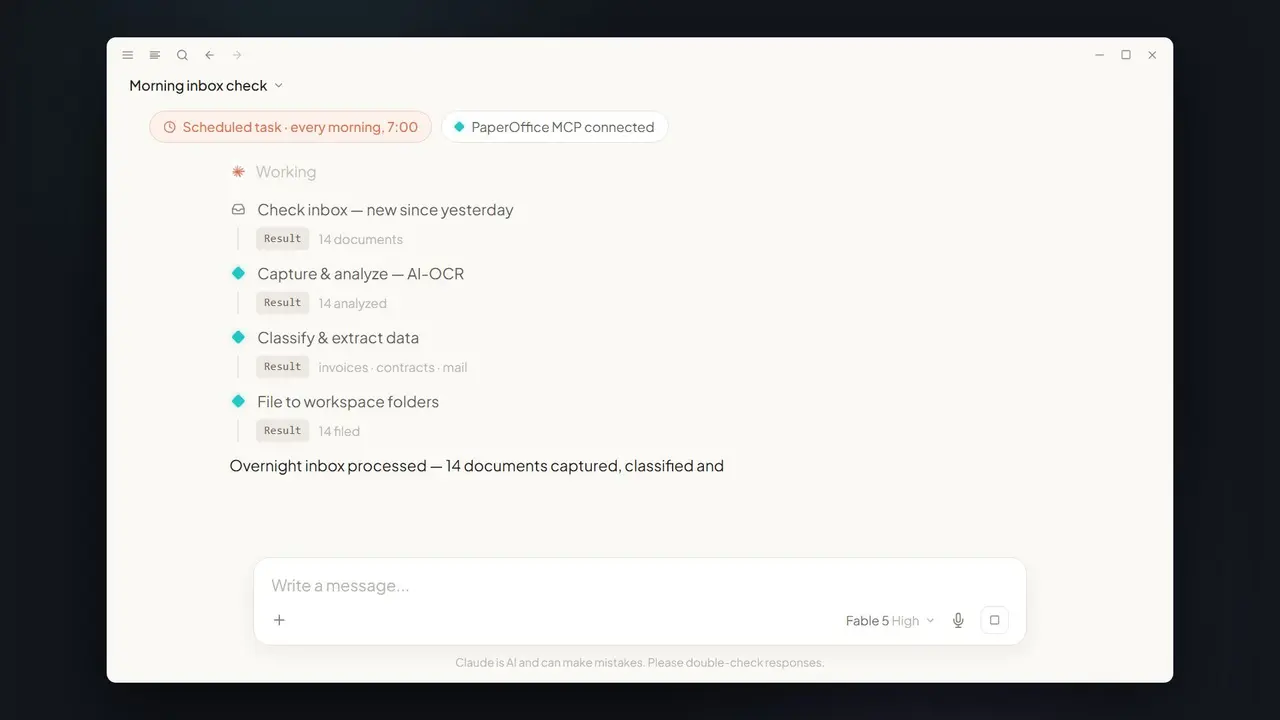
Automatic Workflows
- Routing to responsible approver
- Escalation for overdue approvals
- Automatic posting to ERP
- Compliance documentation
ROI Calculator: Does It Pay Off?
| Factor | Manual | With AI |
|---|---|---|
| Processing time/invoice | 30 min | 2 min |
| Cost/invoice ($50/hr) | $25 | $1.67 |
| 500 invoices/month | $12,500 | $833 |
| Annual savings | - | $140,000 |
Plus: fewer errors, faster payment discounts, better supplier relationships.
Implementation: 5 Steps to Automated Invoice Processing
Step 1: Current State Analysis
- How many invoices per month?
- What formats (PDF, paper, EDI)?
- What ERP/bookkeeping systems?
- Who approves what?
Step 2: Choose the Right Tool
Criteria for selection:
- Recognition accuracy (aim for 100%)
- Integration options
- Setup effort (Zero-Setup vs. Training required)
- Scaling costs
Step 3: Pilot Phase
Start with a defined subset:
- E.g., only PDF invoices from top 10 vendors
- Run parallel to manual process
- Measure: accuracy, speed, acceptance
Step 4: Rollout
- Gradual expansion to all invoice types
- User training (usually minimal)
- KPI monitoring
Step 5: Optimization
- Analyze exception cases
- Expand approval rules
- Integrate additional systems
Common Objections – and the Answers
"Our invoices are too different."
Answer: Modern AI systems (like PaperOffice) work Zero-Shot – they understand any invoice format without training.
"We need to check manually anyway."
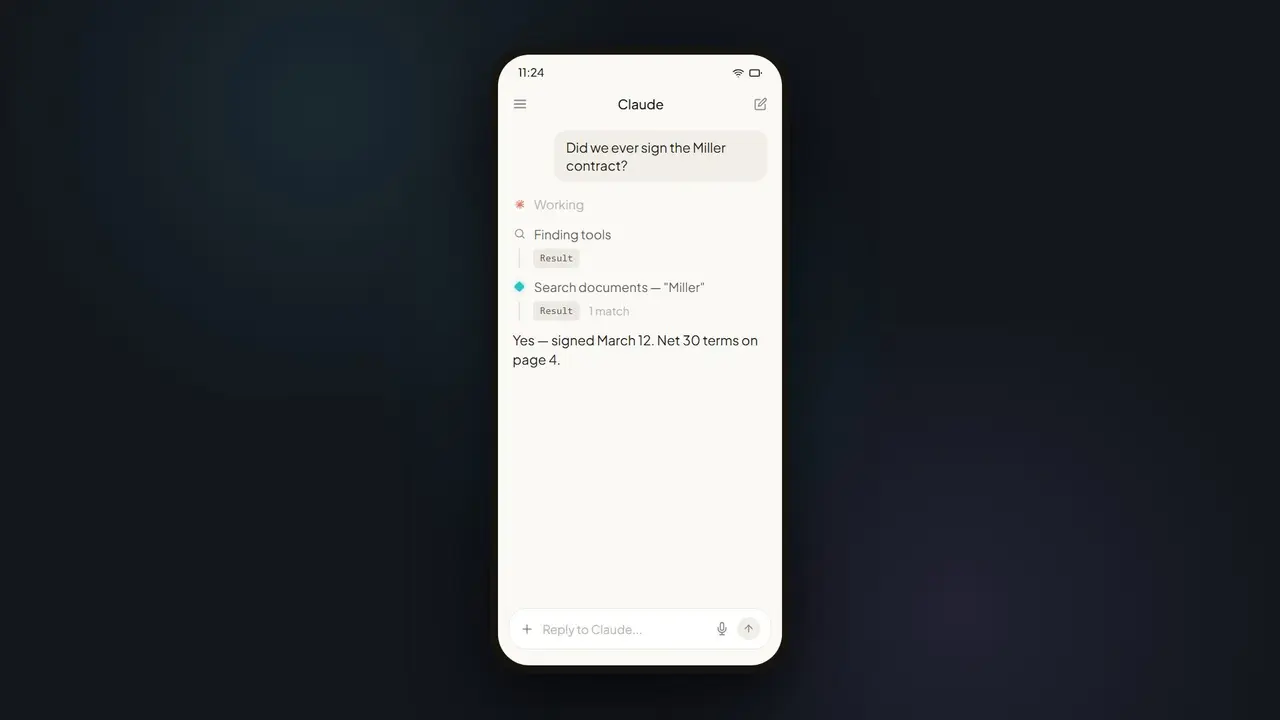
Answer: Yes, but the check of AI-extracted data takes 30 seconds instead of 10 minutes of manual capture.
"Implementation is too complex."
Answer: Cloud-based solutions are live within hours. The question is not "Can we afford the implementation?" but "Can we afford to wait?"
Conclusion: The Opportunity Window is Now
Invoice automation is one of the lowest-risk, highest-ROI AI use cases. Companies that still capture manually are not just slower and more expensive – they lose the best employees to boring routine tasks.
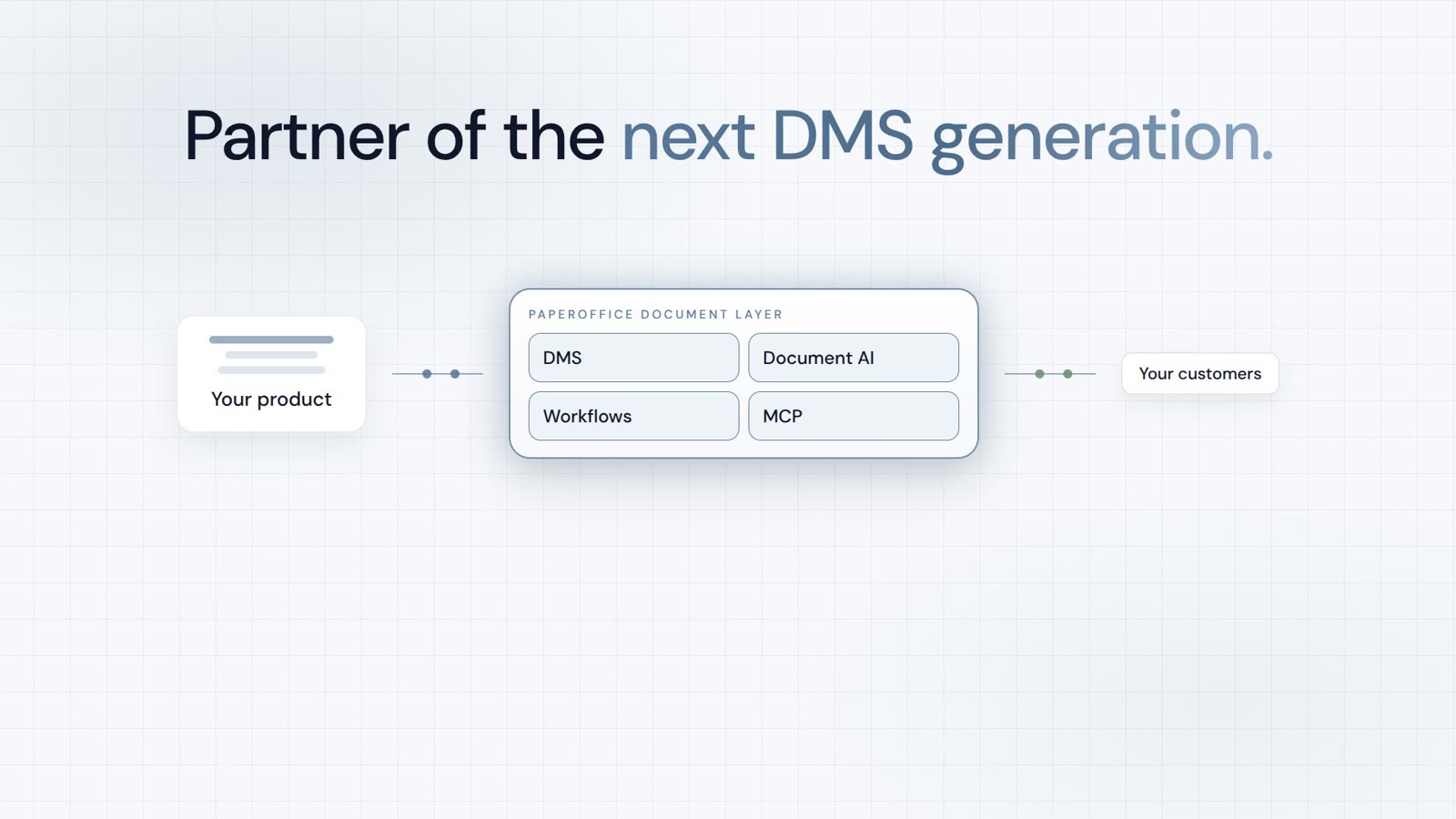
PaperOffice AI processes invoices with Human parity*, integrates with all common ERP systems, and is live within hours. Calculate your personal ROI – the result will convince you.