
Start on the computer
A personal access link will be sent to the email address provided.
Wix · Integration
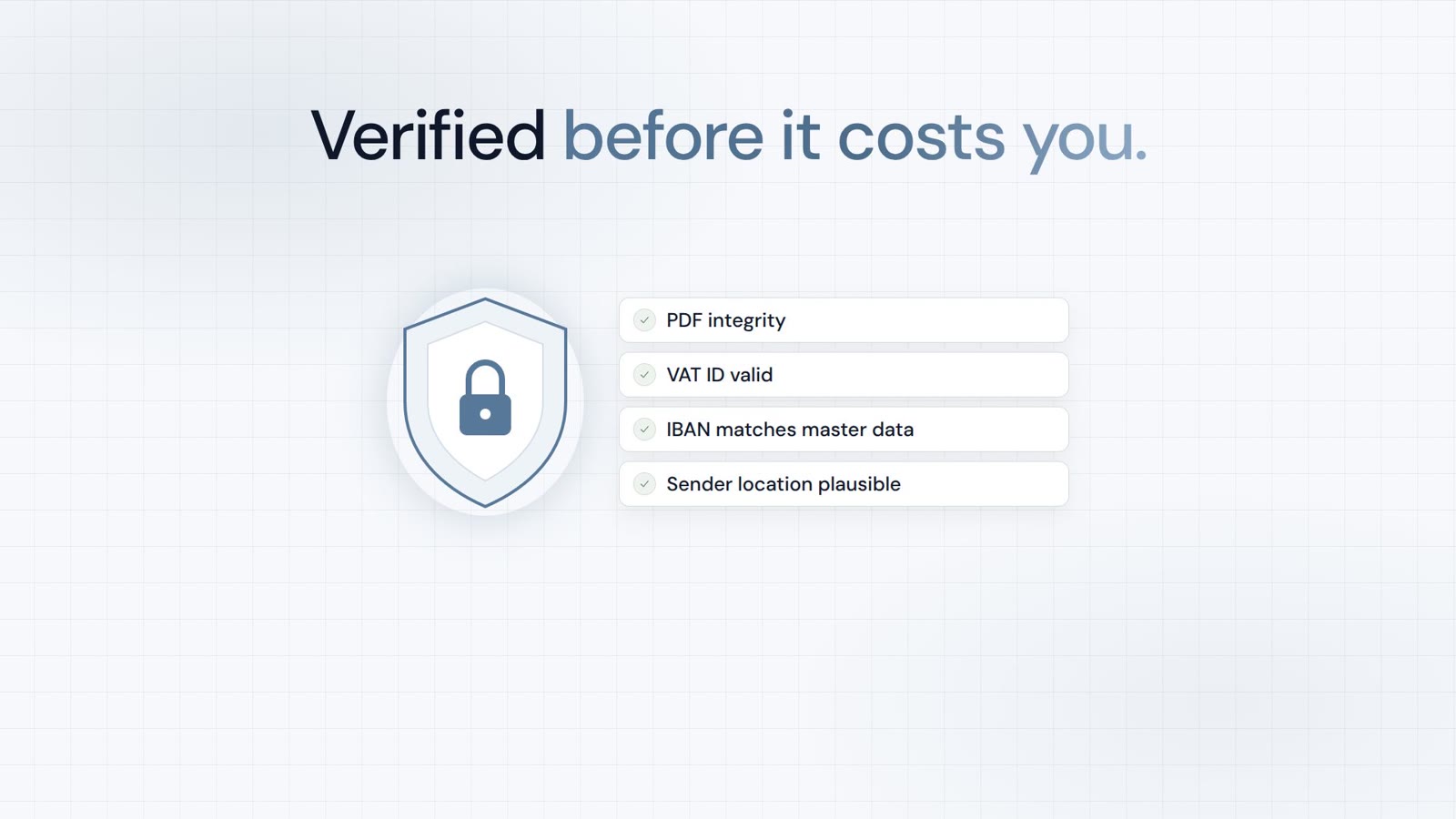
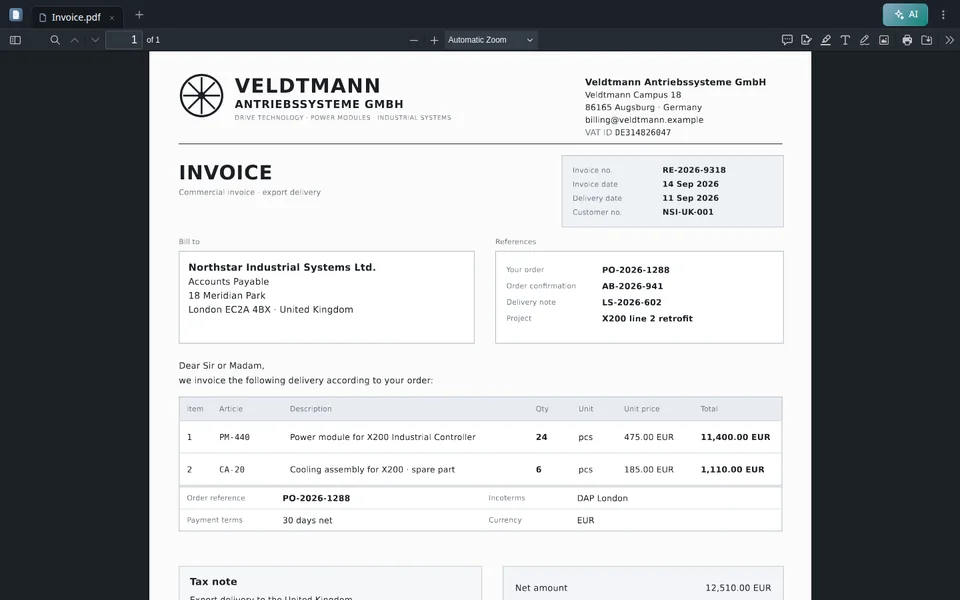
Check supplier invoices against your Wix Stores catalog from your Wix dashboard.
Coming soonBuilt and not yet published in the store. This page describes how it will work.
Trust, verification & partnerships
Verified in Claude and ChatGPT, certified to ISO/IEC 27001:2022
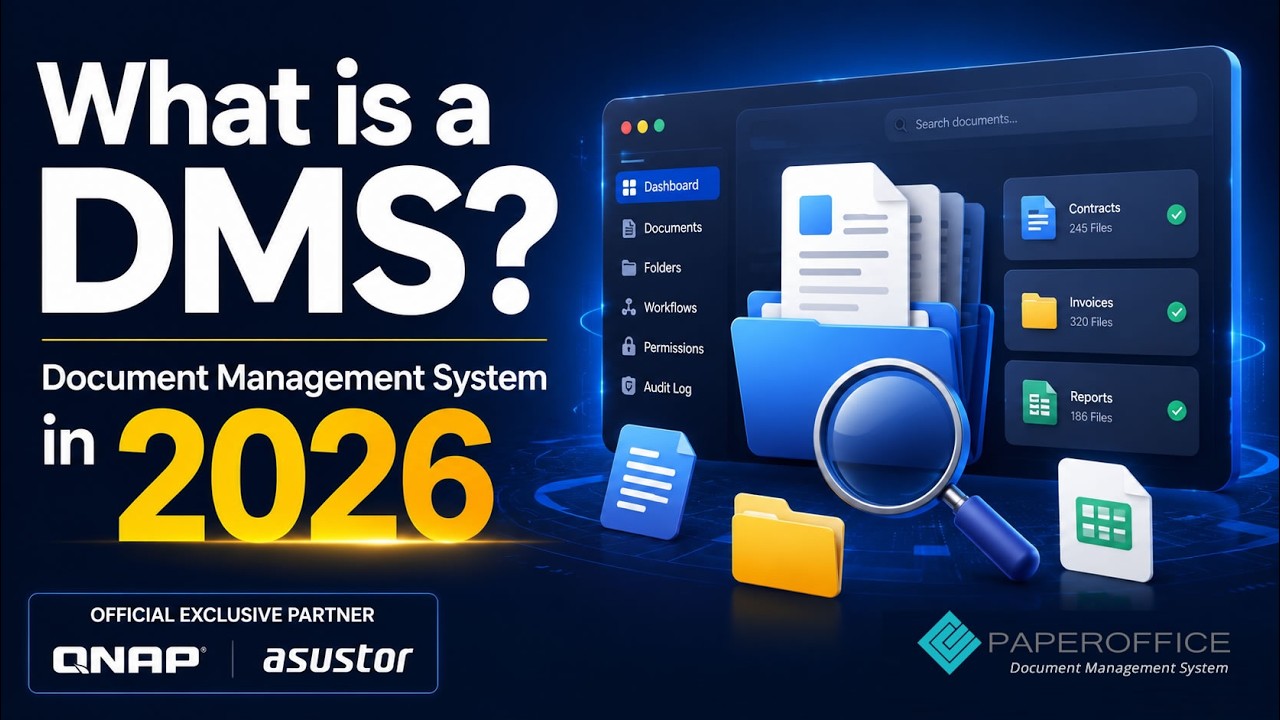
and the sole official DMS partner of QNAP and ASUSTOR.









In scope:
Verified MCP connector.
Learn moreVerified MCP plugin.
Learn more
Sole official DMS partner.
Learn more
Sole official DMS partner.
Learn moreFeatures
Document processing (OCR, extraction, classification) runs on PaperOffice's own hardware in its own data center in Spain (EU), without external AI providers.
Results are generated with AI and can contain errors. Please check important values.
Limits: PDF and image files up to 25 MB; up to 20 line items per invoice are compared; the cost of goods is compared only on sites with the current Wix Stores catalog (V3), older catalogs are checked by SKU only. Settings are removed when you remove the app, or after 6 months without use. You can remove your token at any time with "Remove my token".
Setup
FAQ
Not yet. It is built but not submitted. PaperOffice AI is an independent product and is not affiliated with Wix.
No. It only reads your catalog and does not change anything in Wix.
No specific plan is required. Usage is billed to your PaperOffice AI account as usual.
Where would you like to try PaperOffice?
Your trial is ready
Where would you like to start?
The full workspace is optimized for the computer. The mobile version is for capturing, reviewing, and approving documents.
Register free Already a customer? Log in app.paperoffice.aiStart on the computer
A personal access link will be sent to the email address provided.
Open PaperOffice Mobile
Capture and work with documents directly on the smartphone.
Open mobile version
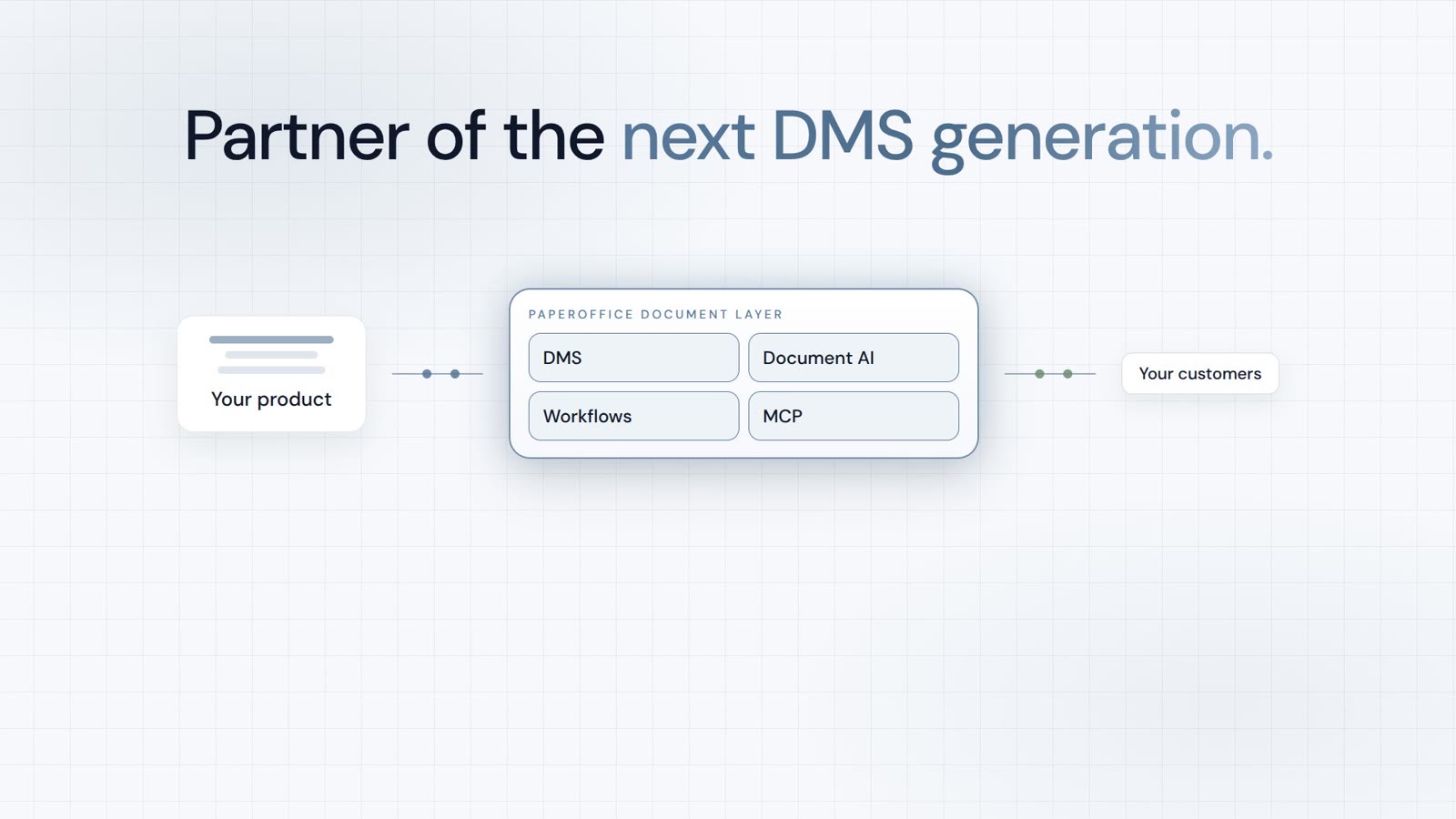
Integrator and Reseller can be combined. Referral by invitation.
View the partner program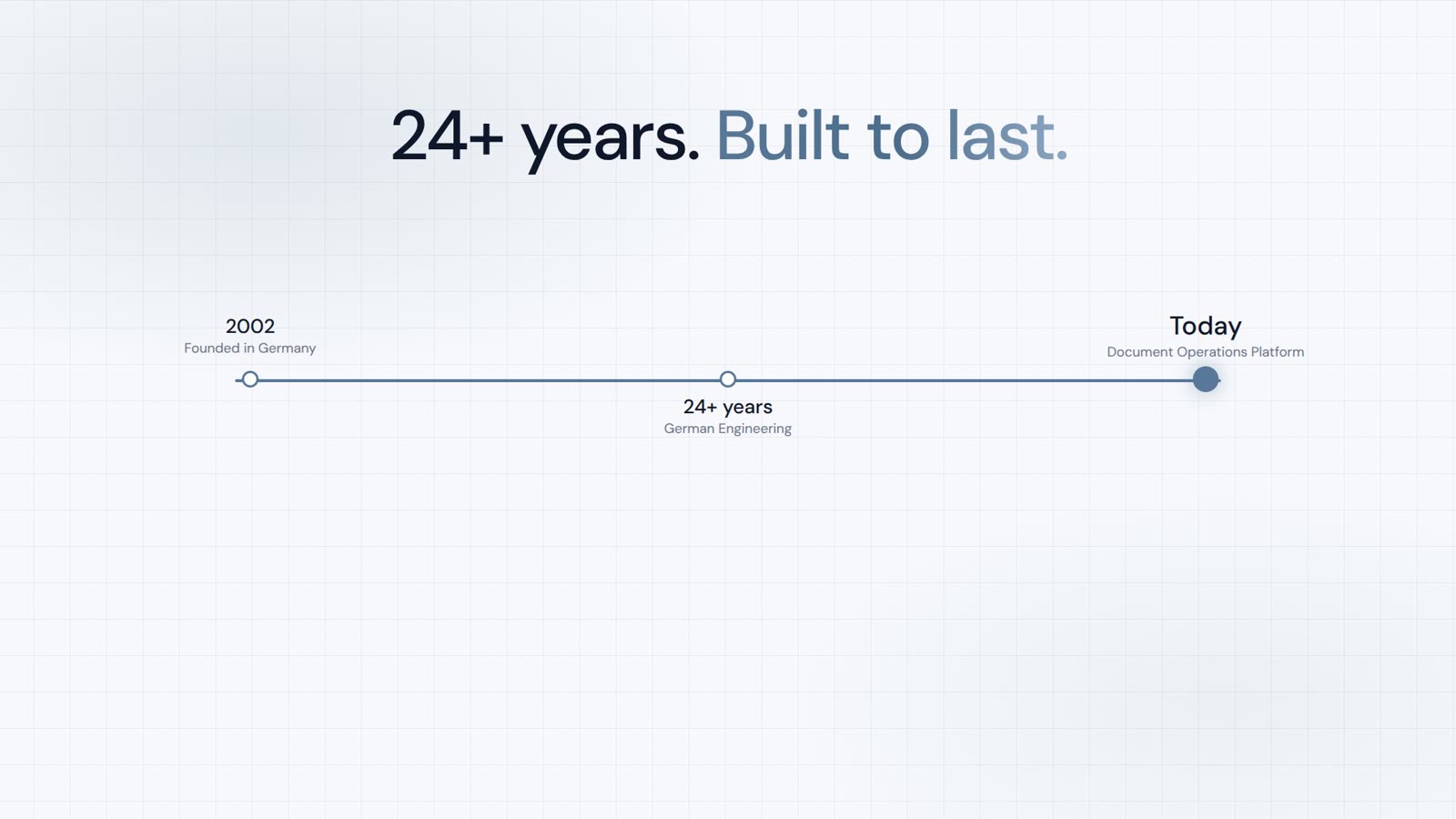
AI-DMS
Documents. Intelligence. Real impact.
PaperOffice AI is the AI-DMS. Four functional areas on one DMS foundation, with three ways in.
Features, modules and benefits at a glance.
Capture, organize, search and collaborate on documents.
Plug into your systems and AI workflows.
No installation, ready in seconds.
Search all tools