


DocuWare
- DocuWare: classic DMS with named-user licenses and partner rollout. Filing and workflow are the core — API access and AI extraction follow edition and project.
vs DocuWare
Cloud DMS with named-user logic vs. per-page model: WORM, 69 document types and one REST/MCP access path.
DocuWare licenses per named user on an annual plan via partner projects — official FAQ lists about £20 to £57 per user per month. PaperOffice bills per page, not per head: from 2¢, start with a token instead of a project.
Made for real business. Not for hype.
Product UI from August 5, 2026 · from €6 per 1,000 pages
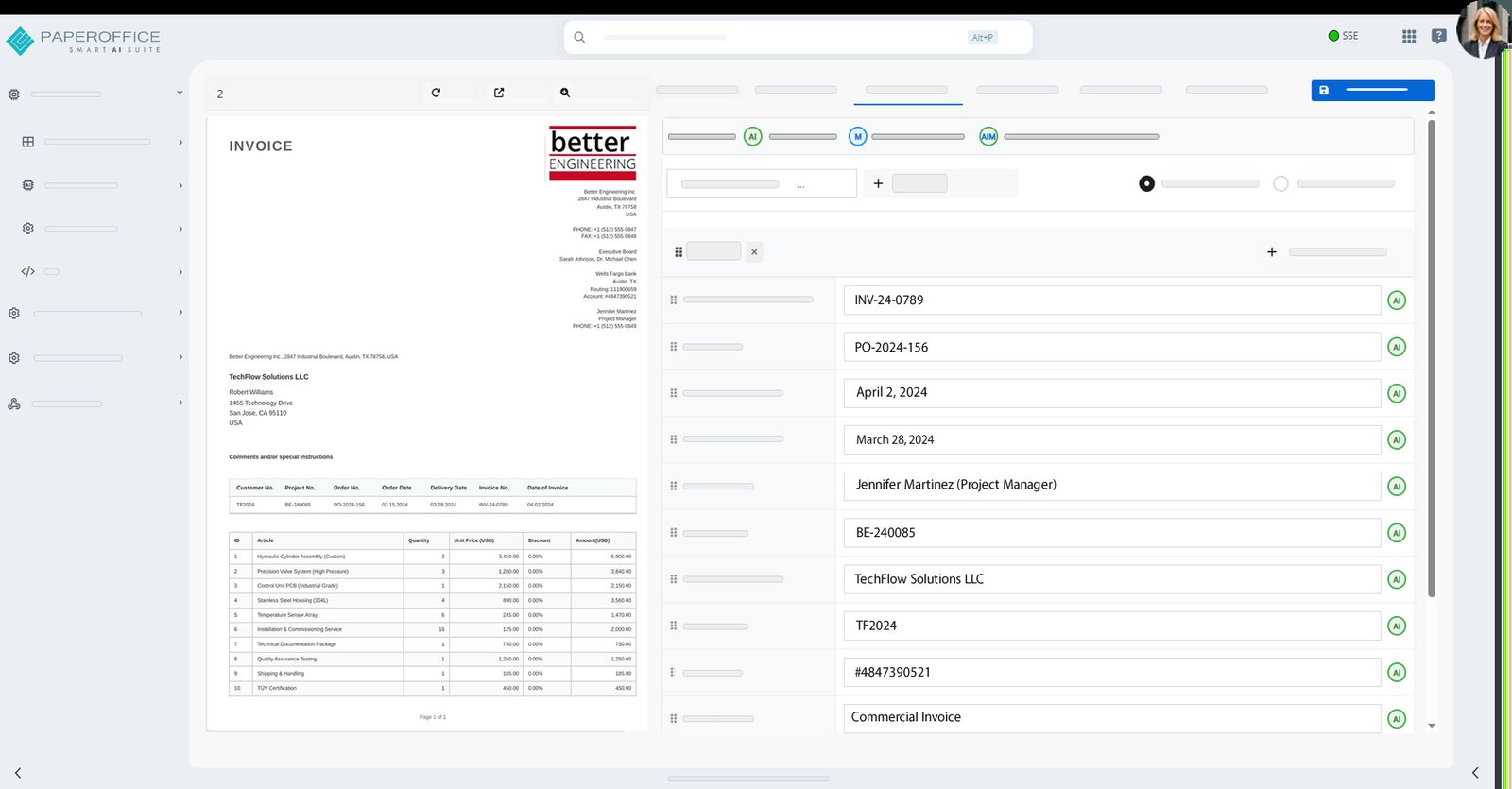
1 · Workspace
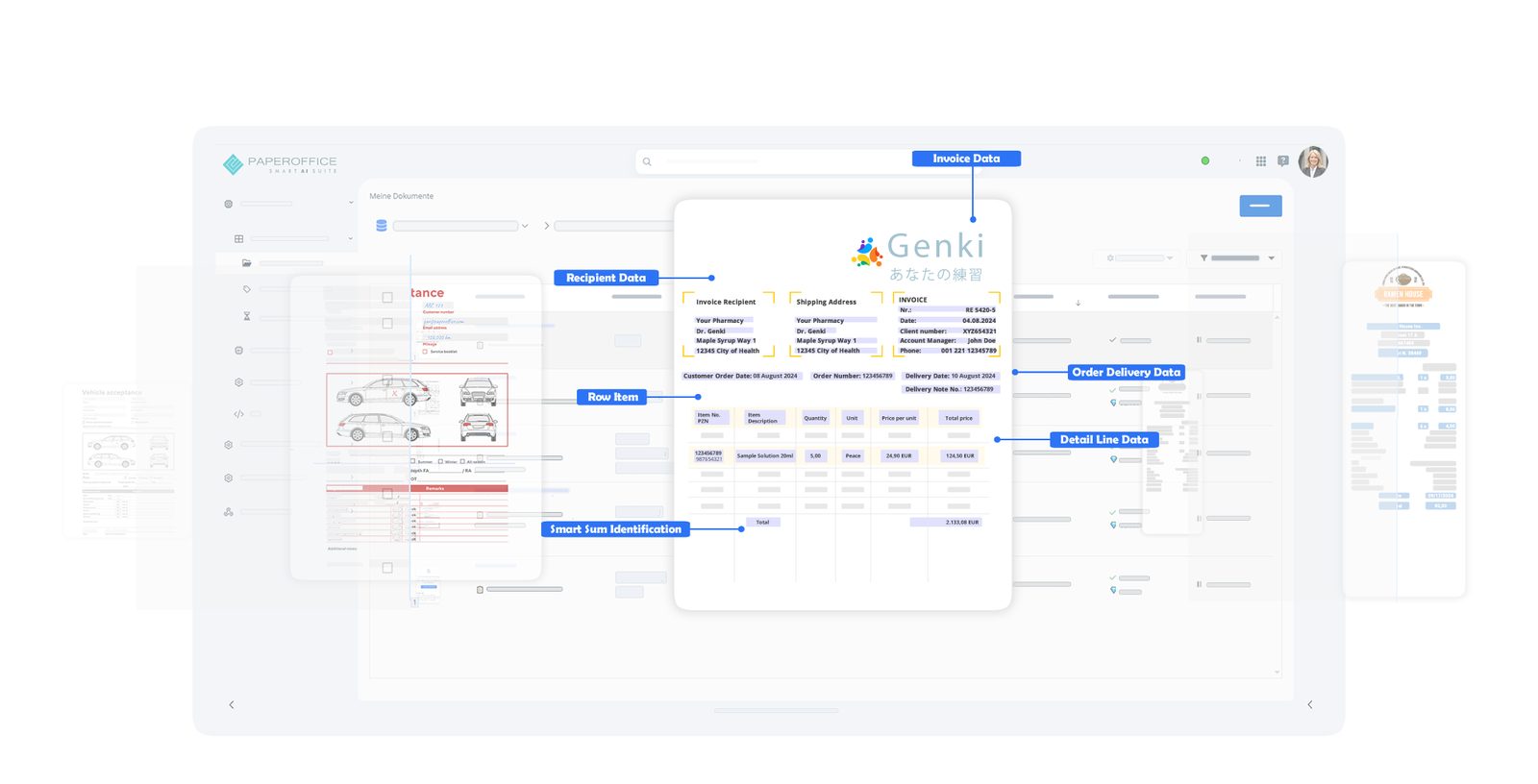
Document list with fields, preview and confidence — Pristine demo universe.
2 · Workflow / HITL
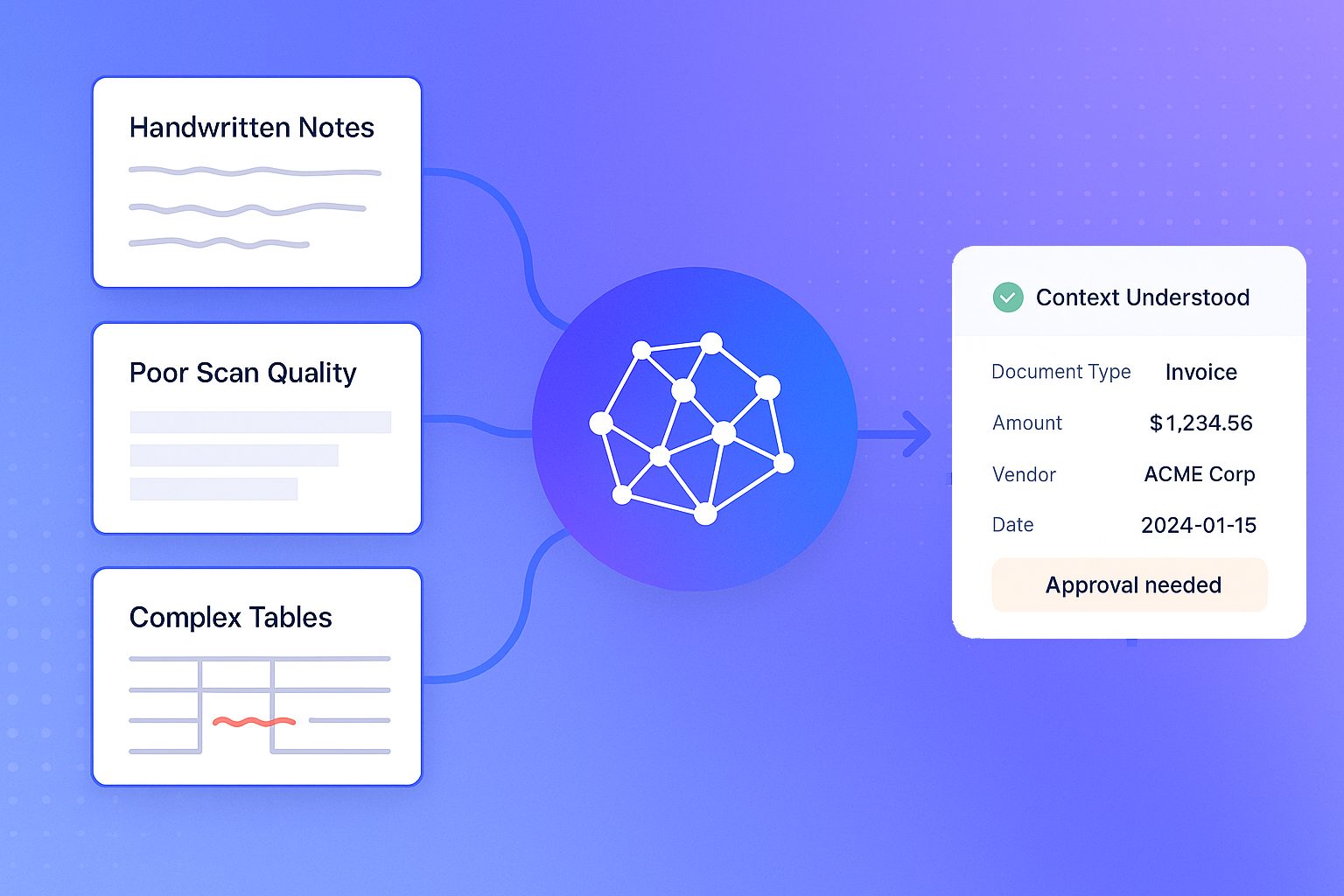
Approval queue with approve, reject and escalate in the same job path.
3 · Compliance / WORM
Retention, legal hold and revision on the document — deletion blocked.
In the same account
AI OCR with bounding boxes — 69 types, fields with location.
from €6 per 1,000 pages
Seamless in the job path — task and document also on mobile.
Web + Mobile
SES signatures from the same credit balance.
SES from the balance
Audit-proof filing and audit trail.
included
vs DocuWare
Details for DocuWare from a public vendor pricing page, as of 08/2026.
| Criterion | PaperOffice | DocuWare |
|---|---|---|
| Bounding boxes (word/line level) | Yes (word/line level, Surya OCR) | n/a |
| Sandwich PDF / searchable archive PDF | Yes — searchable archive PDF | n/a |
| Click-to-evidence / visual validation (HITL) | Yes — click-to-evidence / HITL | workflows project-dependent |
| Structured IDP fields (ready types) | 69 ready document types incl. DATEV/ZUGFeRD/XRechnung | Intelligent Indexing (add-on) |
| DMS/archive included (WORM, audit, legal hold) | Yes — WORM, audit trail, legal hold | Yes — DMS core (partner sales) |
| Native MCP server (tool count) | Yes — 300+ API/MCP Tools | n/a |
| EU inference on owned hardware | Yes — owned EU GPU hardware | cloud/on-prem via partners |
| API-first / headless | Yes — REST + MCP | API available — procurement partner-led |
| Setup | Self-service token | partner project / day rates |
| Pricing model | One credit balance for all features: from €6.00–€60.00 per 1,000 pages by quality tier | License model: named-user licenses, cloud as an annual subscription (12-month minimum), 4 cloud license models; sold via partners, end prices ‘on request’ |
| List price per 1,000 pages | Basic €20.00 / Premium €60.00 / Ultra €200.00 per 1,000 pages (2/6/20¢) | UK FAQ: Full named user from GBP 57/user, tiered to GBP 20/user; workflow/storage separate (GBP, no EUR conversion) |
| Billing | from €6.00 per 1,000 pages (Elite) — same scale on every tier | n/a |
| NAS integration | Sole official DMS partner for QNAP and ASUSTOR | n/a |
Source: https://start.docuware.com/en-gb/faq/docuware_pricing, retrieved 08/2026.
DocuWare is a trademark of its respective owner. PaperOffice is not affiliated with or endorsed by DocuWare. Competitor details are based on publicly available sources (as of 08/2026) and are provided without warranty.
Our prices are public — including partner terms.
Unit: Price per 1,000 pages
| Tier | Elite Partner (−70%) | Partner (−40%) | Enduser |
|---|---|---|---|
| Basic | €6.00 | €12.00 | €20.00 |
| Premium | €18.00 | €36.00 | €60.00 |
| Ultra | €60.00 | €120.00 | €200.00 |
Billing is internal in credits; amounts follow the selected currency (base: list price).
Elite terms after qualification — criteria and program are public: Pricing · Partner program
Teams that want a classic client DMS with on-site partner support and a fixed named-user circle are well served by DocuWare — rollout and support follow the classic DMS model.
When API-first, credits and MCP without a client mandate matter, PaperOffice is the better fit.
Trust, verification & partnerships
Verified in Claude and ChatGPT, certified to ISO/IEC 27001:2022
and the sole official DMS partner of QNAP and ASUSTOR.









In scope:
Verified MCP connector.
Learn moreVerified MCP plugin.
Learn more
Sole official DMS partner.
Learn more
Sole official DMS partner.
Learn moreThe result from DocuWare stays in that product context. PaperOffice keeps extraction and archive on the same document.
License model: named-user licenses, cloud as an annual subscription (12-month minimum), 4 cloud license models; sold via partners, end prices ‘on request’. Extraction or signature can have their own contracts. PaperOffice combines this in one account.
DocuWare stores and organizes files in its own model — residency depends on edition and hosting. PaperOffice runs its own EU servers and keeps extraction plus audit-proof filing together.
vs DocuWare
https://api.paperoffice.ai/latest/docs/llms-full.txt Or connect directly: MCP server for Claude, Cursor and ChatGPT →
Import & Migration API — documented in llms-full.txt.
Prepare documents and metadata from DocuWare for ZIP/scan-source import (no price assumptions).
Upload via the Import API and poll status — can run in parallel with DocuWare.
After cutting over from DocuWare: connect HITL workflows; MCP via OAuth 2.1 or a User token (po_ut_ / po_gt_).
Yes. PaperOffice AI can be evaluated as an alternative to DocuWare — along license, self-service, GoBD/WORM and agents, API-first.
Basic 2¢, Premium 6¢, Ultra 20¢ per page — PaperOffice’s full price list is public. Figures for DocuWare are in the comparison table; source and retrieval date sit directly below the table.
DocuWare primarily solves the core job described on this page. PaperOffice keeps extraction, archive (WORM), permissions, HITL and MCP on the same document — with a public per-page price list.
From DocuWare: prepare inventory as ZIP/scan source, start an import job, then workflows via REST and MCP via OAuth 2.1 or a User token (po_ut_ / po_gt_). No mandatory partner project. llms-full.txt: Import & Migration.
On our own servers in the EU — including audit-proof filing and an audit trail. Where DocuWare processes data is documented by the vendor.
Moving from DocuWare typically starts with token + Import API — self-service instead of a mandatory project. Fastest with llms-full.txt.
Another comparison in the same category as DocuWare.
PaperOffice vs Paperless-ngx →Another comparison in the same category as DocuWare.
PaperOffice vs ELO Digital Office →Another comparison in the same category as DocuWare.
PaperOffice vs d.velop documents →Another comparison in the same category as DocuWare.
PaperOffice vs Amagno →Another comparison in the same category as DocuWare.
PaperOffice vs M-Files →Another comparison in the same category as DocuWare.
PaperOffice vs Mayan EDMS →Get a token, review pricing, compare the feature matrix.


Integrator and Reseller can be combined. Referral by invitation.
View the partner program
AI-DMS
Documents. Intelligence. Real impact.
PaperOffice AI is the AI-DMS. Four functional areas on one DMS foundation, with three ways in.
Features, modules and benefits at a glance.
Capture, organize, search and collaborate on documents.
Plug into your systems and AI workflows.
No installation, ready in seconds.
Search all tools














