









In the construction industry, many people from different roles, departments and sometimes even companies work together on a variety of data, documents and information.
It is of great importance that all processes run efficiently and quickly, especially when it comes to organizing and managing business-critical content such as drawings, contracts, project plans and the like.
However, if the management of documents and information is inefficient, there can be some disadvantages.
For example, confusion arises among employees when they work on the basis of outdated versions. This results in misunderstandings due to the lack of overview, and thus we find ourselves in a vicious circle of increasing operating costs due to duplicated and inefficient work - not to mention the time that has to be spent clearing up the resulting confusion.

In summary: If documents and information are not structured and clearly managed, no one in the company is able to make day-to-day and intelligent decisions that in turn ensure the company's success.
In this article we not only look at the challenges of document management in the construction industry, but also how efficient and structured management of data, documents and information is possible with PaperOffice AI. Due to our extensive expertise in digitization and paperless work, we naturally have a possible solution ready for every challenge.
We introduce you to 7 practical challenges and present the solutions
PaperOffice surveyed some construction companies in 2022 about the biggest hurdles in managing data, documents and information and took into account some company information from the case studies carried out. The following insights were gained:
Challenge 1
Documents are difficult to find in the existing filing structure
A full 82 percent of organizations surveyed said they were having trouble locating a document in their folder structure due to confusing file names or poor categorization.
At the same time, categorizing documents is not possible due to lack of time and would only be an option if it happened automatically.
Whether it's physical folders or digital folder structures on servers, a document's filename should typically provide information about its contents.
It's common for people to use their computer's search function to search for key keywords in the hope that they're in the filename of the document they're looking for.
Such searches quickly create confusion, as a lack of a uniform structure can mean that the files do not always contain the searched keywords.
Similar to a physical folder that is on the wrong shelf, in a different room, placed incorrectly, or has an illegible or misprinted label.
Everyone knows the "hanging Explorer", which completely gives up the ghost when searching in 5000 files and a regular, simple search has to be combined with a PC restart.
With a solution like PaperOffice AI, a document management system with AI, confusing filing and time-consuming searches are a thing of the past.
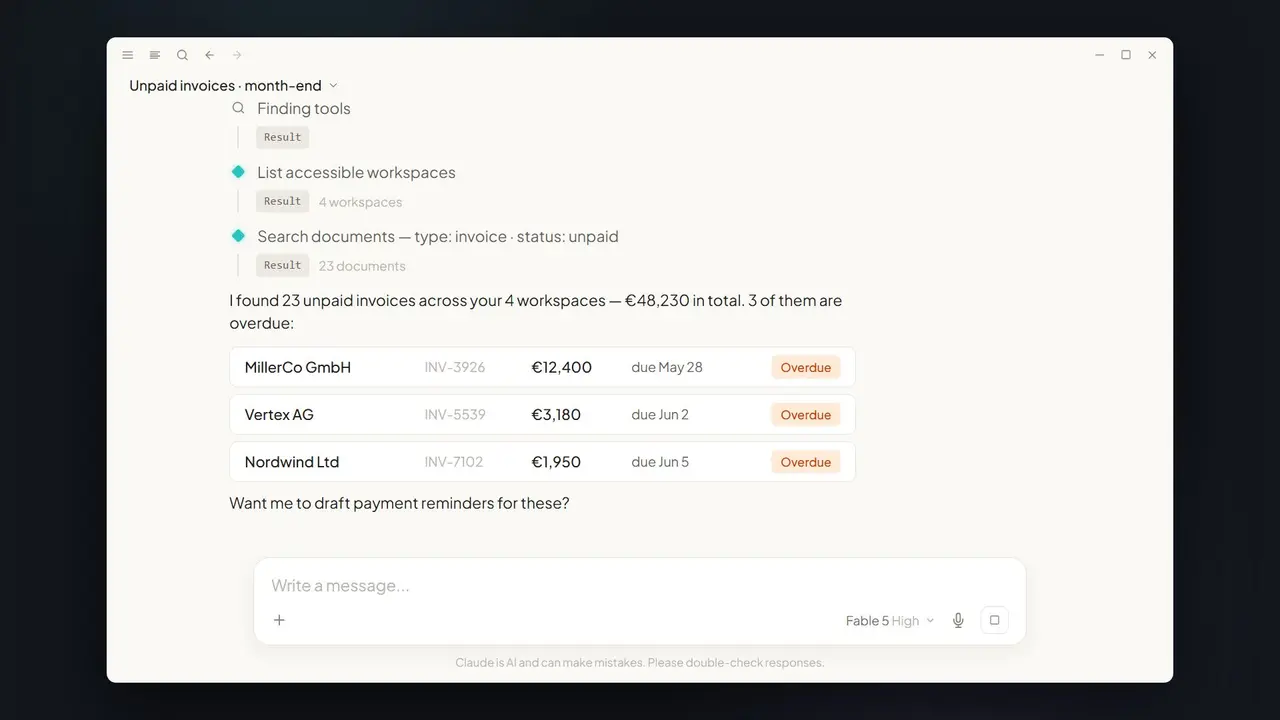
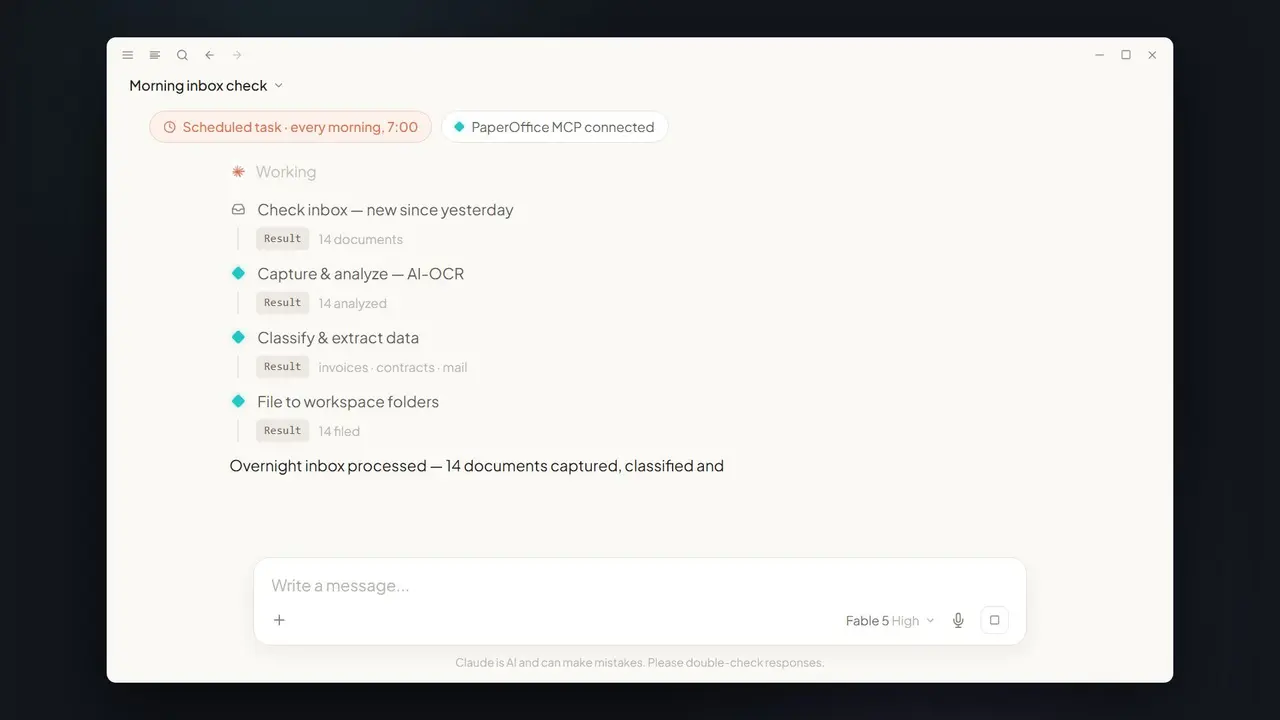
In PaperOffice AI, documents are not simply named arbitrarily and stored at any location, but are automatically read on arrival (OCR in more than 120 languages) and classified. Their key details are available as fields, and folder suggestions or workflows file the documents logically by "project" or "company" and link them to the relevant information. Semantic search finds them quickly and easily, even without the exact search term. For example, the search can be based on the type of project, the project itself, the customer or a subcontractor, the document creator or the document status.
Tip: Discover our case study on the successful introduction of PaperOffice at the construction company IDC Construccion S.L. in Las Palmas.
Read more about it now and get inspired.

Challenge 2
Uncertainty about the current and correct version of documents
The lack of clarity about the current and correct version of documents represents a significant challenge for companies.
Construction companies stated that they do not have an overview of which version of a document or piece of information is the current or correct one.
In today's world, where several people can work on a document independent of location and time, clear communication is crucial.
To avoid misunderstandings, it is important to document every access, change and archiving in writing. In this way, it is also possible to trace later how the document was created. Merely adding to the file name such as "_2" or "_new 1.2" FINAL", "FINAL 2", "DRAFT 2.0" is not a suitable solution, however, since it is not clear which version the document actually is. This often creates confusion when searching and increases the number of duplicates that can be found in different locations.
Solution: With PaperOffice AI you can elegantly solve both problems – versioning and traceability of changes. You store new drafts as a version of the same document, and the audit trail records every access and every change with person and time. All versions thus stay together in one document instead of as scattered copies, and earlier versions can be compared side by side. This avoids misunderstandings, and the documents can be found without any problems.
With approvals you confirm the current state of a document, and optional WORM protection keeps the stored file from being changed.
Challenge 3
Problems accessing relevant data anytime, anywhere
Construction companies often work at different locations and job sites, making access to important documents and information a challenge.
Traditional paper-based systems make it difficult to access the data you need, especially when it is physically stored in a specific location. This can lead to delays in decision-making, inefficient communication, and potential errors.
Solution: Digital document management offers the possibility of storing documents centrally and making them accessible. This gives team members the opportunity to access relevant data at any time and from any location.
The introduction of mobile applications even enables employees to retrieve documents and information directly from the construction site. This increases efficiency, improves communication and facilitates real-time collaboration, regardless of location.
PaperOffice AI also connects NAS devices, for example from QNAP and Synology. With Bring Your Own Storage (BYOS), your files stay encrypted on your own NAS or server (over SFTP); PaperOffice holds the index, metadata and AI results in its own data center in the EU.
You can find out how this works on our page about Storage Mounts (BYOS).
PaperOffice has been an official DMS partner of QNAP since 2019. You connect a QNAP NAS to PaperOffice AI as your own storage via BYOS, so your files stay on your storage in-house.
To learn more about PaperOffice's partnership with QNAP and the associated benefits for companies, click here.
PaperOffice AI is a comprehensive document management system in the browser that helps you organize, store and share documents, in the office and at the construction site. You scan documents with your smartphone or scanner, the AI reads and organizes them, you archive and retrieve them, and tasks and workflows improve collaboration between users.
Challenge 4
Unstructured documents and information
Construction companies manage a variety of documents such as plans, drawings, contracts, permits and reports. In addition, e-mails from Outlook also contain valuable information that is relevant for construction companies.
Often these documents are unstructured and come in a variety of formats and file types. This can make it difficult to organize and access relevant information, especially when there is no consistent structure or classification.
Solution: An effective document management solution like PaperOffice AI offers functions for structuring and categorizing documents. On arrival, the AI recognizes the document type and suggests the folder; emails and attachments reach the workspace directly through the email inbox. With folders, custom metadata and tags, you organize documents by projects, categories or other relevant criteria. This significantly improves the findability and management of documents, as they can be identified quickly and easily.

Challenge 5
Collaboration and Communication
Construction companies often work in teams and need to work together effectively to complete projects successfully. One challenge is that multiple people are working on a document at the same time and need to make changes. Traditional methods like sending emails or merging changes manually can result in delays, data loss, and inefficiency.
Solution: A document management solution with a built-in collaboration feature allows multiple users to work on a document at the same time. Changes are tracked automatically and remain traceable, which avoids conflicts and makes collaboration easier.
Real-time comments and chat capabilities enable seamless communication between team members to clarify questions and make decisions.
Challenge 6
Compliance and Safety
Construction companies often have to comply with specific regulations and standards, particularly when it comes to data protection and the security of sensitive information. Managing and securing documents in accordance with legal requirements can be challenging, especially when sensitive information is compromised or lost.
Solution: A reliable document management solution offers features to secure sensitive data and comply with regulations. This includes encrypted storage, access controls, user permissions and audit trail capabilities.
By implementing robust security measures, construction companies can ensure their documents are protected and compliant with applicable regulations.
Challenge 7
Document integration and data migration
Construction companies often work with different systems and tools designed for specific tasks or phases of a construction project.
The challenge is to integrate these different systems seamlessly with each other and ensure that all relevant documents and information are accessible in one central place.
In addition, it can be difficult to migrate existing physical documents or data from other systems to a new document management solution.
Solution: PaperOffice AI offers integration options to fit into existing systems and tools: a REST API, webhooks and an MCP server, connectors for folders and mailboxes, and the import of existing records as a ZIP file, via storage mount or from an ELO export. By integrating different systems, construction companies can use their existing data and documents efficiently while centralizing access and management.
During data migration, special services or tools can help to digitize physical documents and transfer data from other systems to the new document management system.
Conclusion
Document management for construction companies presents a number of challenges that must be overcome to ensure efficient and smooth business processes.
By using a robust and comprehensive document management solution, these challenges can be successfully overcome. PaperOffice AI offers structured document organization, fast access in the browser and on mobile, collaboration through tasks, approvals and workflows, security with AES-256 encryption, version control and change tracking in the audit trail, and integration with various systems. PaperOffice is ISO/IEC 27001 certified for information security (certificate under NDA).
By addressing these challenges, contractors can increase productivity, improve efficiency and lay the foundation for successful project management.
For whom is a paperless office suitable?
The quick and easy answer to the question is: for every company. All business sectors and sizes benefit from a paperless office, from SMEs and start-ups to large companies. However, the conversion is particularly valuable for small and medium-sized companies: The reduction in processing effort and costs frees up the budget required for further growth boosters.
Can I use a cloud-based DMS provider for my paperless office?
Yes – if the provider processes your documents in the EU and signs a data processing agreement (DPA) with you under Art. 28 GDPR. Data protection has been on everyone’s lips at least since the GDPR took effect in 2018: DMS solutions process, manage and store documents that often contain sensitive personal data, and violations of the GDPR can result in heavy fines. PaperOffice AI processes your documents in its own data center in Navarra (Spain, EU); your files can stay on your own storage (Bring Your Own Storage). If you want to work entirely locally, use PaperOffice Classic.
Overall, NAS solutions combined with effective document management like PaperOffice AI offer a secure, efficient and scalable solution for businesses and organizations: the files stay on your NAS, while PaperOffice AI handles text recognition, classification and search in PaperOffice's own data center in the EU.
By using NAS devices and PaperOffice AI, companies can increase efficiency, improve the security of their data and optimize document management.