

Klippa DocHorizon
- Klippa DocHorizon (Doxis AI.dp): extraction specialist. The result stays in that product context.
vs Klippa DocHorizon
DocHorizon neighborhood: API-first, public pricing page and archive in the same account — 1 access path for REST and MCP.
Klippa DocHorizon is now Doxis AI.dp after the SER Group acquisition — the specialist became a suite module. PaperOffice stays independent and API-first: 2¢ per page, public price list, start with a token.
Made for real business. Not for hype.
In the same account
AI OCR with bounding boxes — 69 types, fields with location.
from €6 per 1,000 pages
Seamless in the job path — task and document also on mobile.
Web + Mobile
SES signatures from the same credit balance.
SES from the balance
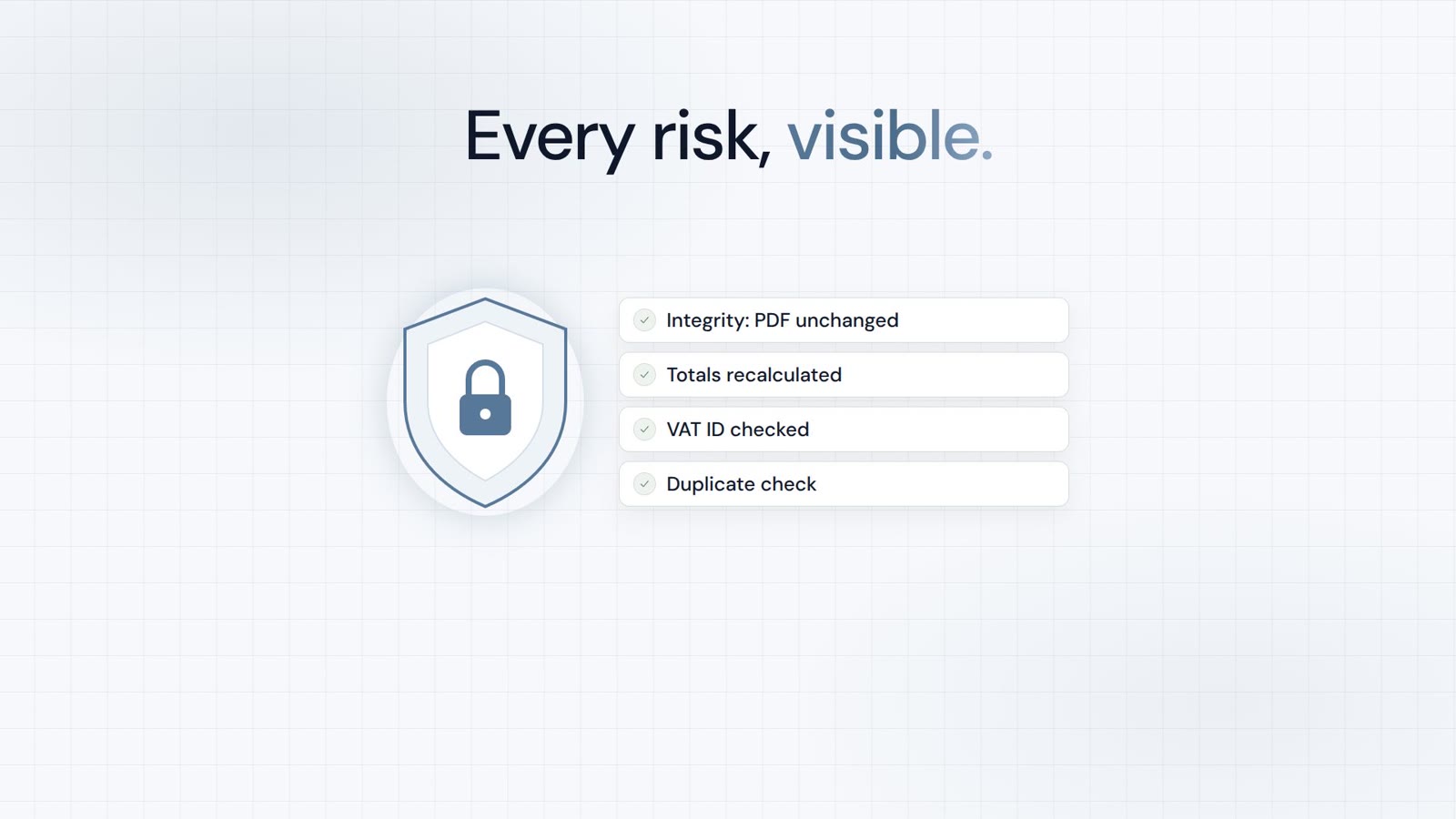
Audit-proof filing and audit trail.
included
vs Klippa DocHorizon
No public price list for Klippa DocHorizon (Doxis AI.dp) in this comparison — billing model only, without list amounts (as of 08/2026).
| Criterion | PaperOffice | Klippa DocHorizon |
|---|---|---|
| Bounding boxes (word/line level) | Yes (word/line level, Surya OCR) | n/a |
| Sandwich PDF / searchable archive PDF | Yes — searchable archive PDF | n/a |
| Click-to-evidence / visual validation (HITL) | Yes — click-to-evidence / HITL | Yes (validation UI) |
| Structured IDP fields (ready types) | Zero-shot: any document type, 120+ languages | Yes — ML/template extraction |
| DMS/archive included (WORM, audit, legal hold) | Yes — WORM, audit trail, legal hold | no — external archive required |
| Native MCP server (tool count) | Yes — 300+ API/MCP Tools | no MCP server documented (as of 09/2026) |
| EU inference on owned hardware | Yes — owned EU GPU hardware | Yes — EU-hosted (NL), GDPR/ISO 27001 |
| Self-service without cloud setup | Yes — token in minutes | Klippa DocHorizon (Doxis AI.dp): no public price list in this comparison. Often volume or project contracts rather than a public per-page rate. |
| Pricing model | One credit balance for all features: from €6.00–€60.00 per 1,000 pages by quality tier | Sales-led; monthly subscription or PAYG per document/API call; quote by volume/document type; EU-hosted (NL), GDPR/ISO 27001; now Doxis AI.dp |
| List price per 1,000 pages | Basic €20.00 / Premium €60.00 / Ultra €200.00 per 1,000 pages (2/6/20¢) | Per document (PAYG) or subscription, quote |
| Billing | from €6.00 per 1,000 pages (Elite) — same scale on every tier | n/a |
Source: https://www.klippa.com/en/dochorizon/, retrieved 09/2026. Prices may change.
Open the Doxis / Doxis AI.dp (SerGroup) comparison →
Klippa DocHorizon is a trademark of its respective owner. PaperOffice is not affiliated with or endorsed by Klippa DocHorizon. Competitor details are based on publicly available sources (as of 08/2026) and are provided without warranty.
Our prices are public — including partner terms.
Unit: Price per 1,000 pages
| Tier | Elite Partner (−70%) | Partner (−40%) | Enduser |
|---|---|---|---|
| Basic | €6.00 | €12.00 | €20.00 |
| Premium | €18.00 | €36.00 | €60.00 |
| Ultra | €60.00 | €120.00 | €200.00 |
Billing is internal in credits; amounts follow the selected currency (base: list price).
Elite terms after qualification — criteria and program are public: Pricing · Partner program
For specialist receipt/doc capture scenarios with a Klippa product focus, Klippa can be the tighter vertical choice — especially when the existing setup already runs on it.
When API stack, DMS and MCP under one account matter, PaperOffice is the better fit.
Trust, verification & partnerships
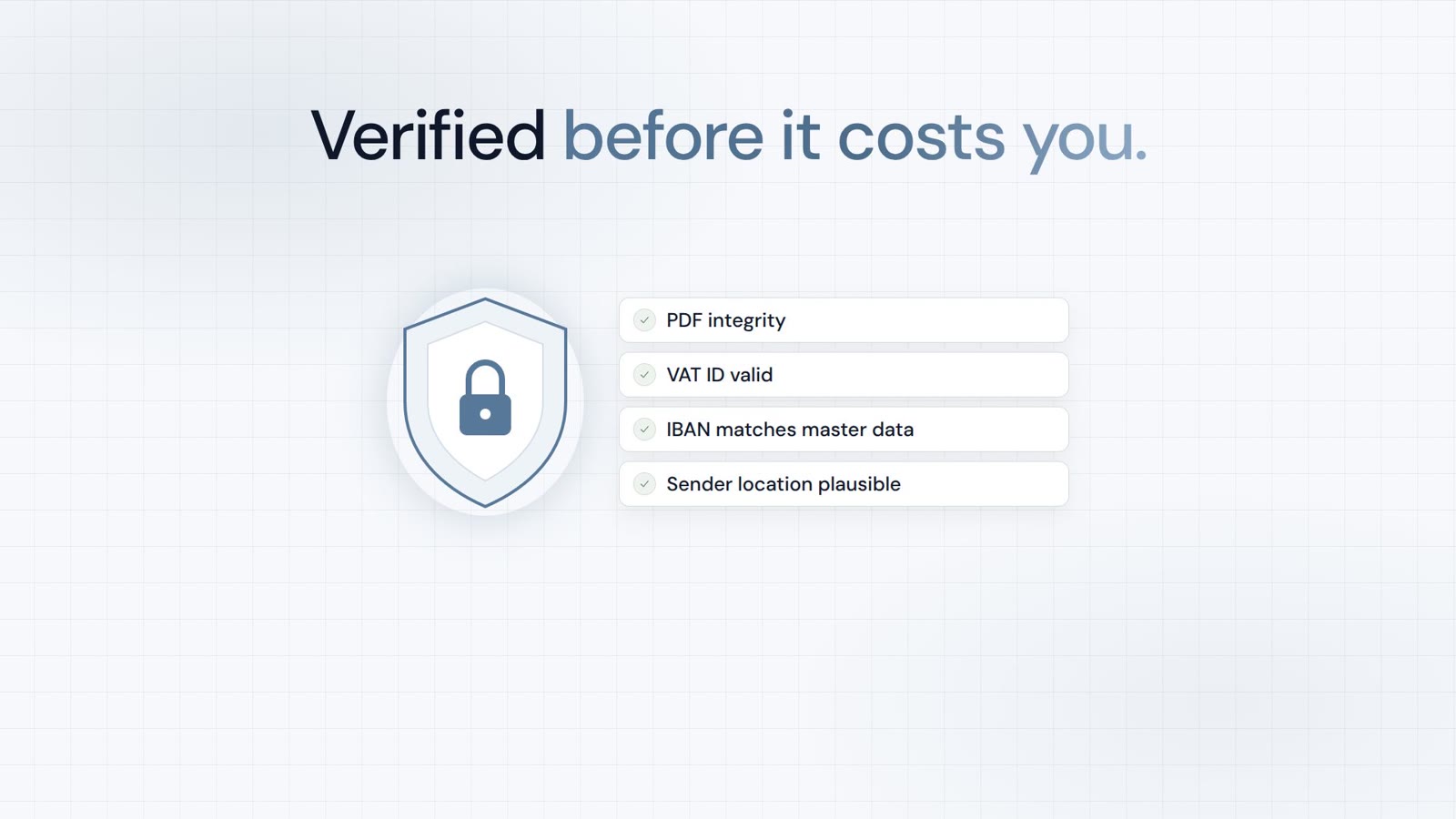
Verified in Claude and ChatGPT, certified to ISO/IEC 27001:2022
and the sole official DMS partner of QNAP and ASUSTOR.









In scope:
Verified MCP connector.
Learn moreVerified MCP plugin.
Learn more
Sole official DMS partner.
Learn more
Sole official DMS partner.
Learn moreThe result from Klippa DocHorizon (Doxis AI.dp) stays in that product context. PaperOffice keeps extraction and archive on the same document.
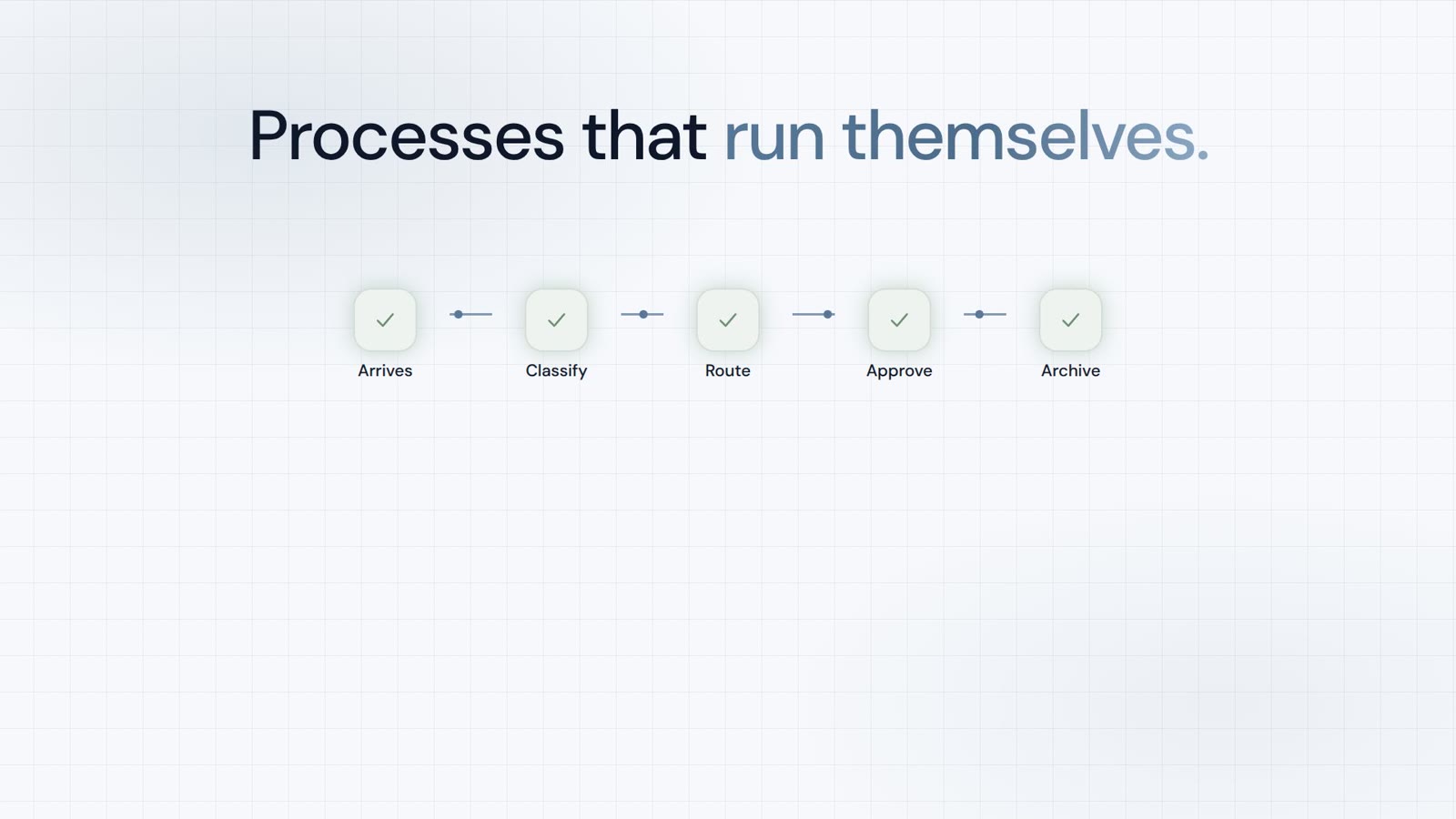
Acquired by SER Group in 03/2025, rebranded to Doxis AI.dp in 03/2026 — product name and positioning changed; now a module of an enterprise ECM suite. With PaperOffice result, archive and further processing live in one account with one credit balance.
Klippa DocHorizon (Doxis AI.dp) returns the result in its own product model. PaperOffice runs its own EU servers and files the result in an audit-proof way.
vs Klippa DocHorizon
https://api.paperoffice.ai/latest/docs/llms-full.txt Or connect directly: MCP server for Claude, Cursor and ChatGPT →
Invoice extraction
curl -X POST "https://api.paperoffice.ai/latest/job/add/workflow" \ -H "Authorization: Bearer poai_xxx" \ -F "file=@./invoice.pdf" \ -F "model=premium" \ -F "idp_collection=invoice" # danach job_result pollen (job_id aus Response)import requests api_token = "poai_xxx"
file_path = "invoice.pdf" create = requests.post( "https://api.paperoffice.ai/latest/job/add/workflow", headers={"Authorization": f"Bearer {api_token}"}, files={"file": open(file_path, "rb")}, data={"model": "premium", "idp_collection": "invoice"},
)
print(create.json()){ "status": "success", "job_id": "job_…", "result": { "fields": { "invoice_number": "…" } }
}Full parameters: llms-full.txt / Postman.
Yes. PaperOffice AI can be evaluated as an alternative to Klippa — along extraction, processing on own servers in the EU, DMS/WORM and MCP, API-first.
Basic 2¢, Premium 6¢, Ultra 20¢ per page — PaperOffice’s full price list is public. No reliable public price list for Klippa DocHorizon (Doxis AI.dp) is recorded here — so the table states the billing model, not competitor amounts (often seat or project rather than per-page).
Klippa DocHorizon (Doxis AI.dp) primarily solves the core job described on this page. PaperOffice keeps extraction, archive (WORM), permissions, HITL and MCP on the same document — with a public per-page price list.
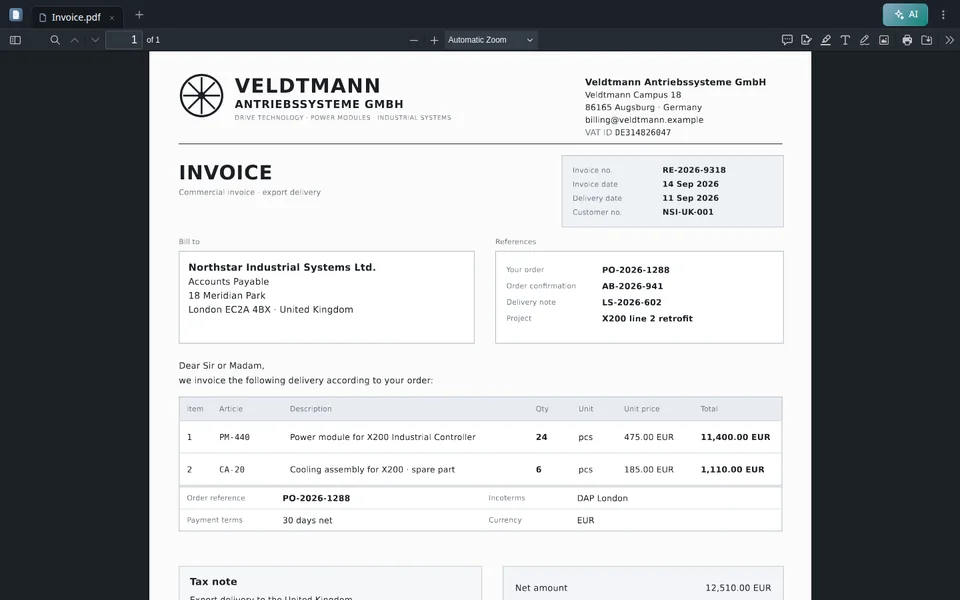
Typical cutover from Klippa: send the same files to PaperOffice workflows (e.g. idp_collection=invoice), run in parallel, then cut over. llms-full.txt: job/workflow.
On our own servers in the EU — including audit-proof filing and an audit trail. Where Klippa DocHorizon (Doxis AI.dp) processes data is documented by the vendor.
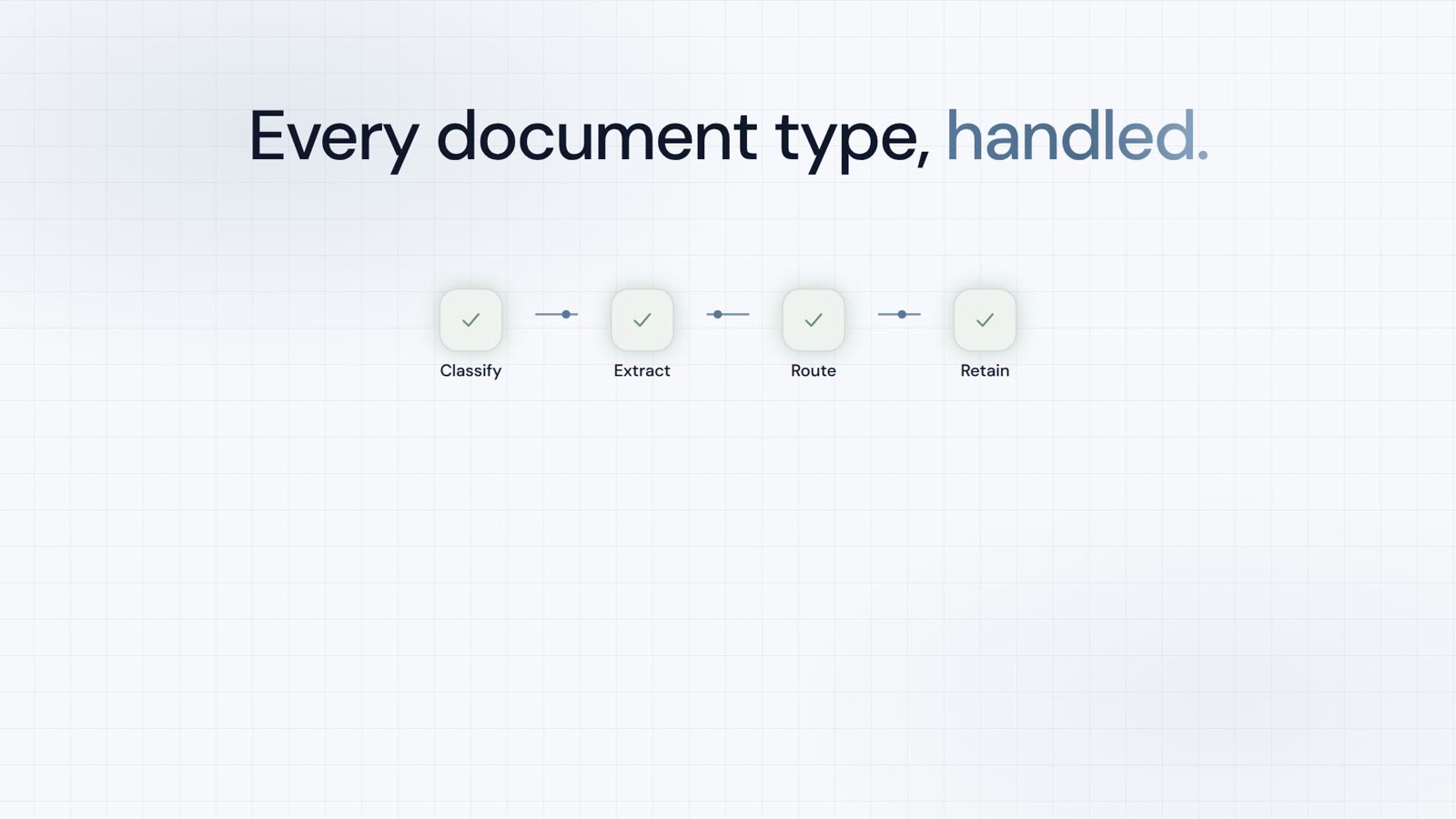
Ready IDP pipelines (incl. invoice) plus DMS/HITL/MCP versus Klippa — not raw extraction only. Fastest with llms-full.txt.
Another comparison in the same category as Klippa DocHorizon.
PaperOffice vs Doxis (Doxis AI.dp) →Another comparison in the same category as Klippa DocHorizon.
PaperOffice vs Konfuzio →Another comparison in the same category as Klippa DocHorizon.
PaperOffice vs Rossum →Another comparison in the same category as Klippa DocHorizon.
PaperOffice vs ABBYY (Vantage / FlexiCapture) →Another comparison in the same category as Klippa DocHorizon.
PaperOffice vs Mistral OCR 4 →Another comparison in the same category as Klippa DocHorizon.
PaperOffice vs Mindee →Get a token, review pricing, compare the feature matrix.

Integrator and Reseller can be combined. Referral by invitation.
View the partner program
AI-DMS
Documents. Intelligence. Real impact.
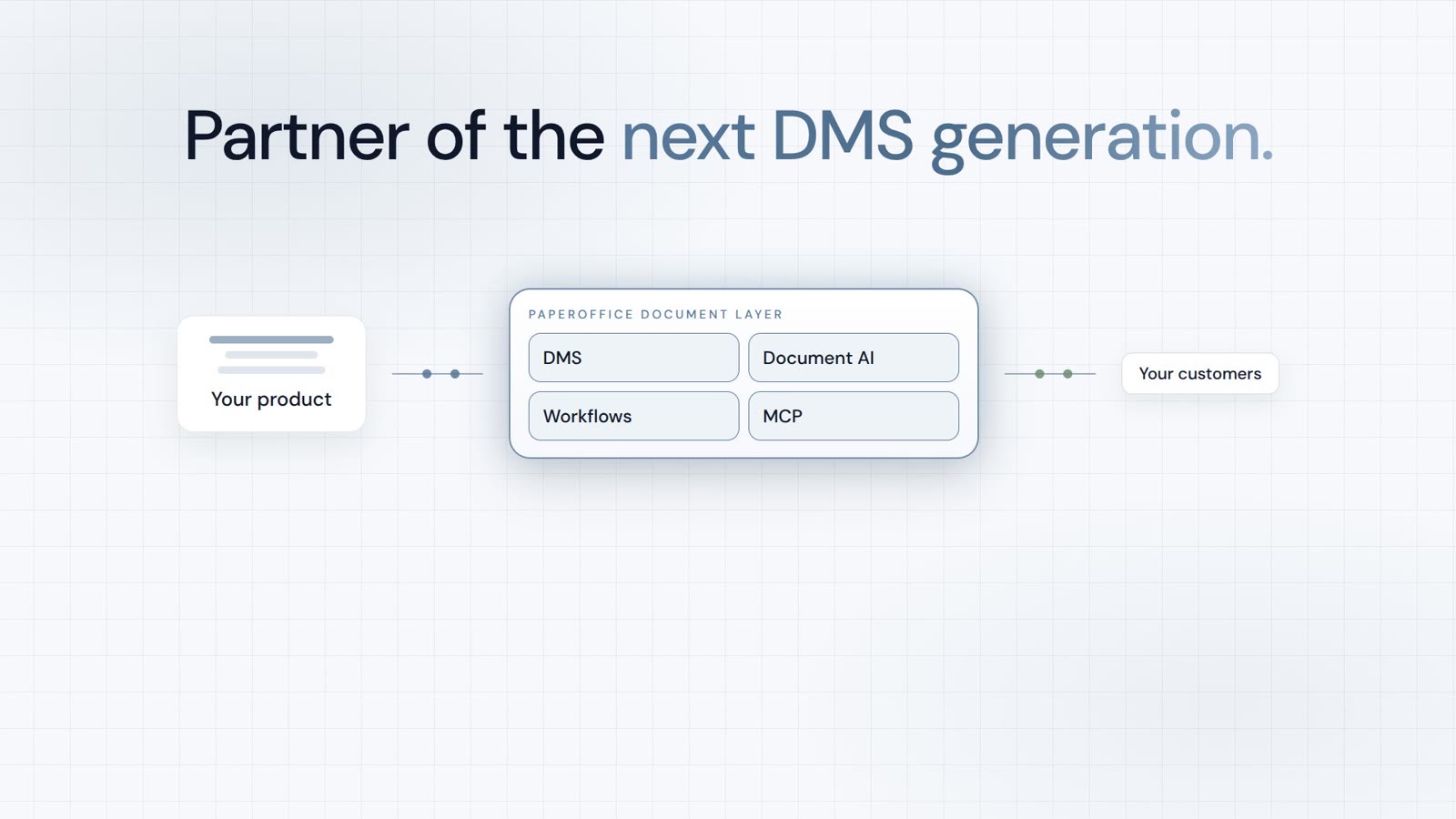
PaperOffice AI is the AI-DMS. Four functional areas on one DMS foundation, with three ways in.
Features, modules and benefits at a glance.
Capture, organize, search and collaborate on documents.
Plug into your systems and AI workflows.
No installation, ready in seconds.
Search all tools