





Scan, Sign & AI Chat
Mobile App
The mobile app pairs with your account via QR code and brings scanner, signature, chat and documents to your phone.
DownloadGuidesPDF · EN3 pages
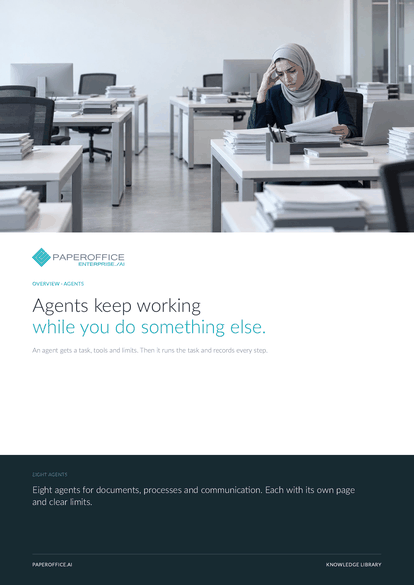
An agent gets a task, tools and limits. Then it runs the task and records every step.
This guide is available in 21 languages; on this page you download the English version. Free, no registration.
Trusted by leading companies worldwide








OEM PARTNERSHIP

Sole official DMS partner for QNAP: Classic app, AI BYOS.
More

Sole official DMS partner for ASUSTOR: Classic app, AI BYOS.
MoreEight agents for documents, processes and communication. Each with its own page and clear limits.
Questions and answers
A rule runs fixed steps. An agent gets a goal, picks tools and decides between steps, while staying inside your limits and approvals.
Only where you allow it. Payments, sending and deletions can be tied to approvals; everything else runs with a log.
From your documents, your knowledge base and the rules you describe. Anything uncertain goes to a person.
Yes. Every step is in the audit trail with time, model, input and result.
Our experts are happy to help you choose the right solution.
Request consultation

Integrator and Reseller can be combined. Referral by invitation.
View the partner program
AI-DMS
Documents. Intelligence. Real impact.
PaperOffice AI is the AI-DMS. Four functional areas on one DMS foundation, with three ways in.
Features, modules and benefits at a glance.
Capture, organize, search and collaborate on documents.
Plug into your systems and AI workflows.













