





Scan, Sign & AI Chat
Mobile App
The mobile app pairs with your account via QR code and brings scanner, signature, chat and documents to your phone.
DownloadGuidesPDF · EN8 pages
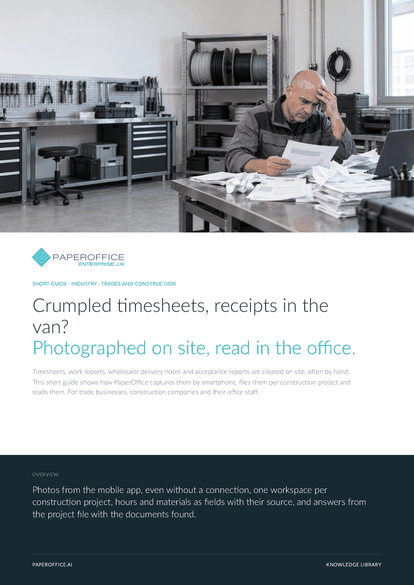
Crumpled timesheets, receipts in the van? Photographed on site, read in the office. Timesheets, work reports, wholesaler delivery notes and acceptance reports are created on site, often by hand.
This guide is available in 21 languages; on this page you download the English version. Free, no registration.
Trusted by leading companies worldwide








OEM PARTNERSHIP

Sole official DMS partner for QNAP: Classic app, AI BYOS.
More

Sole official DMS partner for ASUSTOR: Classic app, AI BYOS.
MoreFor trade businesses, construction companies and their office staff.
Questions and answers
You keep writing quotes, orders and invoices in your industry software. PaperOffice handles the paper from the site. Hours and amounts download as XLSX, CSV or JSON, and your software can also pull them through the REST API.
The app keeps the scan in a queue on the device. As soon as there is a connection again, it uploads it to the selected workspace on its own.
Yes. With AI-DMS Ultra, AI-OCR reads handwriting too, and the “Free template (Vision Pro)” template reads fields from handwriting, tables and checkboxes. Test with real slips before the agent runs automatically.
From AI-DMS Premium on, a second invoice with the same document number from the same issuer gets a notice about a possible duplicate, even if it sits in another project workspace you can access.
Our experts are happy to help you choose the right solution.
Request consultation

Integrator and Reseller can be combined. Referral by invitation.
View the partner program
AI-DMS
Documents. Intelligence. Real impact.
PaperOffice AI is the AI-DMS. Four functional areas on one DMS foundation, with three ways in.
Features, modules and benefits at a glance.
Capture, organize, search and collaborate on documents.
Plug into your systems and AI workflows.













