





Scan, Sign & AI Chat
Mobile App
The mobile app pairs with your account via QR code and brings scanner, signature, chat and documents to your phone.
DownloadGuidesPDF · EN8 pages
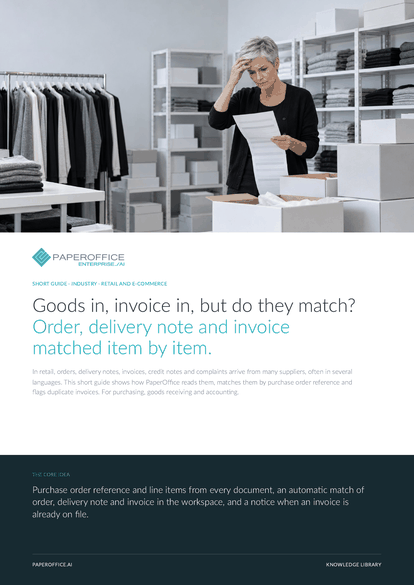
Goods in, invoice in, but do they match? Order, delivery note and invoice matched item by item. In retail, orders, delivery notes, invoices, credit notes and complaints arrive from many suppliers, often in several languages.
This guide is available in 21 languages; on this page you download the English version. Free, no registration.
Trusted by leading companies worldwide








OEM PARTNERSHIP

Sole official DMS partner for QNAP: Classic app, AI BYOS.
More

Sole official DMS partner for ASUSTOR: Classic app, AI BYOS.
MoreFor purchasing, goods receiving and accounting.
Questions and answers
Stock, orders and shop stay in your systems. PaperOffice reads and matches the paperwork that comes with them. The fields go out as XLSX, CSV or JSON or are fetched through the REST API.
All three documents in one workspace, sharing one purchase order reference. Quantities and prices need line items with item numbers, for example from “Analyze Delivery Note” and “Extract Invoice (Full)”. Without them, the match compares the header amount.
Yes. AI-OCR determines the language page by page. An IDP Agent delivers the values in the output language you pick, with numbers, dates and currency in your format.
It shows the “Possible Duplicate” notice with the reason and a link to the earlier document. If it is not a duplicate, such as a partial invoice, you hide the notice on the document. You can undo that at any time.
Our experts are happy to help you choose the right solution.
Request consultation

Integrator and Reseller can be combined. Referral by invitation.
View the partner program
AI-DMS
Documents. Intelligence. Real impact.
PaperOffice AI is the AI-DMS. Four functional areas on one DMS foundation, with three ways in.
Features, modules and benefits at a glance.
Capture, organize, search and collaborate on documents.
Plug into your systems and AI workflows.













