





Scan, Sign & AI Chat
Mobile App
The mobile app pairs with your account via QR code and brings scanner, signature, chat and documents to your phone.
DownloadGuidesPDF · EN8 pages
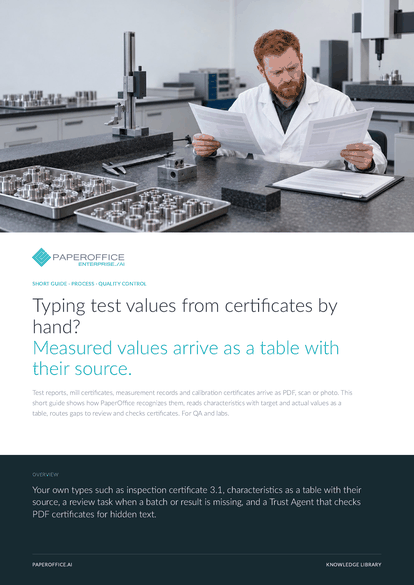
Typing test values from certificates by hand? Measured values arrive as a table with their source. Test reports, mill certificates, measurement records and calibration certificates arrive as PDF, scan or photo.
This guide is available in 21 languages; on this page you download the English version. Free, no registration.
Trusted by leading companies worldwide








OEM PARTNERSHIP

Sole official DMS partner for QNAP: Classic app, AI BYOS.
More

Sole official DMS partner for ASUSTOR: Classic app, AI BYOS.
MoreFor QA and labs.
Questions and answers
Test report, measurement record, inspection report, certificate, declaration of conformity and complaint are system types. You add inspection certificate 3.1, certificate of analysis or calibration certificate as your own type with a short description.
If the report states target and tolerance, the IDP Agent reads them in the same row as the actual value. Your inspector judges against the original. The values go on as CSV, Excel or JSON.
Yes. With AI-DMS Ultra, AI-OCR also reads handwriting. The “Free template (Vision Pro)” template is a custom schema for layouts with handwriting, tables, checkboxes and stamps. Test with real measurement sheets before the agent runs automatically.
You set this per field: required with review, soft review notice, default value or allow empty. With a review queue selected, a review task is created; review tasks are included in the Professional plan.
Our experts are happy to help you choose the right solution.
Request consultation

Integrator and Reseller can be combined. Referral by invitation.
View the partner program
AI-DMS
Documents. Intelligence. Real impact.
PaperOffice AI is the AI-DMS. Four functional areas on one DMS foundation, with three ways in.
Features, modules and benefits at a glance.
Capture, organize, search and collaborate on documents.
Plug into your systems and AI workflows.













