





Scan, Sign & AI Chat
Mobile App
The mobile app pairs with your account via QR code and brings scanner, signature, chat and documents to your phone.
DownloadGuidesPDF · EN8 pages
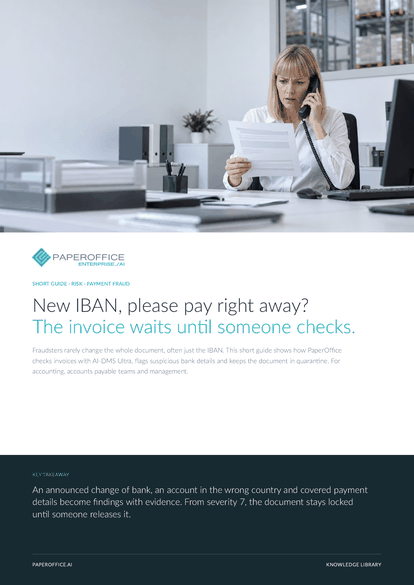
New IBAN, please pay right away? The invoice waits until someone checks. Fraudsters rarely change the whole document, often just the IBAN.
This guide is available in 21 languages; on this page you download the English version. Free, no registration.
Trusted by leading companies worldwide








OEM PARTNERSHIP

Sole official DMS partner for QNAP: Classic app, AI BYOS.
More

Sole official DMS partner for ASUSTOR: Classic app, AI BYOS.
MoreFor accounting, accounts payable teams and management.
Questions and answers
No. PaperOffice checks documents and holds suspicious ones. You still approve the payment in your banking or accounting software.
From the document: if a letter, an email or an invoice announces a new account, the audit reports fraud risk from severity 7, with the sentence from the document as evidence. The search shows whether the IBAN appears in earlier documents.
If the IBAN country differs from the supplier's country, the audit reports a geographic mismatch with severity 7. It can also be a genuine foreign account. That is why your team decides after the callback.
Yes. AI-DMS Ultra checks the sender's VAT ID via VIES. If it is invalid or formally wrong, or the name in VIES differs, a note appears in the audit.
Our experts are happy to help you choose the right solution.
Request consultation

Integrator and Reseller can be combined. Referral by invitation.
View the partner program
AI-DMS
Documents. Intelligence. Real impact.
PaperOffice AI is the AI-DMS. Four functional areas on one DMS foundation, with three ways in.
Features, modules and benefits at a glance.
Capture, organize, search and collaborate on documents.
Plug into your systems and AI workflows.













