





Scan, Sign & AI Chat
Mobile App
The mobile app pairs with your account via QR code and brings scanner, signature, chat and documents to your phone.
DownloadGuidesPDF · EN8 pages
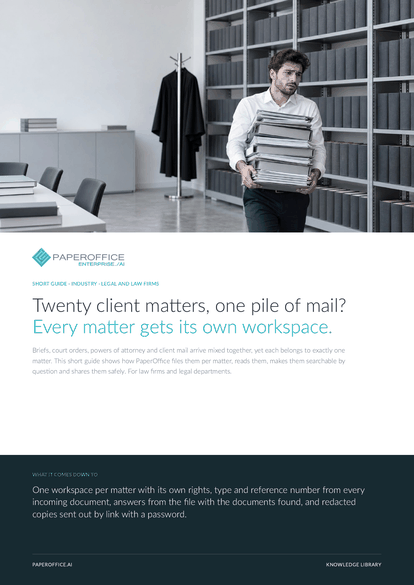
Twenty client matters, one pile of mail? Every matter gets its own workspace. Briefs, court orders, powers of attorney and client mail arrive mixed together, yet each belongs to exactly one matter.
This guide is available in 21 languages; on this page you download the English version. Free, no registration.
Trusted by leading companies worldwide








OEM PARTNERSHIP

Sole official DMS partner for QNAP: Classic app, AI BYOS.
More

Sole official DMS partner for ASUSTOR: Classic app, AI BYOS.
MoreFor law firms and legal departments.
Questions and answers
Case management, billing and the calendar stay in your practice software. PaperOffice handles the documents: recognize, read, ask and share safely. Read fields go to your systems as XLSX, CSV or JSON or are retrieved through the REST API.
You upload it straight into the matter's workspace. Or an intake workspace takes everything in, and a Workflow Agent moves each processed document according to your instruction. Workflow Agents come with the Professional plan.
The “Analyze Legal Document” template reads deadlines as a field, with the source in the brief. You keep running deadline control under your firm's rules and attach a task with a due date and an assignee to the brief on the “Activities” tab.
Yes. In “Search scope” you choose the matter's workspace, and the chat then searches the processed documents in it. The documents found appear below the answer and open in the original with a click. The legal evaluation remains a matter for your lawyers.
Our experts are happy to help you choose the right solution.
Request consultation

Integrator and Reseller can be combined. Referral by invitation.
View the partner program
AI-DMS
Documents. Intelligence. Real impact.
PaperOffice AI is the AI-DMS. Four functional areas on one DMS foundation, with three ways in.
Features, modules and benefits at a glance.
Capture, organize, search and collaborate on documents.
Plug into your systems and AI workflows.













