





Scan, Sign & AI Chat
Mobile App
The mobile app pairs with your account via QR code and brings scanner, signature, chat and documents to your phone.
DownloadGuidesPDF · EN8 pages
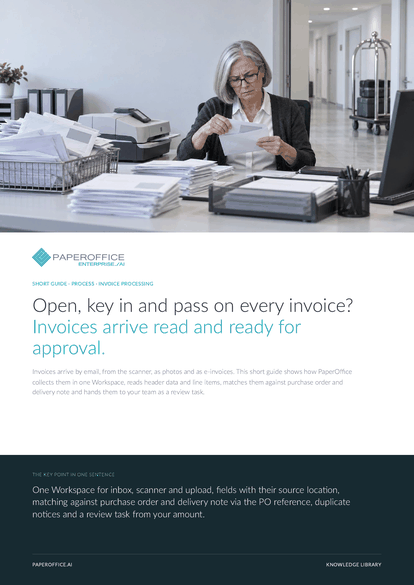
Open, key in and pass on every invoice? Invoices arrive read and ready for approval. Invoices arrive by email, from the scanner, as photos and as e-invoices.
This guide is available in 21 languages; on this page you download the English version. Free, no registration.
Trusted by leading companies worldwide








OEM PARTNERSHIP

Sole official DMS partner for QNAP: Classic app, AI BYOS.
More

Sole official DMS partner for ASUSTOR: Classic app, AI BYOS.
MoreOpen the envelope, scan the invoice, key in supplier, amount and PO number, look for the delivery note, pass the invoice on for approval. With many invoices a month, the time goes less into reading than into searching, comparing and following up.
Questions and answers
Yes. From ZUGFeRD and Factur-X, PaperOffice reads the embedded XML, and XRechnung and other UBL or CII files directly. The e-invoice protocol on the “Audit” tab shows whether the EN 16931 core rules are met.
If invoice, purchase order and delivery note carry the same PO reference in the same Workspace, PaperOffice checks whether all documents are present, whether the amount fits the order and whether quantities and prices per item number match.
The invoice's “Audit” tab shows the rule that was not met and the deviating line items, such as a unit price above the order price. Whether you approve anyway is decided by your team in the review task.
From AI-DMS Premium, PaperOffice looks for earlier documents with the same content or the same document number from the same issuer. A match appears as a notice on the document, and you mark false alarms with one click.
Our experts are happy to help you choose the right solution.
Request consultation

Integrator and Reseller can be combined. Referral by invitation.
View the partner program
AI-DMS
Documents. Intelligence. Real impact.
PaperOffice AI is the AI-DMS. Four functional areas on one DMS foundation, with three ways in.
Features, modules and benefits at a glance.
Capture, organize, search and collaborate on documents.
Plug into your systems and AI workflows.













