





Scan, Sign & AI Chat
Mobile App
The mobile app pairs with your account via QR code and brings scanner, signature, chat and documents to your phone.
DownloadGuidesPDF · EN8 pages
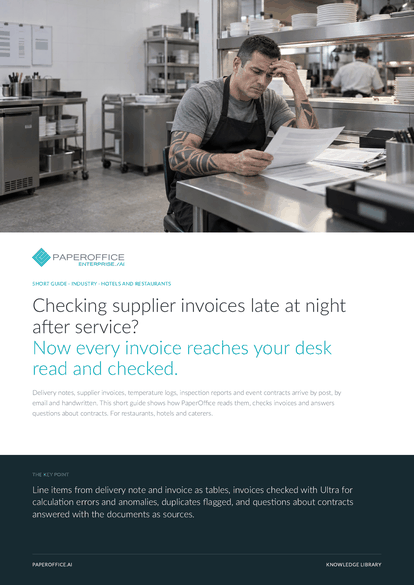
Checking supplier invoices late at night after service? Now every invoice reaches your desk read and checked.
This guide is available in 21 languages; on this page you download the English version. Free, no registration.
Trusted by leading companies worldwide








OEM PARTNERSHIP

Sole official DMS partner for QNAP: Classic app, AI BYOS.
More

Sole official DMS partner for ASUSTOR: Classic app, AI BYOS.
MoreFor restaurants, hotels and caterers.
Questions and answers
POS, reservations and accounting stay as they are. PaperOffice takes over delivery notes, invoices, logs and contracts. You export the fields or fetch them via the REST API and MCP.
Read delivery note and invoice with the “Analyze Delivery Note” and “Extract Invoice (Full)” templates. Both deliver the line items as a table, and a button copies the rows for Excel. That way you compare item and quantity line by line.
Yes. In a Workspace with AI-DMS Ultra, AI-OCR also reads handwriting, line by line with position. The logs are then searchable, for example by date or cold room.
Twelve control areas, including calculations, tax, required fields and payment risks. Each finding has a severity, a verbatim quote and a recommendation. Above a threshold you set, the invoice goes into quarantine.
Our experts are happy to help you choose the right solution.
Request consultation

Integrator and Reseller can be combined. Referral by invitation.
View the partner program
AI-DMS
Documents. Intelligence. Real impact.
PaperOffice AI is the AI-DMS. Four functional areas on one DMS foundation, with three ways in.
Features, modules and benefits at a glance.
Capture, organize, search and collaborate on documents.
Plug into your systems and AI workflows.













