





Scan, Sign & AI Chat
Mobile App
The mobile app pairs with your account via QR code and brings scanner, signature, chat and documents to your phone.
DownloadGuidesPDF · EN8 pages
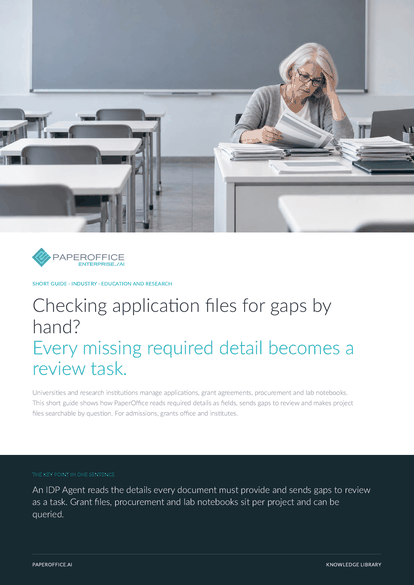
Checking application files for gaps by hand? Every missing required detail becomes a review task. Universities and research institutions manage applications, grant agreements, procurement and lab notebooks.
This guide is available in 21 languages; on this page you download the English version. Free, no registration.
Trusted by leading companies worldwide








OEM PARTNERSHIP

Sole official DMS partner for QNAP: Classic app, AI BYOS.
More

Sole official DMS partner for ASUSTOR: Classic app, AI BYOS.
MoreFor admissions, grants office and institutes.
Questions and answers
Per document: the IDP Agent reads the required details you define and reports each missing one as a review task. Review tasks come with the Professional plan. Your team decides on admission itself.
Yes. AI-OCR detects the language of every page, and the IDP Agent delivers project, grant amount and reporting dates in the output language you set. Longer passages go through AI Translation with your glossary.
Read the dates as date fields of their own from the grant agreement. On the contract, add a task with a deadline and an assignee for each date on the “Activities” tab.
If order, delivery note and invoice carry the same purchase order reference, the “3-way match” shows whether all three are there and the amount matches. Quotes and award notes sit in the same workspace, and the assessment under your procurement rules stays with you.
Our experts are happy to help you choose the right solution.
Request consultation

Integrator and Reseller can be combined. Referral by invitation.
View the partner program
AI-DMS
Documents. Intelligence. Real impact.
PaperOffice AI is the AI-DMS. Four functional areas on one DMS foundation, with three ways in.
Features, modules and benefits at a glance.
Capture, organize, search and collaborate on documents.
Plug into your systems and AI workflows.













