





Scan, Sign & AI Chat
Mobile App
The mobile app pairs with your account via QR code and brings scanner, signature, chat and documents to your phone.
DownloadGuidesPDF · EN8 pages
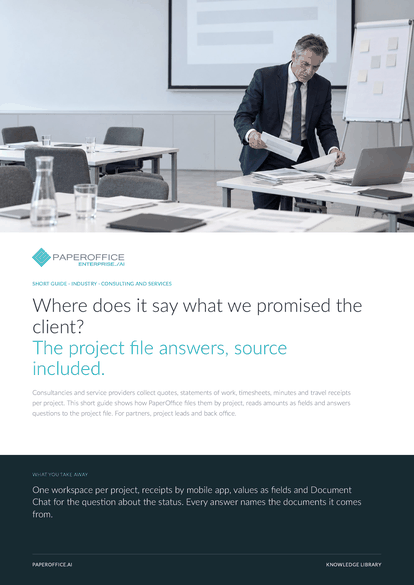
Where does it say what we promised the client? The project file answers, source included. Consultancies and service providers collect quotes, statements of work, timesheets, minutes and travel receipts per project.
This guide is available in 21 languages; on this page you download the English version. Free, no registration.
Trusted by leading companies worldwide








OEM PARTNERSHIP

Sole official DMS partner for QNAP: Classic app, AI BYOS.
More

Sole official DMS partner for ASUSTOR: Classic app, AI BYOS.
MoreFor partners, project leads and back office.
Questions and answers
Time tracking, planning and invoicing stay in your tools. PaperOffice takes care of the documents they produce and passes the extracted fields on as an export or through the REST API.
Yes. AI-OCR detects the language of every page, also for photos from the mobile app. The IDP Agent delivers amount and currency as fields, in the output language you set on the agent.
Person-days from the statement of work and amounts from the invoices arrive as fields per project and can be exported. Totals and assessment stay in your project controlling, and PaperOffice supplies the documents with their source.
Same document number from the same issuer or the same text: the document shows “Possible Duplicate” with the reason and a link to the first copy. You look at both and decide before anything is reimbursed.
Our experts are happy to help you choose the right solution.
Request consultation

Integrator and Reseller can be combined. Referral by invitation.
View the partner program
AI-DMS
Documents. Intelligence. Real impact.
PaperOffice AI is the AI-DMS. Four functional areas on one DMS foundation, with three ways in.
Features, modules and benefits at a glance.
Capture, organize, search and collaborate on documents.
Plug into your systems and AI workflows.













