





Scan, Sign & AI Chat
Mobile App
The mobile app pairs with your account via QR code and brings scanner, signature, chat and documents to your phone.
DownloadDatasheetsPDF · EN4 pages
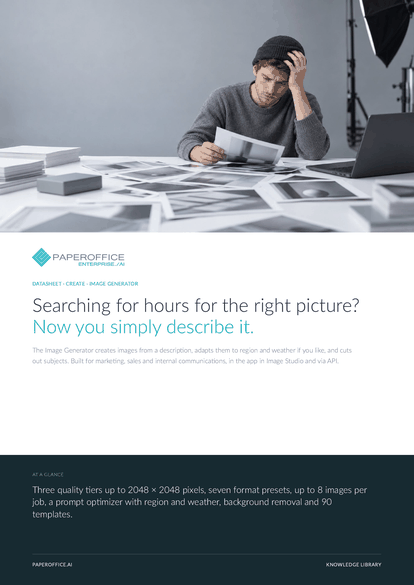
Searching for hours for the right picture? Now you simply describe it. The Image Generator creates images from a description, adapts them to region and weather if you like, and cuts out subjects.
This datasheet is available in 21 languages; on this page you download the English version. Free, no registration.
Trusted by leading companies worldwide








OEM PARTNERSHIP

Sole official DMS partner for QNAP: Classic app, AI BYOS.
More

Sole official DMS partner for ASUSTOR: Classic app, AI BYOS.
MoreBuilt for marketing, sales and internal communications, in the app in Image Studio and via API.
Questions and answers
Basic up to 512 × 512 pixels, Premium up to 1280 × 1280, Ultra up to 2048 × 2048. You choose format and dimensions within the tier.
Without a setting, from the location of your connection, and the weather from current data. Under “Force Location” you set a city; you can turn off “Weather Context” and the “Prompt Optimizer” per job.
In the studio gallery. “Save to Document AI” files an image as PNG in a workspace of your choice, and Download saves it locally.
By usage, depending on the quality tier. Current prices are on the pricing page.
Our experts are happy to help you choose the right solution.
Request consultation

Integrator and Reseller can be combined. Referral by invitation.
View the partner program
AI-DMS
Documents. Intelligence. Real impact.
PaperOffice AI is the AI-DMS. Four functional areas on one DMS foundation, with three ways in.
Features, modules and benefits at a glance.
Capture, organize, search and collaborate on documents.
Plug into your systems and AI workflows.













