





Scan, Sign & AI Chat
Mobile App
The mobile app pairs with your account via QR code and brings scanner, signature, chat and documents to your phone.
DownloadGuidesPDF · EN8 pages
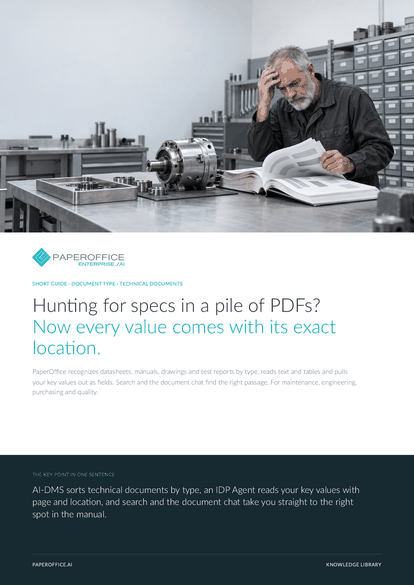
Hunting for specs in a pile of PDFs? Now every value comes with its exact location. PaperOffice recognizes datasheets, manuals, drawings and test reports by type, reads text and tables and pulls your key values out as fields.
This guide is available in 21 languages; on this page you download the English version. Free, no registration.
Trusted by leading companies worldwide








OEM PARTNERSHIP

Sole official DMS partner for QNAP: Classic app, AI BYOS.
More

Sole official DMS partner for ASUSTOR: Classic app, AI BYOS.
MoreFor maintenance, engineering, purchasing and quality.
Questions and answers
You describe the fields once in your own words, and the IDP Agent reads them from the content, even with a new layout. Fields can also be suggested from a selected sample document.
Describe the field accordingly, such as “operating pressure with unit”. The test run shows each field's value, page and location, so you check against the original before the agent runs on your whole archive.
You set that per field: required with review, default value or allow empty. With a review queue selected, a review task is created; review tasks are included in the Professional plan.
From three words or a question, search also works by meaning and highlights the match on the page. The document chat answers questions across several workspaces and names the documents behind the answer.
Our experts are happy to help you choose the right solution.
Request consultation

Integrator and Reseller can be combined. Referral by invitation.
View the partner program
AI-DMS
Documents. Intelligence. Real impact.
PaperOffice AI is the AI-DMS. Four functional areas on one DMS foundation, with three ways in.
Features, modules and benefits at a glance.
Capture, organize, search and collaborate on documents.
Plug into your systems and AI workflows.
No installation, ready in seconds.
Search all tools














