





Scan, Sign & AI Chat
Mobile App
The mobile app pairs with your account via QR code and brings scanner, signature, chat and documents to your phone.
DownloadGuidesPDF · EN8 pages
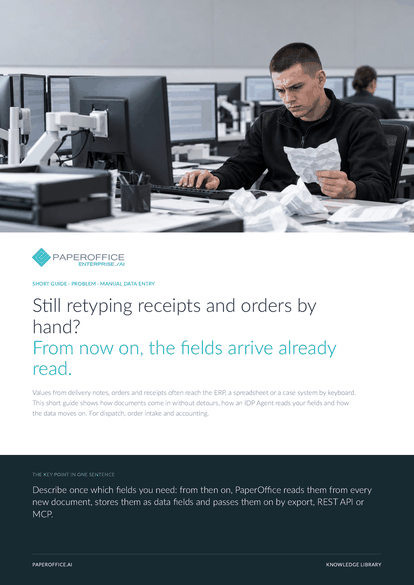
Still retyping receipts and orders by hand? From now on, the fields arrive already read. Values from delivery notes, orders and receipts often reach the ERP, a spreadsheet or a case system by keyboard.
This guide is available in 21 languages; on this page you download the English version. Free, no registration.
Trusted by leading companies worldwide








OEM PARTNERSHIP

Sole official DMS partner for QNAP: Classic app, AI BYOS.
More

Sole official DMS partner for ASUSTOR: Classic app, AI BYOS.
MoreFor dispatch, order intake and accounting.
Questions and answers
No. You describe the fields once in plain words, and the IDP Agent reads them from the content, even when layouts change. Templates, for example for invoices and delivery notes, make the start easier.
Yes. A field of type table returns every line item as its own row with the columns you define, such as item, quantity and unit. One button copies all rows for Excel.
AI-OCR reads scans, photos and PDFs, and with the Ultra tier also handwriting. For forms with handwriting and checkboxes, the agent catalog offers a free template with the Ultra Pro Max model.
Yes. You add the field to the agent, and it is included from the next run. You catch up on documents already filed by selecting them and applying the agent again.
Our experts are happy to help you choose the right solution.
Request consultation

Integrator and Reseller can be combined. Referral by invitation.
View the partner program
AI-DMS
Documents. Intelligence. Real impact.
PaperOffice AI is the AI-DMS. Four functional areas on one DMS foundation, with three ways in.
Features, modules and benefits at a glance.
Capture, organize, search and collaborate on documents.
Plug into your systems and AI workflows.
No installation, ready in seconds.
Search all tools














