





Scan, Sign & AI Chat
Mobile App
The mobile app pairs with your account via QR code and brings scanner, signature, chat and documents to your phone.
DownloadGuidesPDF · EN8 pages
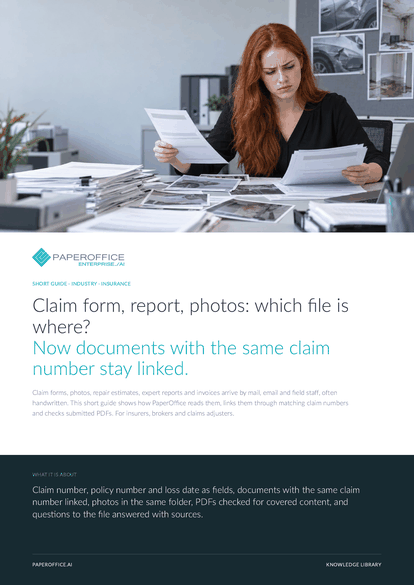
Claim form, report, photos: which file is where? Now documents with the same claim number stay linked. Claim forms, photos, repair estimates, expert reports and invoices arrive by mail, email and field staff, often handwritten.
This guide is available in 21 languages; on this page you download the English version. Free, no registration.
Trusted by leading companies worldwide








OEM PARTNERSHIP

Sole official DMS partner for QNAP: Classic app, AI BYOS.
More

Sole official DMS partner for ASUSTOR: Classic app, AI BYOS.
MoreFor insurers, brokers and claims adjusters.
Questions and answers
Policies, reserves and payments stay in your systems. PaperOffice reads the documents around them. You pull claim numbers, amounts and dates into your system as an export or via the REST API, and AI assistants ask over MCP.
Use “Ask Agent” to ask Document Chat which items differ between estimate, report and invoice. It reads the documents and shows the ones it found below the answer. You decide on the settlement after a look at the original.
The Trust Agent checks PDFs for hidden and covered text, embedded files and, from Premium, contradictions between text layer and page image. It returns a risk score and findings with page. Your reviewers assess every result against the original.
With AI-DMS Premium, PaperOffice checks whether the content or the issuer's document number already exists in the account for the same document type. A match appears on the document as “Possible Duplicate” with its reason. You decide before anything is settled twice.
Our experts are happy to help you choose the right solution.
Request consultation

Integrator and Reseller can be combined. Referral by invitation.
View the partner program
AI-DMS
Documents. Intelligence. Real impact.
PaperOffice AI is the AI-DMS. Four functional areas on one DMS foundation, with three ways in.
Features, modules and benefits at a glance.
Capture, organize, search and collaborate on documents.
Plug into your systems and AI workflows.
No installation, ready in seconds.
Search all tools














