





Scan, Sign & AI Chat
Mobile App
The mobile app pairs with your account via QR code and brings scanner, signature, chat and documents to your phone.
DownloadGuidesPDF · EN8 pages
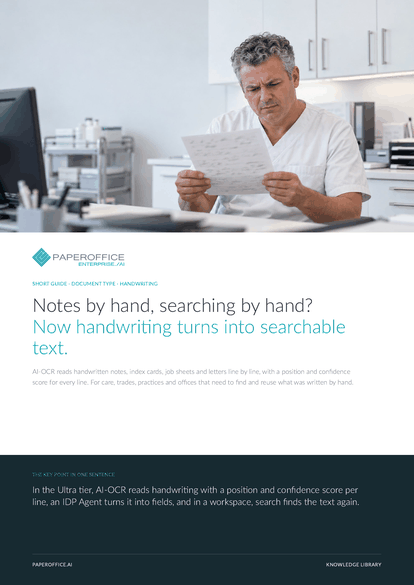
Notes by hand, searching by hand? Now handwriting turns into searchable text. AI-OCR reads handwritten notes, index cards, job sheets and letters line by line, with a position and confidence score for every line.
This guide is available in 21 languages; on this page you download the English version. Free, no registration.
Trusted by leading companies worldwide








OEM PARTNERSHIP

Sole official DMS partner for QNAP: Classic app, AI BYOS.
More

Sole official DMS partner for ASUSTOR: Classic app, AI BYOS.
MoreFor care, trades, practices and offices that need to find and reuse what was written by hand.
Questions and answers
You upload pages and start recognition right away, without training on individual writers. The confidence score per line shows how well a page was read.
That depends on the original. This is why every line carries a confidence score and a position in the image. Check low-scoring spots against the original; the IDP template for handwriting lists unclear sections separately.
In AI-OCR and in AI-DMS, it is the Ultra tier. Billing is usage-based and depends on the tier. The pricing page has the details.
Yes. AI-OCR reads printed text and handwriting on the same page in one run, each line with its position.
Our experts are happy to help you choose the right solution.
Request consultation

Integrator and Reseller can be combined. Referral by invitation.
View the partner program
AI-DMS
Documents. Intelligence. Real impact.
PaperOffice AI is the AI-DMS. Four functional areas on one DMS foundation, with three ways in.
Features, modules and benefits at a glance.
Capture, organize, search and collaborate on documents.
Plug into your systems and AI workflows.
No installation, ready in seconds.
Search all tools














