





Scan, Sign & AI Chat
Mobile App
The mobile app pairs with your account via QR code and brings scanner, signature, chat and documents to your phone.
DownloadGuidesPDF · EN8 pages
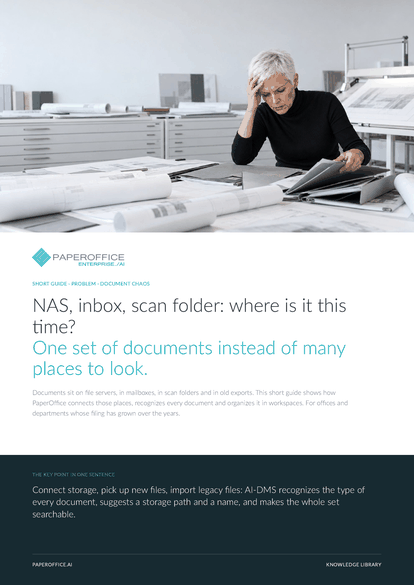
NAS, inbox, scan folder: where is it this time? One set of documents instead of many places to look. Documents sit on file servers, in mailboxes, in scan folders and in old exports.
This guide is available in 21 languages; on this page you download the English version. Free, no registration.
Trusted by leading companies worldwide








OEM PARTNERSHIP

Sole official DMS partner for QNAP: Classic app, AI BYOS.
More

Sole official DMS partner for ASUSTOR: Classic app, AI BYOS.
MoreFor offices and departments whose filing has grown over the years.
Questions and answers
No. The documents come in as they are. AI-DMS reads type, language and direction from the content, from Premium on also the sender. Sorting happens after reading them in, not before.
You decide per place. A connector in Index mode leaves the originals on your storage and follows every change. In Import mode it takes the files over into the workspace, encrypted.
The file name no longer decides where a document goes. AI-DMS suggests a meaningful name and storage paths. You upload new revisions to the same document via “Upload new version”, and the previous version is kept.
When importing, the original folder path stays on each document as metadata. The “Folder view” then shows the documents by storage path, for navigation and filtering.
Our experts are happy to help you choose the right solution.
Request consultation

Integrator and Reseller can be combined. Referral by invitation.
View the partner program
AI-DMS
Documents. Intelligence. Real impact.
PaperOffice AI is the AI-DMS. Four functional areas on one DMS foundation, with three ways in.
Features, modules and benefits at a glance.
Capture, organize, search and collaborate on documents.
Plug into your systems and AI workflows.
No installation, ready in seconds.
Search all tools














