





Scan, Sign & AI Chat
Mobile App
The mobile app pairs with your account via QR code and brings scanner, signature, chat and documents to your phone.
DownloadGuidesPDF · EN8 pages
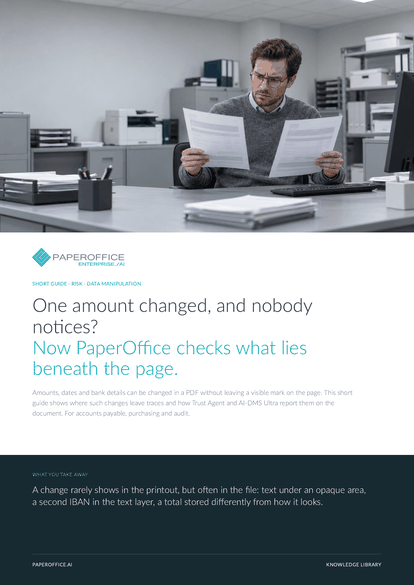
One amount changed, and nobody notices? Now PaperOffice checks what lies beneath the page. Amounts, dates and bank details can be changed in a PDF without leaving a visible mark on the page.
This guide is available in 21 languages; on this page you download the English version. Free, no registration.
Trusted by leading companies worldwide








OEM PARTNERSHIP

Sole official DMS partner for QNAP: Classic app, AI BYOS.
More

Sole official DMS partner for ASUSTOR: Classic app, AI BYOS.
MoreFor accounts payable, purchasing and audit.
Questions and answers
It finds the traces that typical edits leave behind: covered or hidden text, differences between text layer and page, embedded files and saved versions. These produce a risk score and findings, and a person decides.
It sums up the number and severity of findings on a scale from 0 to 100. This leads to an assessment in four levels, from “No anomaly” to “Critical”.
The structure check works with any PDF, without templates. A profile such as Invoice, Bank statement or Payslip adds further checks for the document type from Premium.
Trust Agent checks PDF files. AI-DMS reads scans and photos with AI-OCR, and with Ultra the AI audit checks their content, for example for mismatched templates, pasted areas and contradictions.
Our experts are happy to help you choose the right solution.
Request consultation

Integrator and Reseller can be combined. Referral by invitation.
View the partner program
AI-DMS
Documents. Intelligence. Real impact.
PaperOffice AI is the AI-DMS. Four functional areas on one DMS foundation, with three ways in.
Features, modules and benefits at a glance.
Capture, organize, search and collaborate on documents.
Plug into your systems and AI workflows.
No installation, ready in seconds.
Search all tools














