





Scan, Sign & AI Chat
Mobile App
The mobile app pairs with your account via QR code and brings scanner, signature, chat and documents to your phone.
DownloadGuidesPDF · EN8 pages
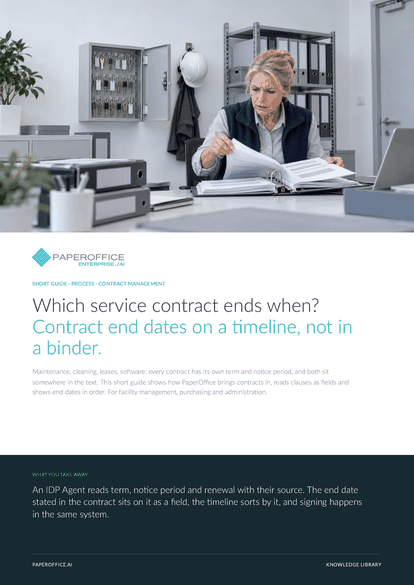
Which service contract ends when? Contract end dates on a timeline, not in a binder. Maintenance, cleaning, leases, software: every contract has its own term and notice period, and both sit somewhere in the text.
This guide is available in 21 languages; on this page you download the English version. Free, no registration.
Trusted by leading companies worldwide








OEM PARTNERSHIP

Sole official DMS partner for QNAP: Classic app, AI BYOS.
More

Sole official DMS partner for ASUSTOR: Classic app, AI BYOS.
MoreFor facility management, purchasing and administration.
Questions and answers
You describe the fields in plain words or start from “Analyze Legal Document”. The IDP Agent reads by content, so one agent can read maintenance, cleaning and lease contracts. Run the test with your own samples.
AI-DMS Premium reads the end date in the contract as “Valid until”. The “Timeline” sorts contracts by it, those ending soon at the bottom. “Relations AI › Network” shows deadlines per organization. After a renewal, the date there is the end from the text: check it against the original.
Yes. Text recognition reads scans and photos during processing, and the IDP Agent then reads the fields as it would from a digital PDF. Supported formats are PDF, JPG, PNG and TIFF.
Rights apply per workspace, for user groups from viewing to full access. From the Business workspace type, a password or an SMS code can add protection when the workspace is opened.
Our experts are happy to help you choose the right solution.
Request consultation

Integrator and Reseller can be combined. Referral by invitation.
View the partner program
AI-DMS
Documents. Intelligence. Real impact.
PaperOffice AI is the AI-DMS. Four functional areas on one DMS foundation, with three ways in.
Features, modules and benefits at a glance.
Capture, organize, search and collaborate on documents.
Plug into your systems and AI workflows.
No installation, ready in seconds.
Search all tools














