





Scan, Sign & AI Chat
Mobile App
The mobile app pairs with your account via QR code and brings scanner, signature, chat and documents to your phone.
DownloadGuidesPDF · EN8 pages
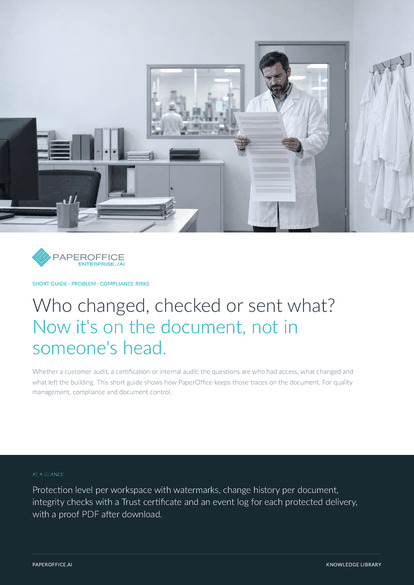
Who changed, checked or sent what? Now it's on the document, not in someone's head. Whether a customer audit, a certification or internal audit: the questions are who had access, what changed and what left the building.
This guide is available in 21 languages; on this page you download the English version. Free, no registration.
Trusted by leading companies worldwide








OEM PARTNERSHIP

Sole official DMS partner for QNAP: Classic app, AI BYOS.
More

Sole official DMS partner for ASUSTOR: Classic app, AI BYOS.
MoreFor quality management, compliance and document control.
Questions and answers
No. PaperOffice provides technical proof: history, retention, versions, check results and delivery logs. Describing your processes remains your task, and the system supplies the evidence for it.
In Compliance workspaces, previews and PDF downloads carry a watermark with user and time. With secure delivery, opening the link and every download appear in the event log with time, location and network.
The Trust Agent reports hidden and covered text, embedded files, scripts and mismatches with the page image, with a risk score from 0 to 100. A person makes the decision.
The redacted version is created as a copy, and the original stays in the workspace. In digital PDFs the text under the redaction is removed; in scans the page image is blacked out.
Our experts are happy to help you choose the right solution.
Request consultation

Integrator and Reseller can be combined. Referral by invitation.
View the partner program
AI-DMS
Documents. Intelligence. Real impact.
PaperOffice AI is the AI-DMS. Four functional areas on one DMS foundation, with three ways in.
Features, modules and benefits at a glance.
Capture, organize, search and collaborate on documents.
Plug into your systems and AI workflows.
No installation, ready in seconds.
Search all tools














