





Scan, Sign & AI Chat
Mobile App
The mobile app pairs with your account via QR code and brings scanner, signature, chat and documents to your phone.
DownloadGuidesPDF · EN20 pages
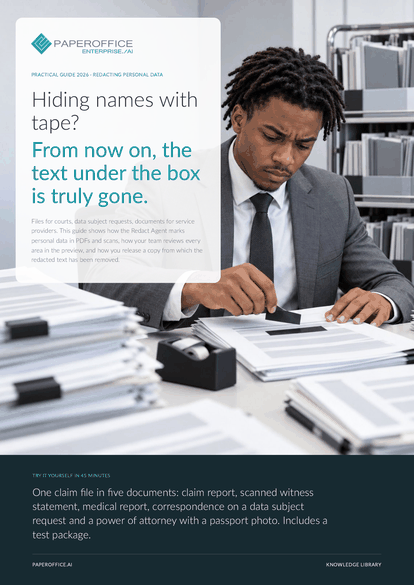
Hiding names with tape? From now on, the text under the box is truly gone. This guide shows how the Redact Agent marks personal data in PDFs and scans, how your team reviews every area in the preview, and how you release a copy from which the redacted text has been removed.
The file is available in English and German; you download the version in the language of this page. Free, no registration.
Trusted by leading companies worldwide








OEM PARTNERSHIP

Sole official DMS partner for QNAP: Classic app, AI BYOS.
More

Sole official DMS partner for ASUSTOR: Classic app, AI BYOS.
MoreLegal department: You send files to courts, opposing counsel and experts while protecting uninvolved third parties. Data protection: You answer data subject requests and review documents before they leave the company. Case handling: You prepare file access and sharing, often under time pressure and with scanned pages.
Questions and answers
Yes. Text under the boxes is deleted from the PDF and then checked again. If anything remains, the copy is built from redacted page images. Metadata, attachments, form fields and links are cleared.
The AI reads text. Drag a rectangle over signatures, passport photos, stamps and logos in the preview, and they are redacted like marked text.
No. The copy is a new document with _redacted in its name. The original stays unchanged where it was.
Our experts are happy to help you choose the right solution.
Request consultation

Integrator and Reseller can be combined. Referral by invitation.
View the partner program
AI-DMS
Documents. Intelligence. Real impact.
PaperOffice AI is the AI-DMS. Four functional areas on one DMS foundation, with three ways in.
Features, modules and benefits at a glance.
Capture, organize, search and collaborate on documents.
Plug into your systems and AI workflows.
No installation, ready in seconds.
Search all tools














