





Scan, Sign & AI Chat
Mobile App
The mobile app pairs with your account via QR code and brings scanner, signature, chat and documents to your phone.
DownloadGuidesPDF · EN20 pages
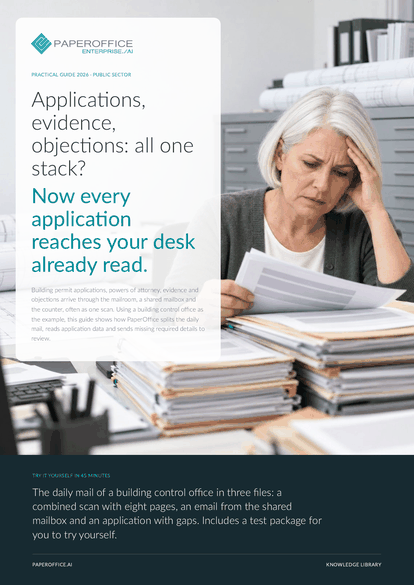
Applications, evidence, objections: all one stack? Now every application reaches your desk already read. Using a building control office as the example, this guide shows how PaperOffice splits the daily mail, reads application data and sends missing required details to review.
The file is available in English and German; you download the version in the language of this page. Free, no registration.
Trusted by leading companies worldwide








OEM PARTNERSHIP

Sole official DMS partner for QNAP: Classic app, AI BYOS.
More

Sole official DMS partner for ASUSTOR: Classic app, AI BYOS.
MoreDepartments: You process building permits, housing benefit or licenses and need complete applications that have already been read. Mailroom and citizen services: You receive the mail, scan it and pass it on to the responsible department. IT and data protection: You set up intake channels and rights and decide what an office releases.
Questions and answers
The decision is made by the responsible person. PaperOffice splits, recognizes and reads the intake and puts missing required details up for review. For every value read, the data field shows its source in the form.
Yes. With AI-DMS Ultra, AI-OCR also recognizes handwriting, line by line with its position. The “Government Forms” template reads ticked boxes as a field of their own. Check hard-to-read spots in the original.
The graph compares the number character by character, ignoring upper and lower case. If the spelling differs, you link the letters by drag and drop in the list. Search also finds the file number in scans.
Our experts are happy to help you choose the right solution.
Request consultation

Integrator and Reseller can be combined. Referral by invitation.
View the partner program
AI-DMS
Documents. Intelligence. Real impact.
PaperOffice AI is the AI-DMS. Four functional areas on one DMS foundation, with three ways in.
Features, modules and benefits at a glance.
Capture, organize, search and collaborate on documents.
Plug into your systems and AI workflows.
No installation, ready in seconds.
Search all tools














