





Scan, Sign & AI Chat
Mobile App
The mobile app pairs with your account via QR code and brings scanner, signature, chat and documents to your phone.
DownloadGuidesPDF · EN20 pages
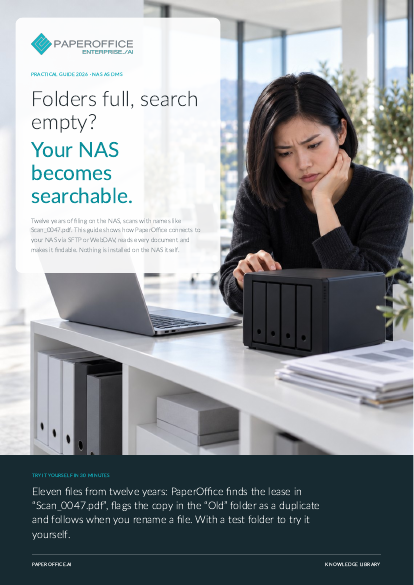
Folders full, search empty? Your NAS becomes searchable. This guide shows how PaperOffice connects to your NAS via SFTP or WebDAV, reads every document and makes it findable.
This guide is available in 21 languages; on this page you download the English version. Free, no registration.
Trusted by leading companies worldwide








OEM PARTNERSHIP

Sole official DMS partner for QNAP: Classic app, AI BYOS.
More

Sole official DMS partner for ASUSTOR: Classic app, AI BYOS.
MoreManagement: You want twelve years of filed knowledge to be findable again. IT and administration: You look after the NAS, the shares and remote access. Departments: You look for contracts, invoices and reports and have no time for folders.
Questions and answers
No. PaperOffice uses SFTP or WebDAV; your NAS provides both.
In“Index” mode, the originals stay unchanged. In“Import” mode, you decide whether the file stays, is moved or is deleted.
Any NAS with SFTP, such as from Synology, QNAP or ASUSTOR. Over WebDAV, the index works only with HTTPS. PaperOffice recognizes Synology port 5006 as HTTPS on its own.
Our experts are happy to help you choose the right solution.
Request consultation

Integrator and Reseller can be combined. Referral by invitation.
View the partner program
AI-DMS
Documents. Intelligence. Real impact.
PaperOffice AI is the AI-DMS. Four functional areas on one DMS foundation, with three ways in.
Features, modules and benefits at a glance.
Capture, organize, search and collaborate on documents.
Plug into your systems and AI workflows.
No installation, ready in seconds.
Search all tools














