





Scan, Sign & AI Chat
Mobile App
The mobile app pairs with your account via QR code and brings scanner, signature, chat and documents to your phone.
DownloadGuidesPDF · EN20 pages
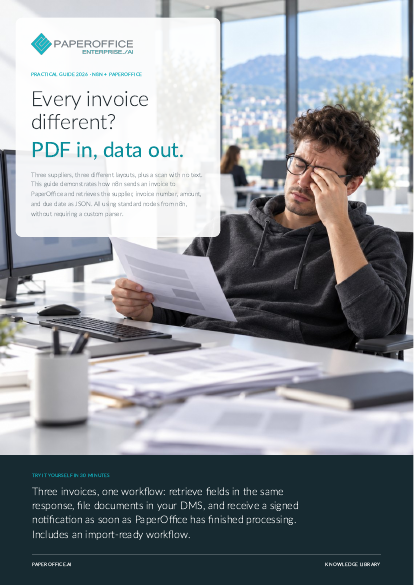
Every invoice different? PDF in, data out. This guide demonstrates how n8n sends an invoice to PaperOffice and retrieves the supplier, invoice number, amount, and due date as JSON.
The file is available in English and German; you download the version in the language of this page. Free, no registration.
Trusted by leading companies worldwide








OEM PARTNERSHIP

Sole official DMS partner for QNAP: Classic app, AI BYOS.
More

Sole official DMS partner for ASUSTOR: Classic app, AI BYOS.
MoreDevelopment: You need to integrate invoices into your software without maintaining a custom parser. IT and Automation: You operate n8n and connect disparate systems. Accounting: You want to capture vendor, amount, and due date for your payment list without manual data entry.
Questions and answers
No. You will use the standard nodes HTTP Request, Webhook, Code, and Crypto. The completed workflow is included in the test package.
For the REST API, you need an API Key (poai_). For AI agents using the MCP Client from n8n, you require a User Token or OAuth; the MCP server does not accept API Keys.
Yes, for Webhook, via HTTP or HTTPS. For Route 1, n8n only requires outbound access to api.paperoffice.ai.
Our experts are happy to help you choose the right solution.
Request consultation

Integrator and Reseller can be combined. Referral by invitation.
View the partner program
AI-DMS
Documents. Intelligence. Real impact.
PaperOffice AI is the AI-DMS. Four functional areas on one DMS foundation, with three ways in.
Features, modules and benefits at a glance.
Capture, organize, search and collaborate on documents.
Plug into your systems and AI workflows.
No installation, ready in seconds.
Search all tools














