





Scan, Sign & AI Chat
Mobile App
The mobile app pairs with your account via QR code and brings scanner, signature, chat and documents to your phone.
DownloadGuidesPDF · EN20 pages
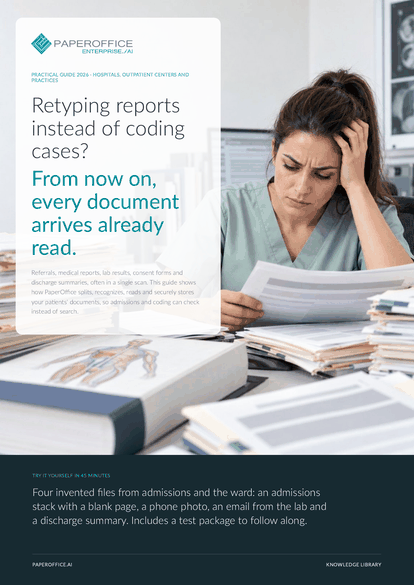
Retyping reports instead of coding cases? From now on, every document arrives already read. This guide shows how PaperOffice splits, recognizes, reads and securely stores your patients' documents, so admissions and coding can check instead of search.
The file is available in English and German; you download the version in the language of this page. Free, no registration.
Trusted by leading companies worldwide








OEM PARTNERSHIP

Sole official DMS partner for QNAP: Classic app, AI BYOS.
More

Sole official DMS partner for ASUSTOR: Classic app, AI BYOS.
MorePatient admissions: You receive documents, scan them and transfer the details into the hospital or practice system. Coding and billing: You need a patient's discharge summary, findings and diagnoses complete and legible in one place. IT and data protection: You decide who sees which documents and what may leave the building.
Questions and answers
PaperOffice reads what is in the document, such as a diagnosis or an ICD code, if you describe it as a field, each with its source location. Medical assessment and coding stay with your team.
As an export of the data fields in JSON, CSV or Excel, via REST API with POST /documents/idp-agent-run, or through the MCP tool po_documents_idp_agent_run.
You assign rights per Workspace and user group: View + Download, plus Upload, or Full access. From Business, a Workspace can ask for a password or SMS code before it opens.
Our experts are happy to help you choose the right solution.
Request consultation

Integrator and Reseller can be combined. Referral by invitation.
View the partner program
AI-DMS
Documents. Intelligence. Real impact.
PaperOffice AI is the AI-DMS. Four functional areas on one DMS foundation, with three ways in.
Features, modules and benefits at a glance.
Capture, organize, search and collaborate on documents.
Plug into your systems and AI workflows.
No installation, ready in seconds.
Search all tools














