





Scan, Sign & AI Chat
Mobile App
The mobile app pairs with your account via QR code and brings scanner, signature, chat and documents to your phone.
DownloadGuidesPDF · EN20 pages
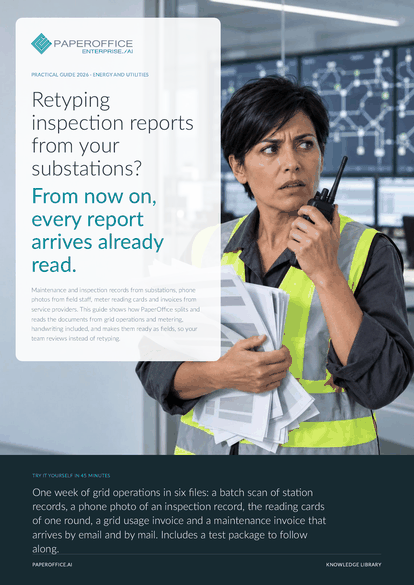
Retyping inspection reports from your substations? From now on, every report arrives already read. This guide shows how PaperOffice splits and reads the documents from grid operations and metering, handwriting included, and makes them ready as fields, so your team reviews instead of retyping.
The file is available in English and German; you download the version in the language of this page. Free, no registration.
Trusted by leading companies worldwide








OEM PARTNERSHIP

Sole official DMS partner for QNAP: Classic app, AI BYOS.
More

Sole official DMS partner for ASUSTOR: Classic app, AI BYOS.
MoreGrid operations: You are responsible for substations and lines and need findings fast, legible and per station. Maintenance: You maintain and inspect on site, often by hand and without cell coverage in the switch room. Metering: You take over meter readings and check invoices from service providers and upstream suppliers.
Questions and answers
No. Stations, meters, contracts and billing stay in your systems. PaperOffice reads the documents before them. You pull the fields via export or REST API, and AI assistants ask over MCP.
The Mobile App keeps them on the device and uploads them as soon as there is a connection again. They then land in the selected Workspace.
Yes, at the Ultra tier, including signatures and stamps. A test run with your own records shows whether your agent reliably reads your forms and handwriting.
Our experts are happy to help you choose the right solution.
Request consultation

Integrator and Reseller can be combined. Referral by invitation.
View the partner program
AI-DMS
Documents. Intelligence. Real impact.
PaperOffice AI is the AI-DMS. Four functional areas on one DMS foundation, with three ways in.
Features, modules and benefits at a glance.
Capture, organize, search and collaborate on documents.
Plug into your systems and AI workflows.
No installation, ready in seconds.
Search all tools














