





Scan, Sign & AI Chat
Mobile App
The mobile app pairs with your account via QR code and brings scanner, signature, chat and documents to your phone.
DownloadGuidesPDF · EN20 pages
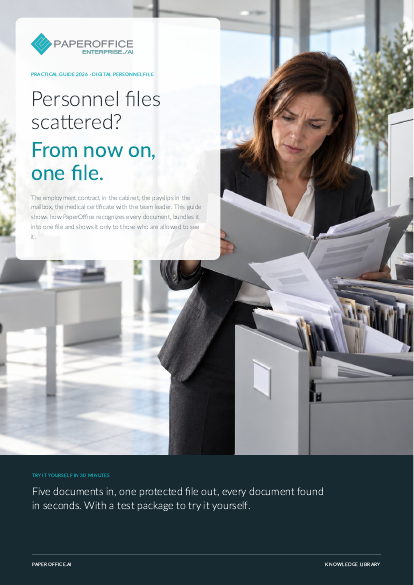
Personnel files scattered? From now on, one file. This guide shows how PaperOffice recognizes every document, bundles it into one file and shows it only to those who are allowed to see it.
This guide is available in 21 languages; on this page you download the English version. Free, no registration.
Trusted by leading companies worldwide








OEM PARTNERSHIP

Sole official DMS partner for QNAP: Classic app, AI BYOS.
More

Sole official DMS partner for ASUSTOR: Classic app, AI BYOS.
MoreHR Department: You manage the files, respond to access requests, and distribute documents to payroll and management. Data Protection Officer: You monitor who sees what and oversee data access and deletion requests. Management and IT: You assign permissions, define security levels, and determine storage locations.
Questions and answers
For most teams, one HR Workspace with one folder per person is enough. Separate Workspaces are worthwhile when different groups should see different files.
In Business and Compliance Workspaces, deleted items go to the trash first. Documents under WORM retention cannot be deleted at all until the end of the period.
Most easily through the mailbox your payroll office sends to: a Connector collects the PDFs, and AI processing recognizes the employee and the month.
Our experts are happy to help you choose the right solution.
Request consultation

Integrator and Reseller can be combined. Referral by invitation.
View the partner program
AI-DMS
Documents. Intelligence. Real impact.
PaperOffice AI is the AI-DMS. Four functional areas on one DMS foundation, with three ways in.
Features, modules and benefits at a glance.
Capture, organize, search and collaborate on documents.
Plug into your systems and AI workflows.
No installation, ready in seconds.
Search all tools














