





Scan, Sign & AI Chat
Mobile App
The mobile app pairs with your account via QR code and brings scanner, signature, chat and documents to your phone.
DownloadGuidesPDF · EN20 pages
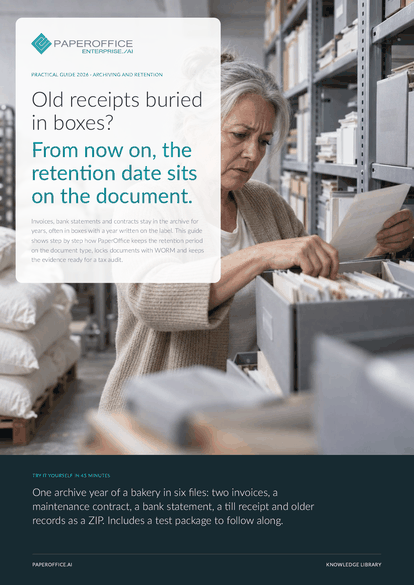
Old receipts buried in boxes? From now on, the retention date sits on the document. This guide shows step by step how PaperOffice keeps the retention period on the document type, locks documents with WORM and keeps the evidence ready for a tax audit.
The file is available in English and German; you download the version in the language of this page. Free, no registration.
Trusted by leading companies worldwide








OEM PARTNERSHIP

Sole official DMS partner for QNAP: Classic app, AI BYOS.
More

Sole official DMS partner for ASUSTOR: Classic app, AI BYOS.
MoreAccounting: You file records and need to find them unchanged years later. Management: You are responsible for retention and want to know what may go and when. Tax advisors: You agree on retention periods with the business and support the audit.
Questions and answers
PaperOffice provides the building blocks: retention period and legal basis per type, WORM lock, change history, legal hold, certificate and export. Whether your process as a whole is sufficient is for your tax advisor to judge, based on your process documentation.
When you lock the document, either immediately to the day or at the end of the year. The years come from the document type. So lock records promptly, for example in the year they are booked.
An export of the selected documents, for example filtered by type, as a table or as a Complete bundle with originals and OCR text. Or read access through a user group with the “View + Download” right.
Our experts are happy to help you choose the right solution.
Request consultation

Integrator and Reseller can be combined. Referral by invitation.
View the partner program
AI-DMS
Documents. Intelligence. Real impact.
PaperOffice AI is the AI-DMS. Four functional areas on one DMS foundation, with three ways in.
Features, modules and benefits at a glance.
Capture, organize, search and collaborate on documents.
Plug into your systems and AI workflows.
No installation, ready in seconds.
Search all tools














