





Scan, Sign & AI Chat
Mobile App
The mobile app pairs with your account via QR code and brings scanner, signature, chat and documents to your phone.
DownloadGuidesPDF · EN3 pages
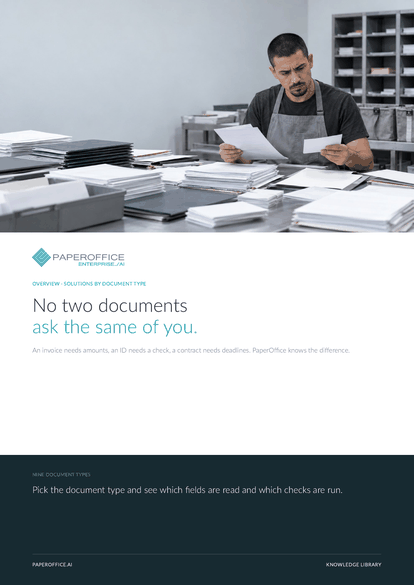
An invoice needs amounts, an ID needs a check, a contract needs deadlines. PaperOffice knows the difference.
This guide is available in 21 languages; on this page you download the English version. Free, no registration.
Trusted by leading companies worldwide








OEM PARTNERSHIP

Sole official DMS partner for QNAP: Classic app, AI BYOS.
More

Sole official DMS partner for ASUSTOR: Classic app, AI BYOS.
MorePick the document type and see which fields are read and which checks are run.
Questions and answers
No. Extraction reads layout and context instead of fixed coordinates. You describe in plain words which fields you need, including your own document types.
Classification determines type, direction, language and sender in the same pass that reads the document. Folder, retention period and workflow follow from that.
A batch of several documents is split at the content boundaries; each part gets its own type and record.
Yes, row by row with column mapping. Invoice line items or statement transactions come back as structured data.
Our experts are happy to help you choose the right solution.
Request consultation

Integrator and Reseller can be combined. Referral by invitation.
View the partner program
AI-DMS
Documents. Intelligence. Real impact.
PaperOffice AI is the AI-DMS. Four functional areas on one DMS foundation, with three ways in.
Features, modules and benefits at a glance.
Capture, organize, search and collaborate on documents.
Plug into your systems and AI workflows.
No installation, ready in seconds.
Search all tools














