





Scan, Sign & AI Chat
Mobile App
The mobile app pairs with your account via QR code and brings scanner, signature, chat and documents to your phone.
DownloadDatasheetsPDF · EN4 pages
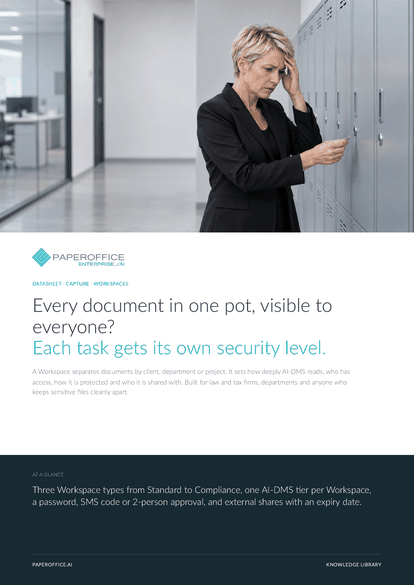
Every document in one pot, visible to everyone? Each task gets its own security level. A Workspace separates documents by client, department or project.
This datasheet is available in 21 languages; on this page you download the English version. Free, no registration.
Trusted by leading companies worldwide








OEM PARTNERSHIP

Sole official DMS partner for QNAP: Classic app, AI BYOS.
More

Sole official DMS partner for ASUSTOR: Classic app, AI BYOS.
MoreBuilt for law and tax firms, departments and anyone who keeps sensitive files cleanly apart.
Questions and answers
Standard stores and finds, and deleting is permanent. Business adds the trash, details, a default document type, access protection and external sharing. Compliance adds watermarks and 2-person approval.
Yes, upwards: a Workspace can be upgraded at any time. When it moves to Compliance, existing external shares end, because sharing is for Business Workspaces.
Yes. The server checks rights and access protection on every call, whether from the app, the REST API or MCP. An AI assistant sees what the connected key may see, Workspace by Workspace.
In the PaperOffice cloud or, with “Own Storage (BYOS)”, as encrypted archives on your SFTP server. The storage mode is fixed once the Workspace is created.
Our experts are happy to help you choose the right solution.
Request consultation

Integrator and Reseller can be combined. Referral by invitation.
View the partner program
AI-DMS
Documents. Intelligence. Real impact.
PaperOffice AI is the AI-DMS. Four functional areas on one DMS foundation, with three ways in.
Features, modules and benefits at a glance.
Capture, organize, search and collaborate on documents.
Plug into your systems and AI workflows.













