





Scan, Sign & AI Chat
Mobile App
The mobile app pairs with your account via QR code and brings scanner, signature, chat and documents to your phone.
DownloadDatasheetsPDF · EN4 pages
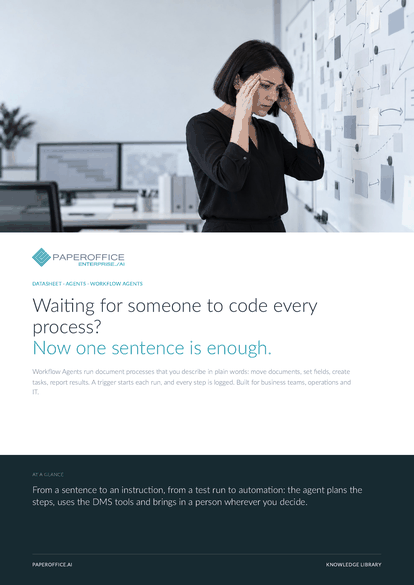
Waiting for someone to code every process? Now one sentence is enough. Workflow Agents run document processes that you describe in plain words: move documents, set fields, create tasks, report results.
This datasheet is available in 21 languages; on this page you download the English version. Free, no registration.
Trusted by leading companies worldwide








OEM PARTNERSHIP

Sole official DMS partner for QNAP: Classic app, AI BYOS.
More

Sole official DMS partner for ASUSTOR: Classic app, AI BYOS.
MoreBuilt for business teams, operations and IT.
Questions and answers
You describe the process in your own words, and Prompt Studio turns it into the instruction. Developers can also create agents through the REST API or MCP and run them on individual documents.
Before automation comes the dry-run, in which changing actions are simulated. Automation mode stays locked until the prompt is approved. With execution approval, a person also confirms every run.
You choose per agent: Basic for simple, clearly structured flows, Premium for multi-step workflows with conditions and Ultra for complex analysis and trade-offs.
Yes. Under “Executions”, every run is listed with status, document and duration, plus the step history and a tool timeline showing every change. Simulated steps are marked as simulations.
Our experts are happy to help you choose the right solution.
Request consultation

Integrator and Reseller can be combined. Referral by invitation.
View the partner program
AI-DMS
Documents. Intelligence. Real impact.
PaperOffice AI is the AI-DMS. Four functional areas on one DMS foundation, with three ways in.
Features, modules and benefits at a glance.
Capture, organize, search and collaborate on documents.
Plug into your systems and AI workflows.













